

50K+ Active Users
600+ 5-Star Ratings
Build Beautiful Websites
With Ultimate Blocks


Build Exceptional Websites Effortlessly in Minutes!
Custom CSS
Add custom CSS to elevate your designs and make them stand out.

Responsive Control
Blocks come with responsive controls and fit all screen sizes.

Visibility Control
Control the visibility of elements based on different conditions.

Animations
Breathe some life into your websites with engaging animations.

Speed Optimized
The plugin is developed with speed in mind to deliver the best performance.

Blocks Manager
You can enable/disable individual blocks to keep your site lightweight.

SEO Friendly
Ultimate Blocks is highly optimized for SEO & has two types of schemas.

Trusted by Leaders in the Industry
“Ultimate Blocks is one of my favorite plugins for Gutenberg. I install it on every site I build.”

“Ultimate Blocks is one of the best plugins for adding essential blocks and very easy to use.”

“Ultimate Blocks, in my opinion, is a well-built Plugin for bloggers & marketers. Highly recommended.”

“Ultimate Blocks is a powerful, easy-to-use plugin. It adds a lot of useful functionality to the WordPress editor.”

“I have been using UB on my website, FacileWay, from the beginning. I highly recommend this tool!”

“I’m using it on gauravtiwari.org since it had less than 100 installs. It’s so awesome.”

One Plugin to Replace Them All
Create better content with our content blocks
- Heading (UB)
- Divider
- Tabbed Content
- Post Grid
- Content Filter
- Table of Contents

Design visually appealing layouts with ease
Use these blocks to improve the visual layout of your content and present information in a more attractive and organized way.
- Video (UB)
- Image Slider
- Icon
- Styled Box
- Styled List
- Progress Bar
- Star Rating
- Timeline

Boost user interaction on every pages
These blocks help you hold attention longer and encourage your audience to engage with your content more effectively.
- Social Share
- Click to Tweet
- Counter
- Expand
- Testimonial
- Content Toggle

Convert more visitors into customers
Turn readers into leads with blocks designed to highlight offers, promote actions, and create urgency.
- Coupon
- Call to Action
- Button (Improved)
- Countdown

Structure content for better SEO results
Enhance your search visibility using blocks built with schema and structured content principles in mind.
- Review
- How To

Supercharge Your WordPress Block Editor!
- 100% Money-Back Guarantee Within 14 Days
[wptb id=15187]
[wptb id=26852]
Frequently Asked Questions
Who should use Ultimate Blocks?
Ultimate Blocks is perfect for bloggers, affiliate marketers, designers, developers, basically everyone who wants to create better, engaging content.
Do I need coding skills to use Ultimate Blocks?
Absolutely not! Ultimate Blocks is the most user-friendly Gutenberg Blocks Plugin for WordPress. You can use Ultimate Blocks without any prior coding knowledge.
Will Ultimate Blocks slow down my website?
Absolutely not. We have built Ultimate Blocks with performance in mind. If you don’t have any blocks from UB on your page, we don’t load anything on that page. We have followed the best standards and modern practices.
Can I use Ultimate Blocks on client sites?
Yes, you can use Ultimate Blocks on client sites.
What payment methods do you accept?
Credit cards and PayPal.
Do you offer a free trial?
No, but there is a 14-day money-back guarantee (no questions asked).
Latest from the Blog
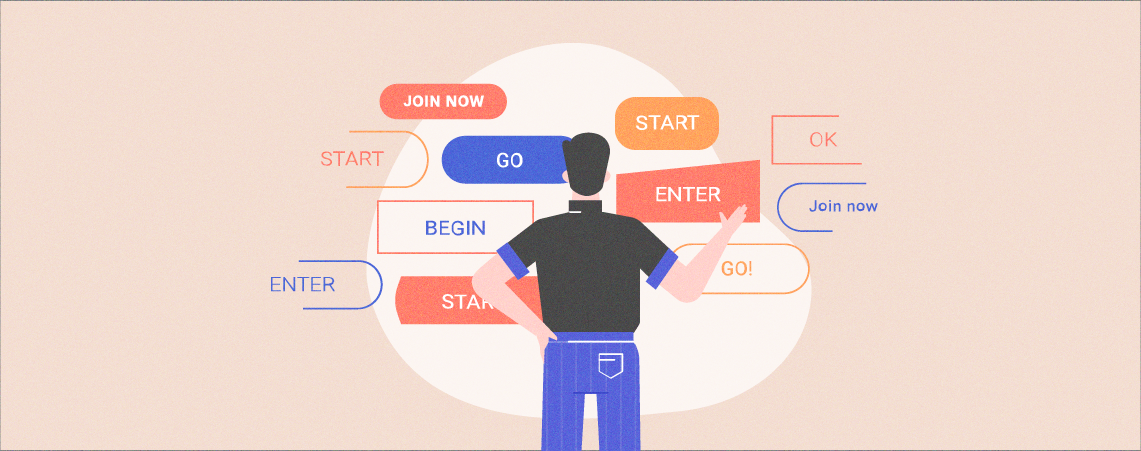
Button color decides whether visitors notice your call to action. A button that stands out from the page gets more clicks than one that blends in. This guide shows you how to…
Continue Reading How to Change Button Color in WordPress (2 Easy Ways)

Buttons are where your visitors take action: buy, sign up, download or contact you. A clear, well styled button gets more clicks than a plain link. This guide shows you how to…
Continue Reading How to Edit Buttons in WordPress (2 Easy Methods)

Social share buttons let readers post your article to Facebook, X, LinkedIn, Pinterest and other networks with one click. Every share puts your content in front of new people, at no cost…
Continue Reading How to Add Social Share Buttons in WordPress (3 Easy Ways)
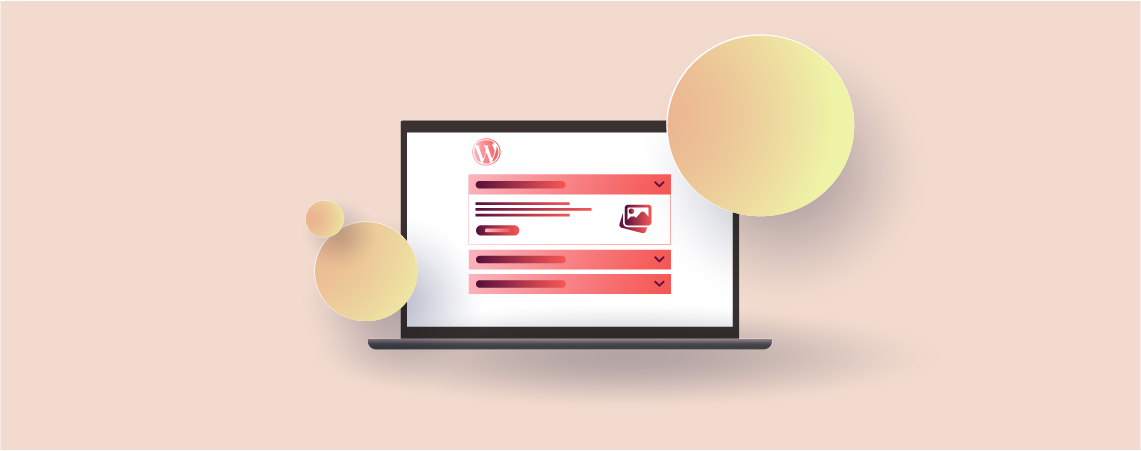
Accordions fold long content into short, clickable sections. Visitors open only what they need, so FAQs, product details, and long guides stay easy to scan. The right WordPress accordion plugin depends on…
Continue Reading 11 Best WordPress Accordion Plugins (Free & Pro)
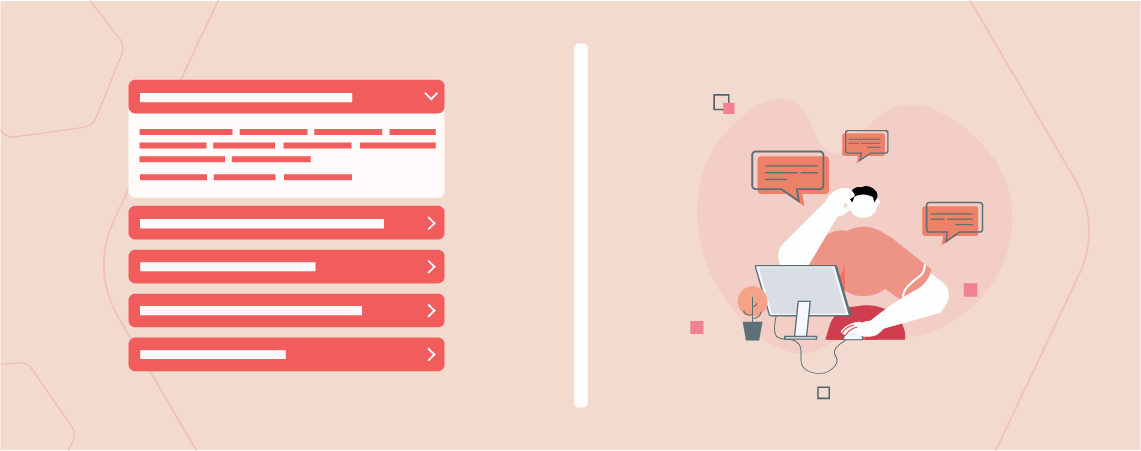
A collapsible text area hides part of your content behind a clickable title or a “show more” link. Readers open only what they need, so long posts and pages look shorter and…
Continue Reading How to Add a Collapsible Text Area in WordPress (3 Easy Ways)
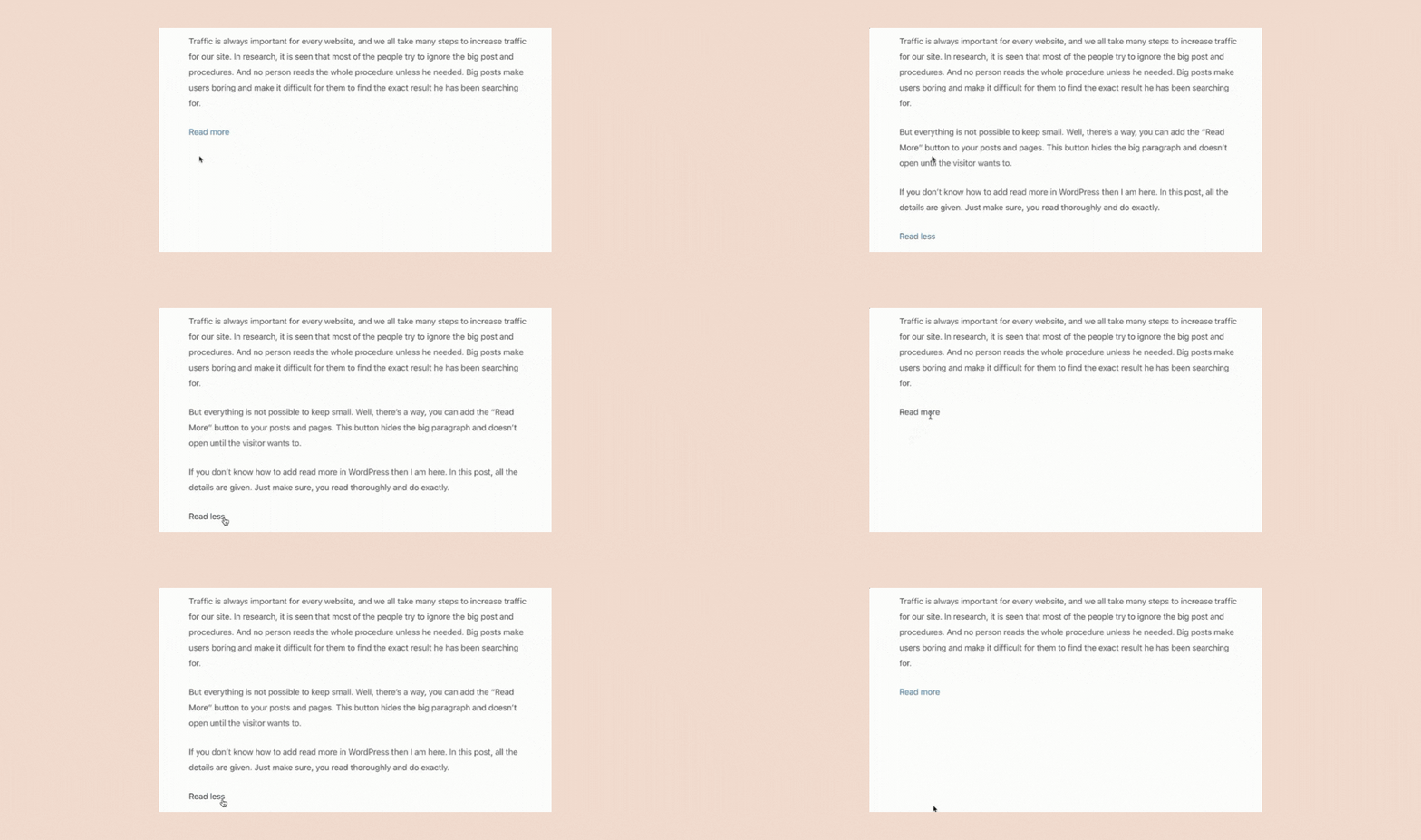
Long posts are hard to skim. A Read More link lets you show a short preview and keep the rest one click away, so your page looks shorter without losing any content.…
Continue Reading How to Add Read More in WordPress Posts (3 Easy Ways)