

Free + Pro features available
Content Toggle (Accordion) Block
Fold long content into tidy sections readers open with one click. Perfect for FAQs, with FAQ schema built in so Google can understand your questions and answers.
★★★★★ 4.9 from 700+ reviews · 50,000+ active sites · Read the docs →

Live demo
Try a real accordion
This is the actual Content Toggle block. Click a question to open it.
What is Ultimate Blocks?
Ultimate Blocks is a Gutenberg blocks plugin that extends the functionality of the new WordPress Block editor.
Is ‘Ultimate Blocks’ free?
Yes, it’s 100% free. You can download it from the WordPress repository.
Does ‘Ultimate Blocks’ offer Accordion block?
Yes, it has an accordion block named ‘Content Toggle’.
Is ‘Content Toggle’ FAQ-Schema enabled?
Yes, you can enable FAQ-Schema for accordions
Can I add icon on the accordions?
Yes, you can add icons to the left or right hand side of the accordion.
active websites
from 700+ reviews
Featured on


Features
Accordions that fit any page
Everything you need for FAQs and long content is free. Pro adds search with highlights.
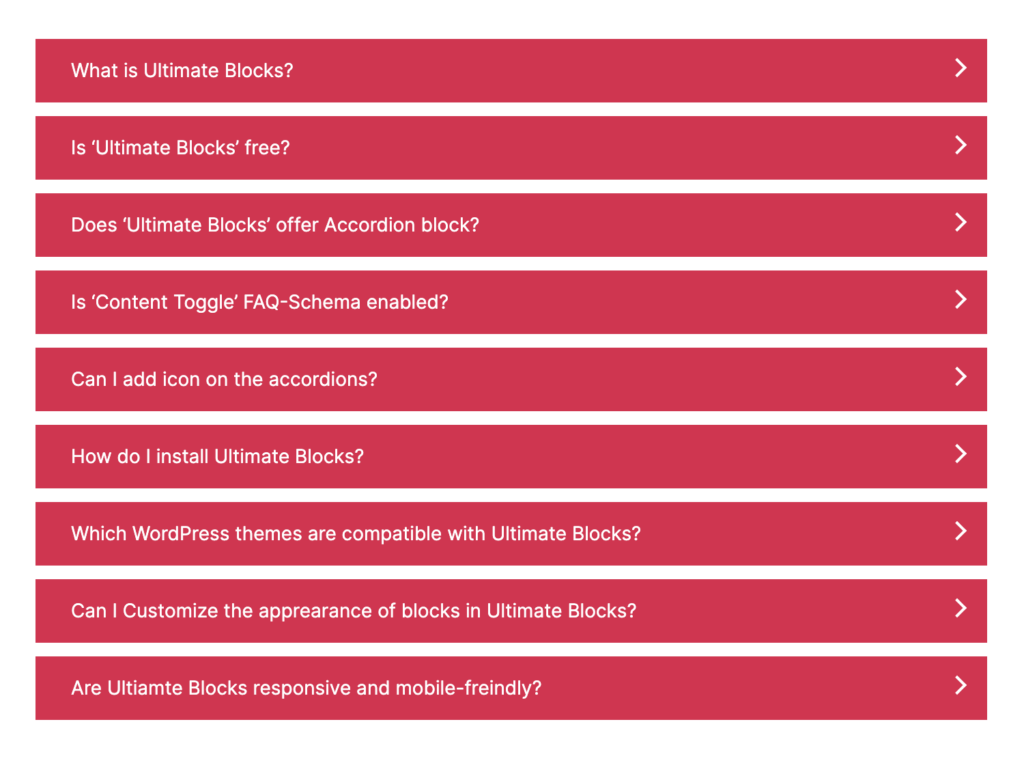
Start collapsed
Keep every section closed when the page loads, so long pages stay clean and easy to scan.
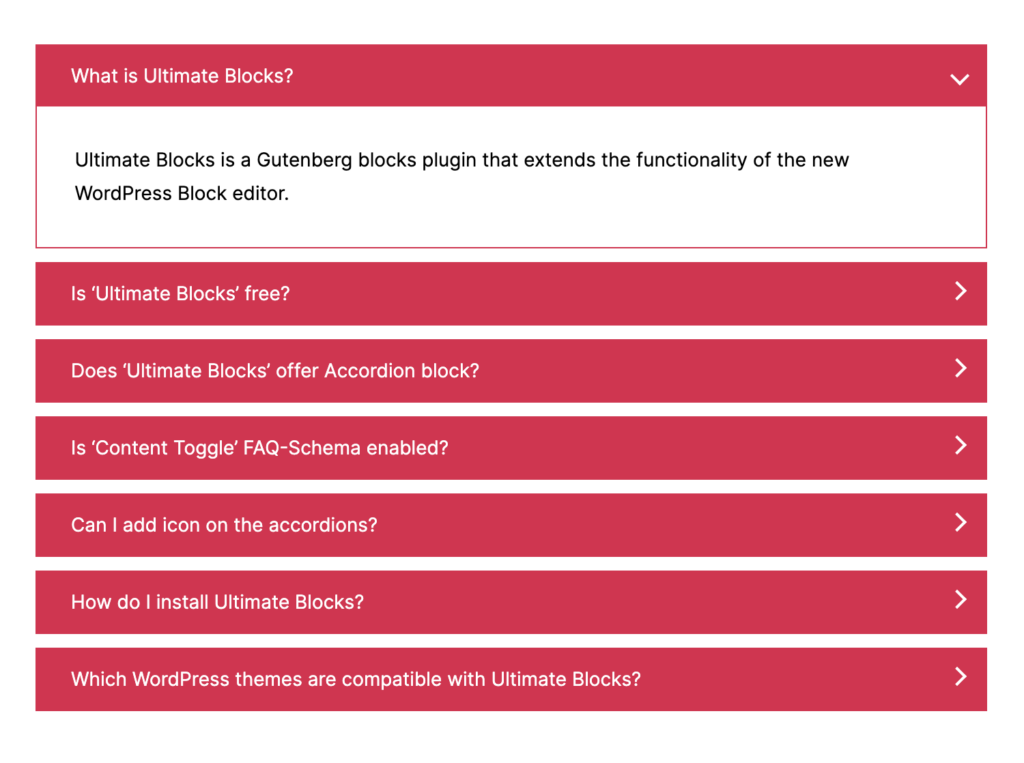
Open one by default
Choose a section to open on load, so readers start in the right place.
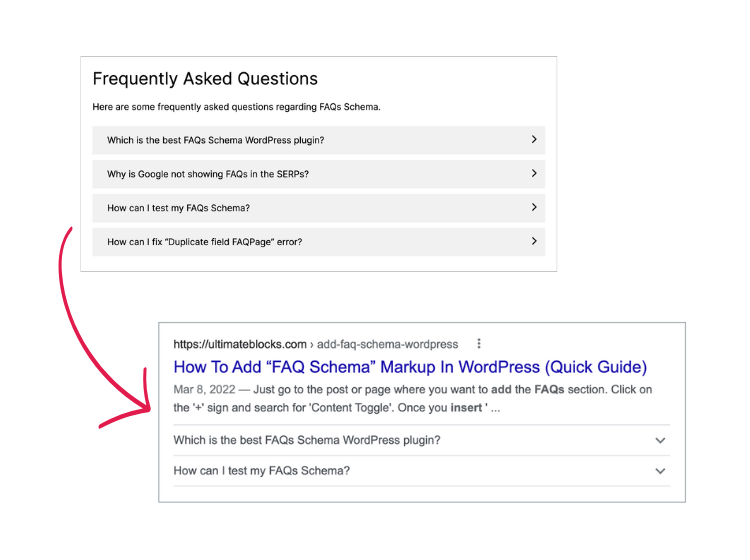
FAQ schema
Turn on FAQ schema and your questions and answers are marked up for search engines.
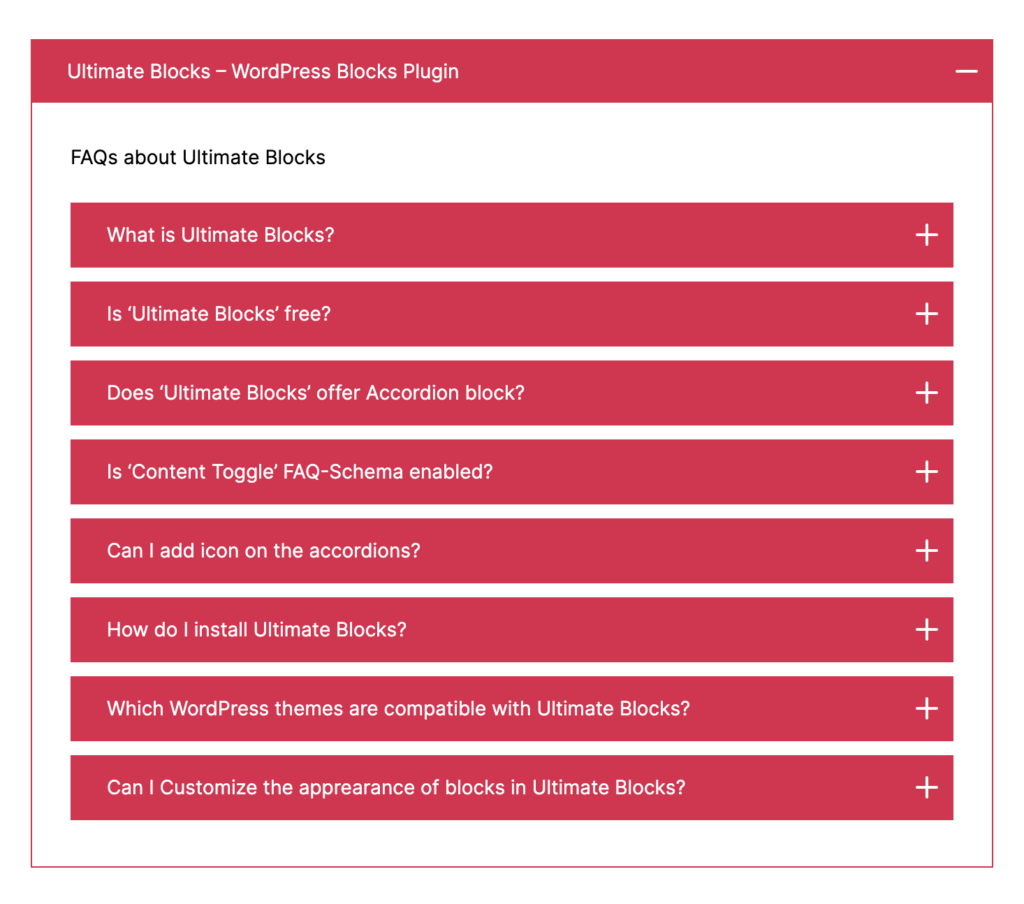
Nested blocks
Put any block inside a section, including images, lists and even another accordion.
Search with highlights PRO
Let readers search inside your accordions and see matching words highlighted.
Open and close icons
Clear icons show which sections are open and which are closed.
Your colors
Match the accordion to your brand, or make it stand out with contrasting colors.
How it works
Add it in three steps
1
Install Ultimate Blocks
Install the free plugin from your WordPress dashboard under Plugins → Add New, then activate it.
2
Add the block
In any post or page, type /content toggle and press Enter, then add your first question or title.
3
Add your sections
Add as many sections as you need, then switch on FAQ schema if they are questions and answers.
Questions about the Content Toggle block
Need more help? See the documentation or contact our team.
Can I use it for an FAQ section?
Yes. That is one of its most common uses, and you can turn on FAQ schema with one click.
Can I keep only one section open at a time?
Yes. Turn on the option to close other sections when a reader opens a new one.
Can I put images or other blocks inside?
Yes. Each section can hold any block, including images, lists, buttons and nested accordions.
Is the Content Toggle block free?
Yes. It is part of the free Ultimate Blocks plugin. Search with highlights comes with Pro.
Does it work with my theme?
It works with any theme that supports the WordPress block editor, including block themes and Full Site Editing.
More blocks for organizing content
Tabbed ContentExpandTable of ContentsHow-To (Schema)Content FilterTimeline PROSee all 33 blocks →
Make long pages easy to read
Join 50,000+ WordPress sites already using Ultimate Blocks.