

A before and after image slider shows two versions of the same picture in one frame, with a handle readers drag to compare them. Photographers, designers, renovators, clinics and agencies use them to prove their results at a glance.
WordPress does not include one, so you need a plugin or a block. We looked at the options that are active and maintained in late 2026 and picked the seven worth your time, from free blocks for the block editor to full gallery plugins and Elementor widgets.
- Quick Comparison
- How We Chose These Plugins
- 1. Ultimate Blocks (Image Comparison Block)
- 2. BEAF: Before After Image Slider & Gallery
- 3. Twenty20 Image Before-After
- 4. Essential Blocks (Image Comparison)
- 5. Before After Image Comparison Slider for Elementor
- 6. Before After Image Comparison (bPlugins)
- 7. WP Before After Image Slider (BefTer)
- Which Before and After Slider Plugin Should You Choose?
- Frequently Asked Questions
- Wrapping Up
Quick Comparison
| Plugin | Works with | Price | Stands out for |
|---|---|---|---|
| Ultimate Blocks | Block editor | Free | Hover or click to move, vertical mode, labels |
| BEAF | Most builders | Free + Pro | Galleries, video and 3-image sliders (Pro) |
| Twenty20 | Block, shortcode, Elementor, WPBakery | Free | Simple and lightweight |
| Essential Blocks | Block editor | Free + Pro | Part of a 70+ block library |
| Plugin Devs (Elementor) | Elementor | Free + Pro | Elementor-only workflow |
| bPlugins | Block editor | Free + Pro | Slider of comparisons (Pro) |
| WP Before After Image Slider | Most builders | Free + Pro | Video comparisons |
How We Chose These Plugins
- Actively maintained: every plugin here was updated in 2026. We skipped popular names that have not been updated in years.
- Core features: horizontal and vertical sliders, custom labels and a responsive, touch-friendly handle.
- Ease of use: how quickly you can go from two images to a working slider.
- Fit for your editor: block editor, Elementor or shortcodes.
Install counts and ratings below come from WordPress.org at the time of writing.
1. Ultimate Blocks (Image Comparison Block)
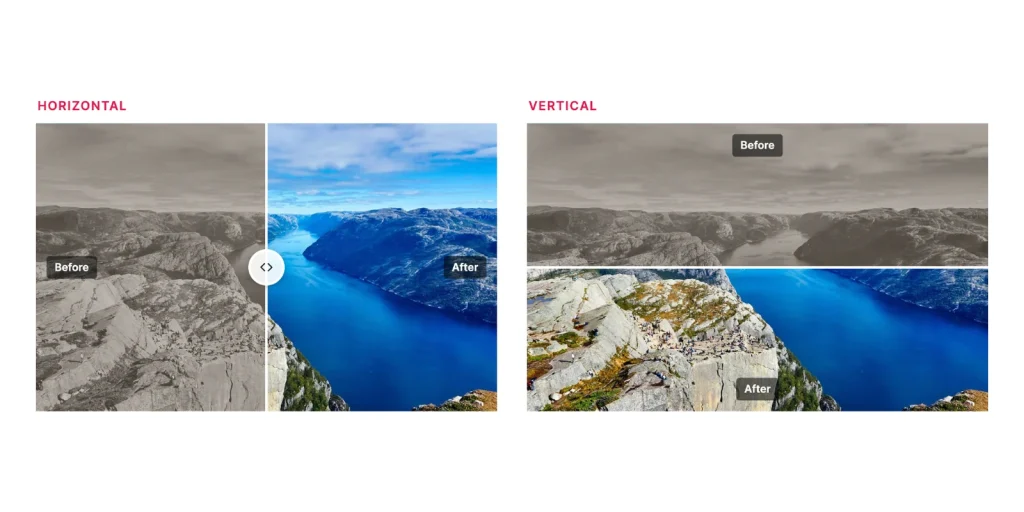
Ultimate Blocks added a free Image Comparison block in version 3.7.0. You add it like any other block, pick a before and an after image, and it works right inside the editor. Disclosure: Ultimate Blocks is our plugin, so weigh our opinion accordingly. We rank it first because it is free, block-native and has options most free sliders keep behind a paywall.
Beyond the classic drag handle, readers can move the slider on hover or on click, and you can set a starting position, switch to a vertical split, and choose a Circle, Square or Line handle. Labels can sit at the top, middle or bottom and can appear only on hover. See our tutorial on how to add a before and after image slider in WordPress for a live demo.
Pros:
- Free, with no Pro upsell for the comparison block
- Drag, hover or click to move the handle
- Horizontal and vertical directions
- Comes with 26 other free blocks
Cons:
- Block editor only, no Elementor widget
- No video comparisons or filterable galleries
Price: Free. Active installs: 50,000+ (whole plugin). Rating: 4.9 out of 5.
2. BEAF: Before After Image Slider & Gallery
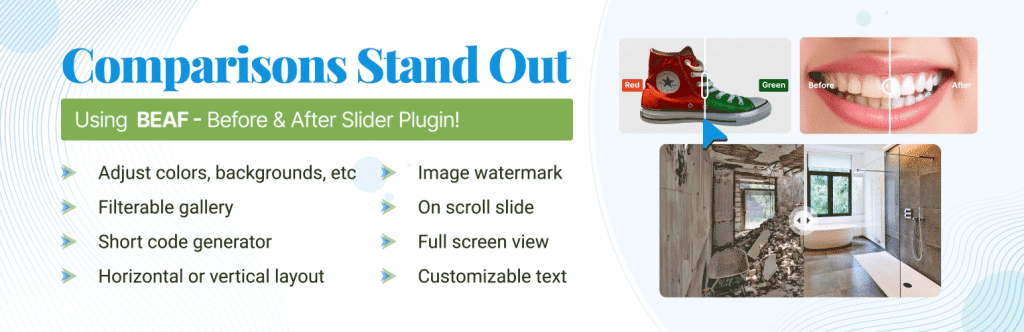
BEAF by Themefic is the most popular dedicated before and after plugin on WordPress.org. You build sliders in its own admin panel and place them with a shortcode, a block, or widgets for Elementor and Bricks.
The free version covers horizontal and vertical sliders, multi-column galleries, titles and descriptions, and label styling. The Pro version adds ten preview styles, a filterable gallery, video comparisons, three-image sliders and single-image sliders, which makes it a strong pick for portfolios with dozens of comparisons.
Pros:
- Most installs and reviews in this category
- Galleries of comparisons, even in the free version
- Works with Elementor, Gutenberg, Bricks and WPBakery
Cons:
- Sliders are built in a separate admin screen, not in the post
- Video and filterable galleries need Pro
Price: Free, Pro available. Active installs: 30,000+. Rating: 4.9 out of 5.
3. Twenty20 Image Before-After
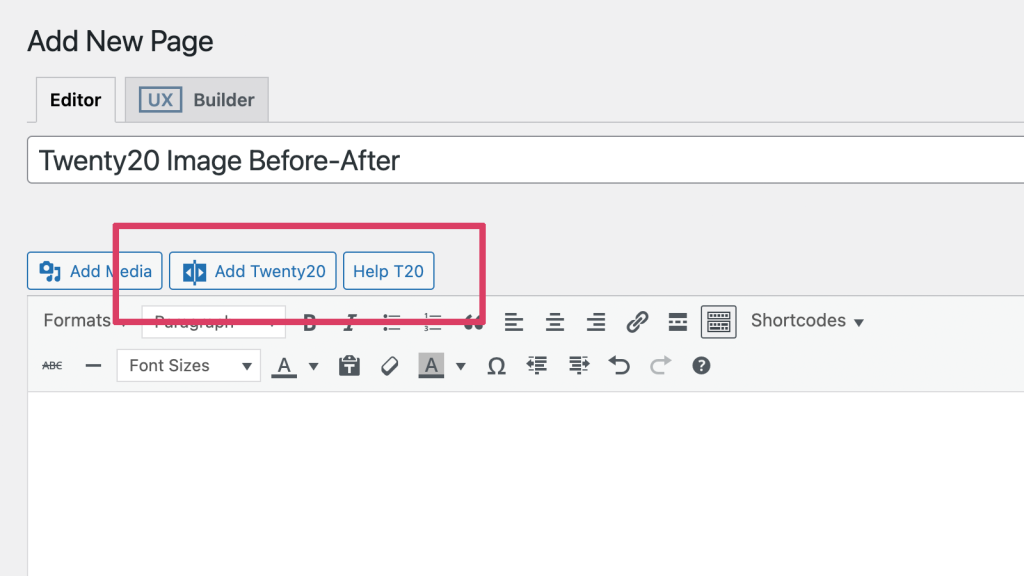
Twenty20 has been around for years and stays popular because it does one job simply. It offers a native block, a shortcode, a sidebar widget and support for Elementor, WPBakery and Flatsome.
Options include horizontal or vertical sliding, a starting position, custom labels, width and alignment, and a hover effect. There is no paid version, so what you see is what you get.
Pros:
- Completely free
- Block, shortcode and widget support
- Lightweight and simple
Cons:
- Fewer styling options than newer plugins
- No galleries or video comparisons
Price: Free. Active installs: 20,000+. Rating: 4.0 out of 5.
4. Essential Blocks (Image Comparison)

Essential Blocks by WPDeveloper is a large block library with more than 70 blocks, and Image Comparison is one of them. It suits you if you already use Essential Blocks or want a big set of blocks along with your slider.
Pros:
- Part of a large, actively developed block library
- Block editor native
Cons:
- A big plugin to install if you only need a slider
- Fewer comparison-specific options than dedicated plugins
Price: Free, Pro available. Active installs: 100,000+ (whole plugin). Rating: 4.9 out of 5.
5. Before After Image Comparison Slider for Elementor
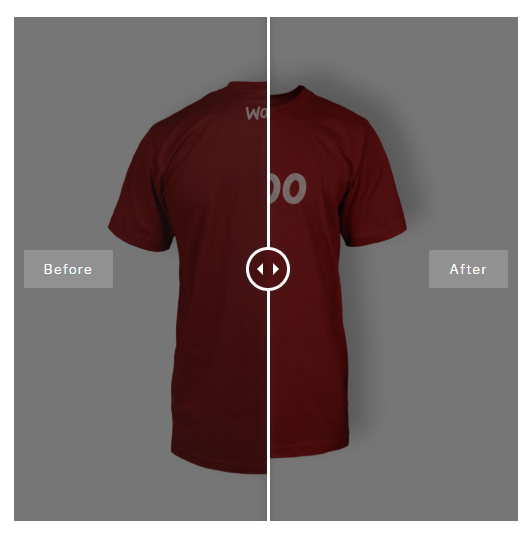
If you build your site with Elementor, this plugin by Plugin Devs adds a before and after widget you drag onto the canvas. You see a live preview while editing, can use any image size, and add custom CSS. Pro and paid add-ons bring more orientations, a gallery slider and a carousel.
Pros:
- Built for the Elementor editor
- Live preview while editing
- Unlimited sliders
Cons:
- Elementor only
- Many options sit in Pro and paid add-ons
Price: Free, Pro available. Active installs: 10,000+. Rating: 4.4 out of 5.
6. Before After Image Comparison (bPlugins)

Before After Image Comparison by bPlugins is a lightweight block for the block editor, with a shortcode option too. The free version covers horizontal and vertical orientation, custom labels, captions and label colors. Pro adds a slider of several comparisons, label positions, line shapes, a default offset and move-on-click.
Pros:
- Lightweight, single-purpose block
- Captions under the comparison
- Shortcode support
Cons:
- Starting position and move-on-click are Pro features
- Smaller user base
Price: Free, Pro available. Active installs: 3,000+. Rating: 4.2 out of 5.
7. WP Before After Image Slider (BefTer)
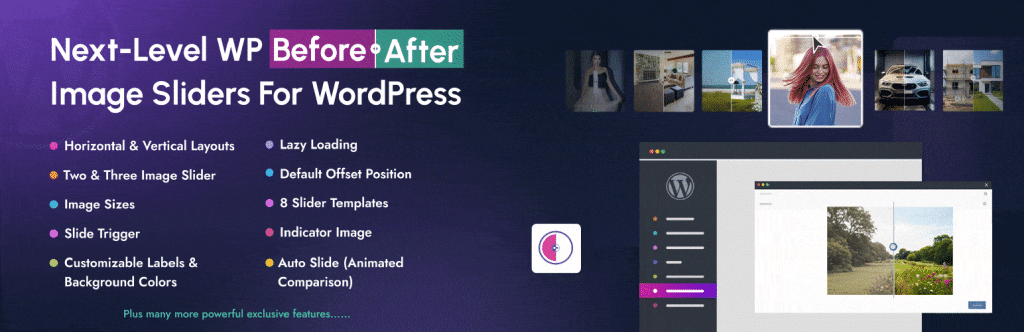
WP Before After Image Slider, also called BefTer, by Code Canel focuses on flexibility. Besides classic two-image sliders, it offers three-image comparisons (before, middle, after) and YouTube video comparisons, plus a shortcode generator and an Elementor widget.
Pros:
- Video and three-image comparisons
- Works with most page builders
- Shortcode generator
Cons:
- Newer, with few reviews so far
- Some features need Pro
Price: Free, Pro available. Active installs: 1,000+. Rating: 5.0 out of 5 (few reviews).
Which Before and After Slider Plugin Should You Choose?
- You use the block editor and want it free: Ultimate Blocks, or Twenty20 if you prefer a tiny single-purpose plugin.
- You run a portfolio with many comparisons: BEAF, especially with its Pro galleries.
- You build with Elementor: the Plugin Devs widget, or BEAF’s Elementor widget.
- You need video comparisons: WP Before After Image Slider or BEAF Pro.
Frequently Asked Questions
What is a before and after image slider?
It is a frame with two stacked images and a handle between them. Readers move the handle to reveal more of the before or the after image.
Is there a free before and after slider for WordPress?
Yes. The Ultimate Blocks Image Comparison block and Twenty20 are fully free, and BEAF has a capable free version.
Can I add a before and after slider without a plugin?
Not with core WordPress. You would need custom HTML, CSS and JavaScript, which is harder to maintain than a block.
Do before and after sliders work on mobile?
All the plugins in this list are responsive and support touch. On phones, drag or click to move the handle works better than hover.
Will a before and after slider slow down my site?
Each slider loads two images, so compress them. Block-based options load their scripts only on pages that use them.
Wrapping Up
For most block editor users, a free block like the Ultimate Blocks Image Comparison block is all you need. If you manage a large portfolio or want video comparisons, BEAF and WP Before After Image Slider go further.
Have a favorite we missed? Tell us in the comments.
Found this helpful? See more of us on Google.
Add UltimateBlocks.com as a preferred source and our WordPress guides will show up more often in your Top Stories, AI Overviews and AI Mode.
Free, one tap, remove anytime


Leave a Reply