 Skip to content
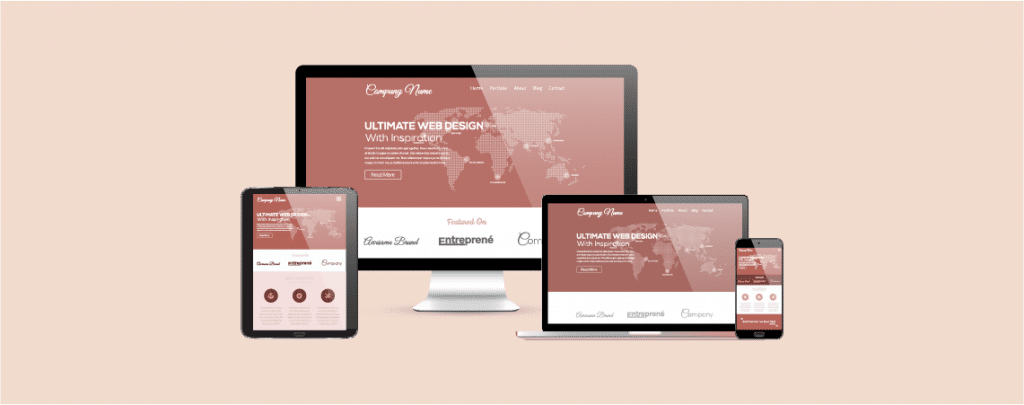
If you run a WordPress website and want to increase conversions, capture leads, or guide visitors toward a specific action, a well-designed landing page is essential.
Today, WordPress offers multiple ways to build landing pages, from full visual page builders and marketing-focused funnel tools to lightweight plugins that extend the native Block Editor (Gutenberg). Each approach serves a different type of user, depending on design needs, performance priorities, and workflow preferences.
To help you choose the right solution, we’ve compiled a curated list of the best WordPress landing page plugins, covering traditional page builders, conversion-focused tools, and Gutenberg-based alternatives; so you can find the option that best fits your site and goals.
Plugin | Type | Free Version | Pricing Model | Best For | Key Strengths | Notable Limitations |
|---|---|---|---|---|---|---|
Elementor | WordPress Plugin | Yes | Annual subscription | Beginners, designers | Large ecosystem, live editing, popup builder, wide integrations | Advanced features require Pro; pricing changes frequently |
Divi | Theme + Plugin | No | Annual or lifetime license | Agencies, freelancers | Unlimited sites, built-in A/B testing, reusable layouts | Locked into Divi ecosystem; performance tuning required |
Thrive Architect | WordPress Plugin | No | Annual subscription (suite) | Marketers, funnel builders | Conversion-focused elements, tight tool integration | No standalone plan; heavier stack |
Beaver Builder | WordPress Plugin | Yes | Annual subscription | Developers, stability-focused sites | Clean code, theme-agnostic, unlimited sites | Fewer marketing features out of the box |
Ultimate Blocks | WordPress Plugin | Yes | Freemium (annual Pro Upgrade) | Gutenberg users | Native Gutenberg experience, conversion-focused blocks | Not a full page builder; limited advanced layout control |
SeedProd | WordPress Plugin | Yes | Annual subscription | Simple landing pages, coming-soon sites | Fast setup, lightweight, beginner friendly | Less flexible for complex layouts |
OptimizePress | WordPress Plugin | No | Annual subscription | Funnels, sales pages | Funnel builder, Stripe payments, marketing templates | Smaller ecosystem; no free tier |
Oxygen Builder | WordPress Plugin | No | License-based (varies by plan) | Developers, performance-focused sites | Clean output, full site control | Steep learning curve; not beginner friendly |
Leadpages | SaaS + WP Plugin | No | Monthly / annual SaaS plans | Paid campaigns, non-WP users | Hosting included, analytics, A/B testing | Higher cost; limited WordPress control |
These plugins can help you to create beautiful and conversion-optimized landing pages. Some of these plugins have free versions. Now let’s learn more about these plugins.
Elementor
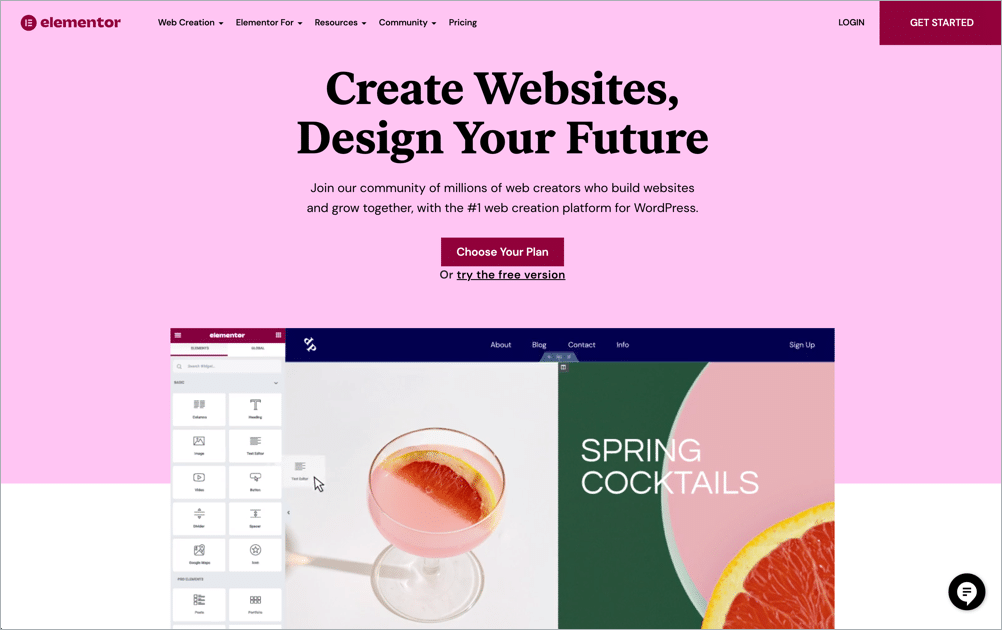
Elementor, a page builder with limitless designs, is a phenomenal tool for creating pixel-perfect websites. It supports animation and live-editing, giving your website a dynamic and vibrant look on the go!
Elementor allows you to create quick, efficient, and result-driven landing pages. Its drag and drop interface requires no coding whatsoever; all you have to do is select your preferred template and paste your favorite widgets into it. The landing page templates are designed to boost your leads and sales.
Elementor comes with the following functionalities:
- Drag & Drop Editor
- Header/Footer Design
- 100+ Predesigned Templates
- Advanced Popup Builder
- Dynamic Text Capabilities.
- Integrated with HubSpot, MailChimp, GetResponse, and more.
Maintaining and managing your landing pages may feel like a hassle, but it can all be done with Elementor. This reduces the need for installing multiple plugins for each specific activity and saves you money in the long run.
Pricing
Elementor offers a free core plugin with limited widgets and templates, suitable for basic landing pages.
- Free version: Available on WordPress.org
- Pro plans: Start at approximately $59/year for 1 website
- Higher tiers unlock more sites, advanced widgets, popups, forms, dynamic content, and WooCommerce tools
Pricing varies by number of sites and renews annually. Users should verify current plans on Elementor’s official website.
Divi
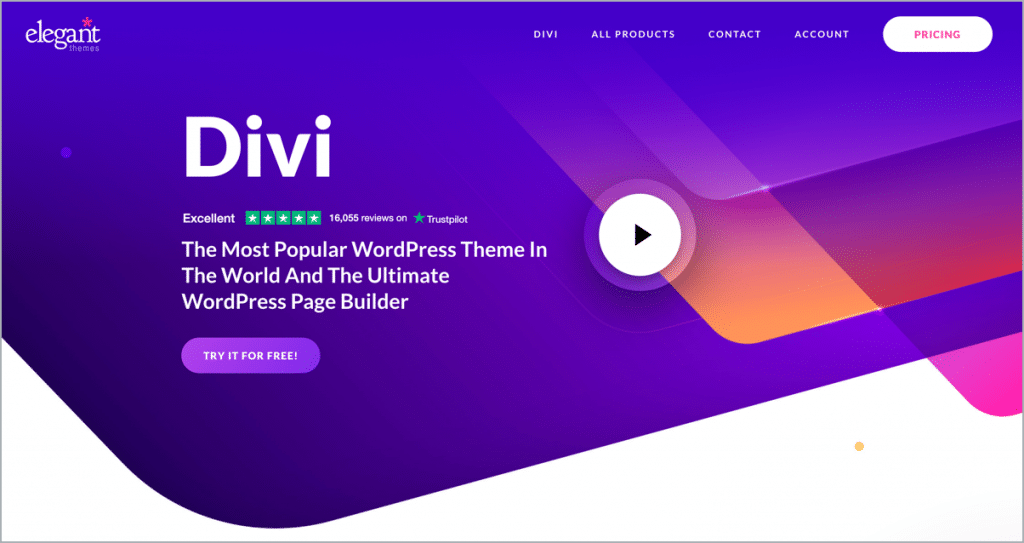
Divi, both a WordPress theme and plugin, offers a layout package to help you build landing pages quicker. These packages come with more than 22 build components and 60+ modules, making your landing page creative and visually appealing.
Divi allows you to edit your landing pages on the go from the front itself, so you can look at the final product while editing and creating it. It also lets you save your designs and re-use them as templates for future pages. It integrates with over 20 email marketing tools, ensuring you have the choice to convert viewers into subscribers.
Divi also lets you perform A/B testing, where you can view multiple variants of your webpage at the same time and determine which looks better.
Here are some of the amazing features of Divi:
- Advanced Drag & Drop Visual Builder.
- Custom CSS Control.
- Responsive Design.
- 40+ Elements and 800+ Pre-made Designs.
- Highly Customizable.
- Speed Optimized.
- A/B Testing Insights
Want to add an extra flair to your landing page? Go ahead and combine the magic of CSS with Divi’s interface to create the best landing pages ever!
Pricing
Divi is sold as part of the Elegant Themes membership.
- Annual plan: ~$89/year
- Lifetime access: ~$249 one-time payment
- Includes Divi Builder, Divi Theme, Extra Theme, and additional plugins
All plans allow unlimited websites, making Divi cost-effective for agencies and developers. (Check: Elegant Themes Discount)
Thrive Architect

With over 300 landing page templates, Thrive Architect is the ultimate solution for lead generation. Choose any of its flexible and customizable templates for online marketing or advertising purposes, and we guarantee it’ll be a hit with the audience!
Thrive Architect was created with the goal of conversion-boosting in mind. Add animations, typography, backgrounds, and colors as much as you want, this builder’s got it all. Make sure to incorporate your favorite elements like a catchy headline, a coming-soon page, an irresistible call-to-action, and an email marketing opt-in form – basically anything you want.
This page builder is quick with clean designs and noteworthy styling options. It is mobile responsive, ensuring a swift experience for all kinds of users. The building blocks are incredibly helpful, and they help generate exactly the landing page you want!
Let’s look at some of the awesome features of Thrive Architect:
- Visual Page Builder.
- Beautifully Designed Templates.
- Pre-built Conversion Elements.
- Attention-Grabbing Hover Effects.
- Mobile Responsive.
- Lightweight & Fast.
Pricing
Thrive Architect is not sold as a standalone lifetime product.
- Thrive Suite membership: Starts around $299/year
- Includes Thrive Architect plus conversion tools (Leads, Optimize, Quiz Builder, etc.)
- Valid for up to 5 websites on the base plan
There is no permanent free version, but a money-back guarantee is typically offered.
Beaver Builder
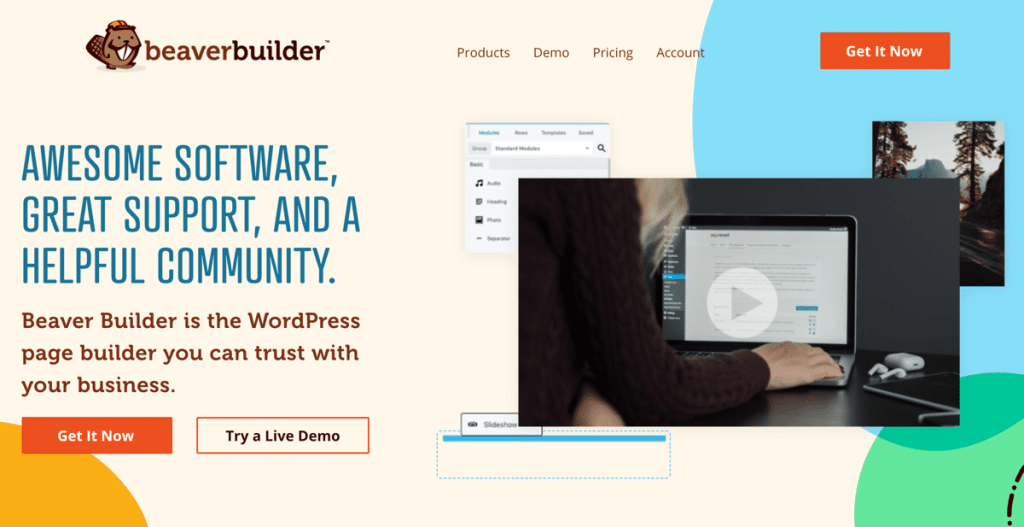
One of the biggest names in WordPress, Beaver Builder comes with a variety of landing pages designed to stand out from the rest. These landing pages work well with any WordPress theme, so if you change the theme of your WordPress site – you can easily be assured about needing minimal changes in your landing pages.
Starting from construction format to mobile app format, this plugin has each and every possible template you may need. It has a drag and drop interface with a multitude of modules. It has more than 50 templates, which require zero to no HTML/CSS knowledge to code. It integrates easily with your existing themes, making your working website even more efficient.
Beaver Builder is well received by website owners, designers, and developers alike. It is responsive to mobile devices. It supports WooCommerce, enabling the usage of WooCommerce content elements. If you’re on the lookout for a page builder that requires no prior knowledge and yet creates original and beautiful landing pages, Beaver Builder is the one for you!
Here are some noticeable features of Beaver Builder:
- Works With Any Theme.
- SEO Optimized.
- Drag & Drop Frontend Builder.
- Pre-designed Landing Page Templates.
- Translation Ready.
- Email Autoresponders Integration.
Pricing
Beaver Builder offers both free and premium versions.
- Free (Lite) version: Available on WordPress.org
- Premium plans: Start around $99/year
- Higher tiers add multisite support, white labeling, and theme integration
All premium plans generally allow unlimited websites.
Ultimate Blocks
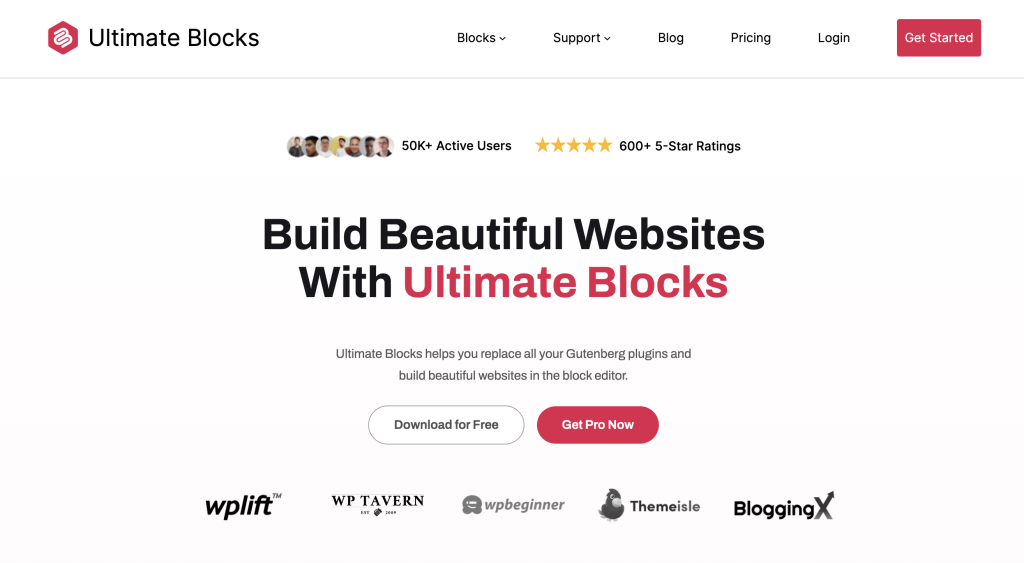
Ultimate Blocks is not a traditional landing page builder. Instead, it enhances the native WordPress Block Editor (Gutenberg) by adding conversion-focused blocks designed specifically for content creators, bloggers, and marketers.
As Gutenberg is now the default editor in WordPress, Ultimate Blocks acts as a lightweight landing page assistant, allowing users to create high-converting pages without installing a full page builder.
Ultimate Blocks is ideal for users who prefer to stay within the native WordPress editing experience while still gaining access to advanced blocks such as testimonials, calls-to-action, countdown timers, and review elements.
Rather than replacing Gutenberg, Ultimate Blocks extends it, ensuring better performance, compatibility, and long-term stability compared to heavy visual builders.
Key Features of Ultimate Blocks
- Conversion-Focused Gutenberg Blocks
- Call-to-Action, Testimonials, and Review Blocks
- Table of Contents & Content Toggle
- Countdown Timer & Styled Buttons
- Lightweight and Performance-Friendly
- Fully Compatible with the WordPress Block Editor
- Works with Any WordPress Theme
Ultimate Blocks is especially well-suited for content-driven landing pages, blog-based funnels, lead magnets, and SEO-focused pages where speed and simplicity matter more than complex layouts.
Pricing
Ultimate Blocks follows a freemium model.
- Free version: Available on WordPress.org
- Pro version: Available via annual subscription
- Pro features unlock additional blocks, advanced controls, and premium support
Pricing is not based on site count in the free version, making it accessible for individual site owners and publishers.
SeedProd

SeedProd is a renowned landing page builder, dedicated to creating stunning landing pages in minutes. It has a drag and drop interface with conversion-focused page elements.
With over a hundred templates, you’ll be sure to find one that suits your needs. The pages are mobile responsive and allow multiple revisions. It integrates with a variety of tools such as ConvertKit, Active Campaign, Aweber, and RafflePress giveaways.
SeedProd also comes with free stock images and call-to-action buttons. Select a template you like and edit it with your preferred text, images, and links and watch the results pour in!
Let’s see some key features of SeedProd:
- Drag & Drop Landing Page Builder.
- Pre-built Landing Page Templates.
- Responsive and Mobile-friendly.
- Third-Party Email Service Providers Integration.
- Fast Loading.
Pricing
OptimizePress uses a subscription model with tiered site limits.
- Core plan: Starts around $129/year for 1 site
- Higher plans support more websites and include funnel and checkout features
No free version is available, but plans typically include marketing-focused templates and integrations.
OptimizePress

OptimizePress is a code-free and WordPress-based platform designed to create enhanced landing pages and funnels for website/business owners. It can be used to build landing pages from scratch, with pre-existing templates and integrations. If you already have a landing page fit to WordPress standards, then no worries; OptimizePress will simply coalesce with your existing code to build a product with maximum speed.
To convert your viewers into subscribers and gradually into customers, you need to utilize email marketing tools – which can easily be integrated here. Besides, OptimizePress integrates with popular sites such as GetResponse, Drip, Ontraport, Sendlane, Zapier, and more to help you reach your goals.
It also allows inline editing and supports the Stripe payment gateway. Not to mention, OptimizePress’s integration with Zapier alone opens up a world of possibilities with apps such as Gmail, Slack, Google Sheets, Google Calendars, and more widgets. It has 40 custom elements along with a drag and drop interface, which inspires creators to utilize their designing skills to the maximum.
- Lead Generation Templates.
- Integrated with Email Marketing Services.
- Sales, Offer, and Checkout Pages.
- Stripe Integration. Upsells and Downsells.
- Funnel Builder.
Pricing
OptimizePress uses a subscription model with tiered site limits.
- Core plan: Starts around $129/year for 1 site
- Higher plans support more websites and include funnel and checkout features
No free version is available, but plans typically include marketing-focused templates and integrations.
Oxygen Builder
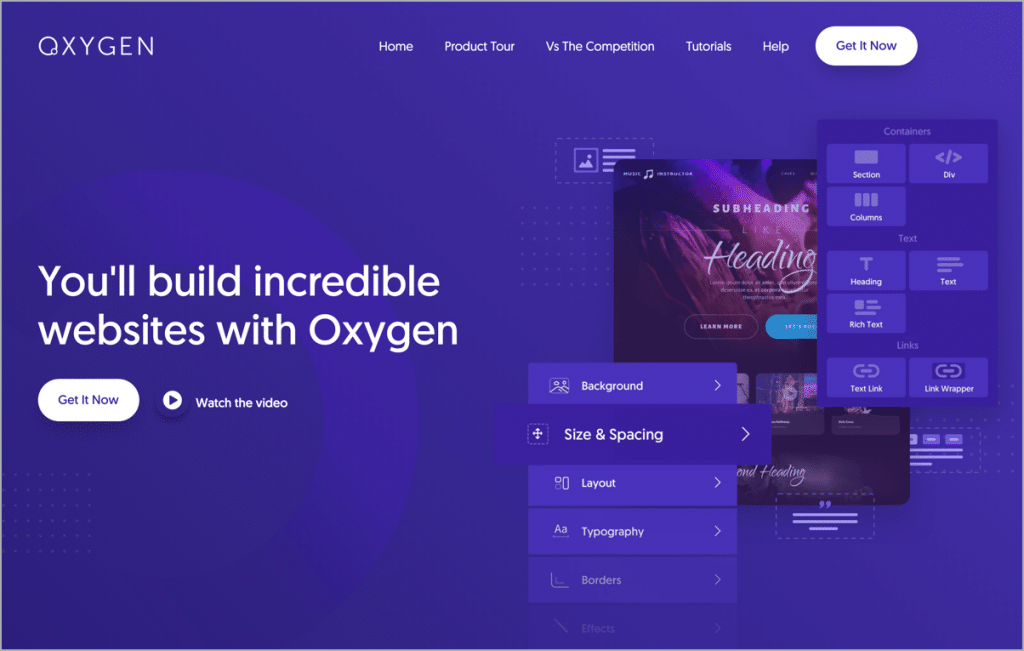
With the guarantee to build a landing page in less than ten minutes, Oxygen Builder is a go-to favorite builder of many. As you make changes to a template and bring about a new design, the builder generates clean reusable code – ensuring a smooth experience for all WordPress site owners.
Oxygen comes with a drag and drop interface and a one-time subscription. That’s right, it requires no monthly payments. Purchase it once to gain lifetime support, unlimited site license, and continuous real-time updates. It demonstrates picture-perfect responsiveness on all devices, with excellent Gutenberg integration. Oxygen also allows you to manage multiple landing pages at once, which too absolutely free of cost with a free plugin!
If there’s one drawback Oxygen has, it is that this builder requires a steep learning curve. But as it provides full control over your website (even if it has been handed over to the client), we think that the effort and time invested in this builder are worth it!
Let’s check some of the amazing features of Oxygen Builder:
- Drag & Drop Visual Editing.
- WooCommerce Builder.
- Gutenberg Friendly.
- Header Builder.
- Lifetime Support and Updates.
Pricing
Oxygen Builder uses a one-time payment model rather than annual subscriptions.
- Basic license: Starts around $129 (one-time)
- Higher tiers unlock WooCommerce tools, Gutenberg integration, and agency features
Licenses generally allow unlimited websites, which appeals to developers.
LeadPages
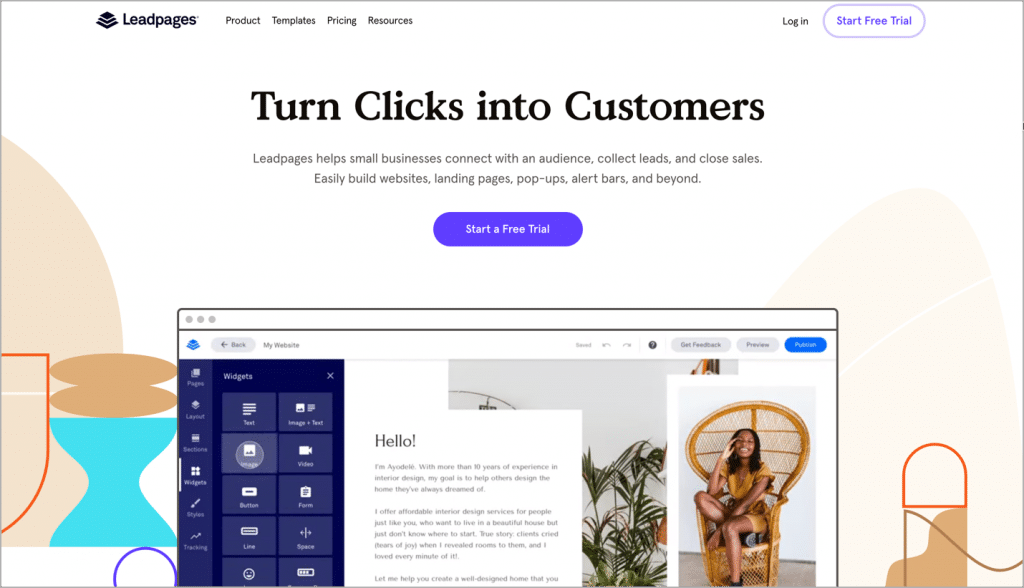
LeadPages is a leading landing page builder tool that converts traffic into customers. It’s renowned for increasing conversion rates.
It’s a dedicated landing page tool that can be used with or without WordPress. You can use it with your WordPress site by using their plugin.
It comes with a library of pre-installed templates based on different industry needs. All of these templates can be customized using the drag-and-drop builder.
Here are the key features of LeadPages:
- Delivery of Digitized Assets
- A/B Testing and Analytics
- Drag & Drop Builder
- HTML Rewrite
- Free Domain and Hosting
- Video Player
- Pop-ups for Capturing Leads
- Leads Notifications
Pricing
Leadpages is a hosted SaaS platform rather than a traditional WordPress plugin.
- Standard plans: Start around $49/month when billed annually
- Higher tiers include A/B testing, online payments, and advanced integrations
Because it’s SaaS-based, pricing is higher but includes hosting and analytics.
Conclusion
A great landing page is definitely the key element to winning more subscribers, visitors, customers, and clients. Hope this post helped you to choose the right landing page builder for you.
We’d love to hear from you. Let us know which one you’re going to use. Do you think you have a better landing page plugin that we missed? Let us know!


Leave a Reply