 Skip to content

If you have a small customer support team with user inquiries coming in all day long, a knowledge base might be the perfect solution for you.
A knowledge base is an all-inclusive destination to publish informational materials and how-to pieces to benefit your readers. Additionally, it makes it simple for you to manage your material so that you can consistently add, update, and remove articles, all in one place.
If you’re looking to expand your business and drive growth, investing in a good knowledge base plugin can help you reap benefits for years to come.
In this article, we’ve pulled up our top 11 WordPress knowledge base and documentation plugins to enhance your customer experience and support. Six of them have free versions you can start with today.
Plugin | Free Version | Starting Price | Best For |
AssistCamp | Free | Multi-product docs in Gutenberg | |
$69/year | All-around KB with AI features | ||
weDocs | $39/year | Simple product documentation | |
Herioc KB | $169/year | Premium all-in-one KB | |
Helpie WP | $59/year | Wiki-style collaborative docs | |
Echo KB | $46 first year | Deep article hierarchies | |
BasePress | $79/year | Multi-product knowledge bases | |
Document Library Pro | $149/year | PDF and file-heavy libraries | |
WP Glossary | $39 one-time | Glossary and dictionary terms | |
BWL Knowledge Base | $49 one-time | Budget one-time purchase |
Now let’s dive into the details of these plugins.
1. AssistCamp
AssistCamp is a free WordPress documentation and knowledge base plugin built specifically for product creators. If you run a plugin, theme, or SaaS business and want your docs to live inside your own site instead of a third-party tool like Notion or GitBook, this is the plugin for the job.
It takes the top spot on this list for one simple reason: the knowledgebase feature is in the free version. Most competitors put multiple knowledge bases behind a paid plan, and some charge for the basics too. AssistCamp has no paid tier at all.
The model is three levels deep and that is the whole thing: a knowledgebase per product, categories inside it, and articles inside those. Every article is a normal WordPress post under the hood, written in the block editor you already use. There is no custom editor to learn.
If you sell more than one product, you can create a separate knowledgebase for each, with its own categories, tags, and frontend page, all managed from a single WordPress install. The Organize screen lets you drag categories and articles into a reading order, and the sidebar, grids, and breadcrumbs all follow that order.
The plugin ships ten documentation-specific blocks: Sidebar, Search Form, Breadcrumb, Table of Contents, Doc Navigation, Archive Doc List, Category Grid, Knowledgebase Grid, Single Doc Content, and Date. Block themes get HTML templates you can rearrange in the site editor. Classic themes get PHP templates plus Customizer controls, and you can override any template from an assistcamp/ folder in your theme.
Read: How to Create a Knowledge Base in WordPress (Easy Steps)
Key Features:
- Multiple knowledgebases from a single site, free
- Dedicated Docs post type with Gutenberg editing
- Hierarchical categories and tags
- Drag-and-drop category and article organization
- Live search with results in a dropdown
- Auto table of contents, breadcrumbs, and prev/next navigation
- Full site editing support for block themes
- Setup wizard with sample content
- Translation ready, with caching built in
AssistCamp is completely free and hosted on WordPress.org. It needs WordPress 6.0 or later and PHP 7.4 or later. There are no seats to buy and no licence to renew.
2. BetterDocs
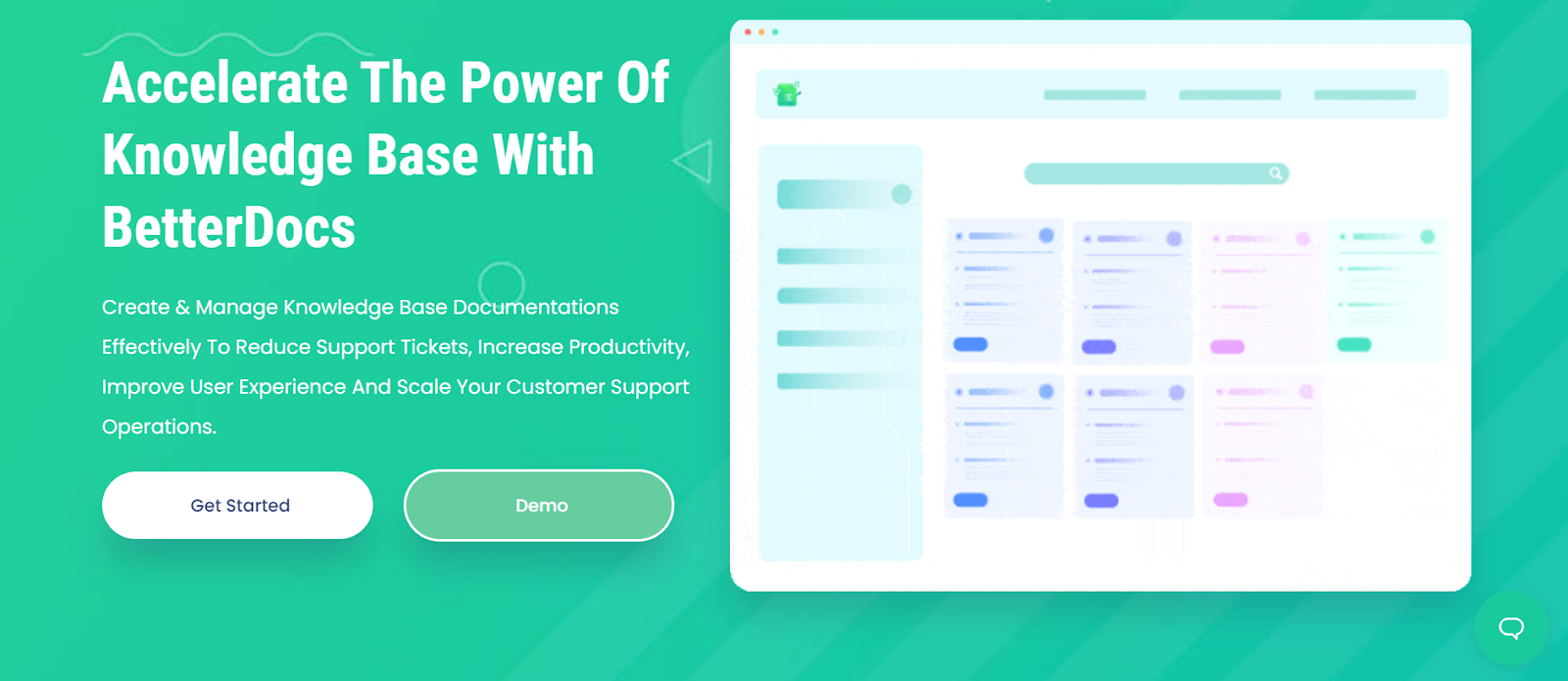
BetterDocs is a well-established option for creating a one-stop help destination for your customers. It supports documentation templates and self-service for customers, which reduces the overall workload of your support team.
Its live search bar works as a search engine for all your product’s documents, which you can pair with a scrollable table of contents to help customers find answers in seconds. Recent versions have leaned heavily into AI: there is a Write With AI assistant, AI-powered document quality analysis, Git sync for teams who keep docs in a repo, and MCP support so tools like Claude and ChatGPT can read and write your docs directly.
One thing to know before you install it: the free version on WordPress.org gives you the docs post type, basic layouts, search, and the dashboard. The features most people actually mean by “knowledge base” are in the paid add-on. Multiple Knowledge Base, insightful analytics, Instant Answers, internal documentation with role-based access, and the advanced live search bar all require BetterDocs Pro. The AI Chatbot is a separate add-on on top of that.
Key Features:
- Scrollable Table of Contents
- Ready documentation layouts for Gutenberg and Elementor
- FAQ builder
- Write With AI and AI document quality analysis
- MCP support and Git sync
- Instant Answers and detailed analytics (Pro)
- Multiple Knowledge Base and internal docs (Pro)
- One-click migration from other plugins
BetterDocs is a freemium plugin. The free version is available in the WordPress repository. Paid plans list at $69 per year for the Starter tier on one site and $149 per year for the Innovator tier on unlimited sites. A Visionary lifetime licence for unlimited sites lists at $299. WPDeveloper discounts these prices most of the year, so check the current promotion before you buy.
3. weDocs

weDocs is a documentation plugin from weDevs for creating product documentation for your users. It uses the standard WordPress block editor and provides a clean, minimal interface.
This plugin is ideal for developer docs, admin settings guides, tutorials, and common queries. You organize content into sections, subsections, and articles, and reorder everything with drag and drop. The frontend gives you sidebar navigation, breadcrumbs, and AJAX live search, and the docs inherit your theme styling so there is very little to configure visually.
The free version is more generous than most: it includes unlimited documents, multiple knowledge bases, public and private docs, and an AI Doc Writer that drafts articles from a prompt. There is also a one-click migration tool that pulls your existing BetterDocs documentation into weDocs.
Key Features
- Unlimited documents and multiple knowledge bases in the free version
- Drag-and-drop organization with nested sections
- Docs written in the WordPress block editor
- AJAX live search with three search templates
- AI Doc Writer for drafting articles
- One-click migration from BetterDocs
- Role-based restrictions and a changelog timeline (Pro)
weDocs is no longer a free-only plugin. The free version is still on WordPress.org, and paid plans start at $39 per year for one site, $59 for five sites, $79 for ten sites, and $149 for unlimited sites. Lifetime licences are also available. The AI Chatbot is a separate add-on at $7.99 per month.
4. Heroic Knowledge Base
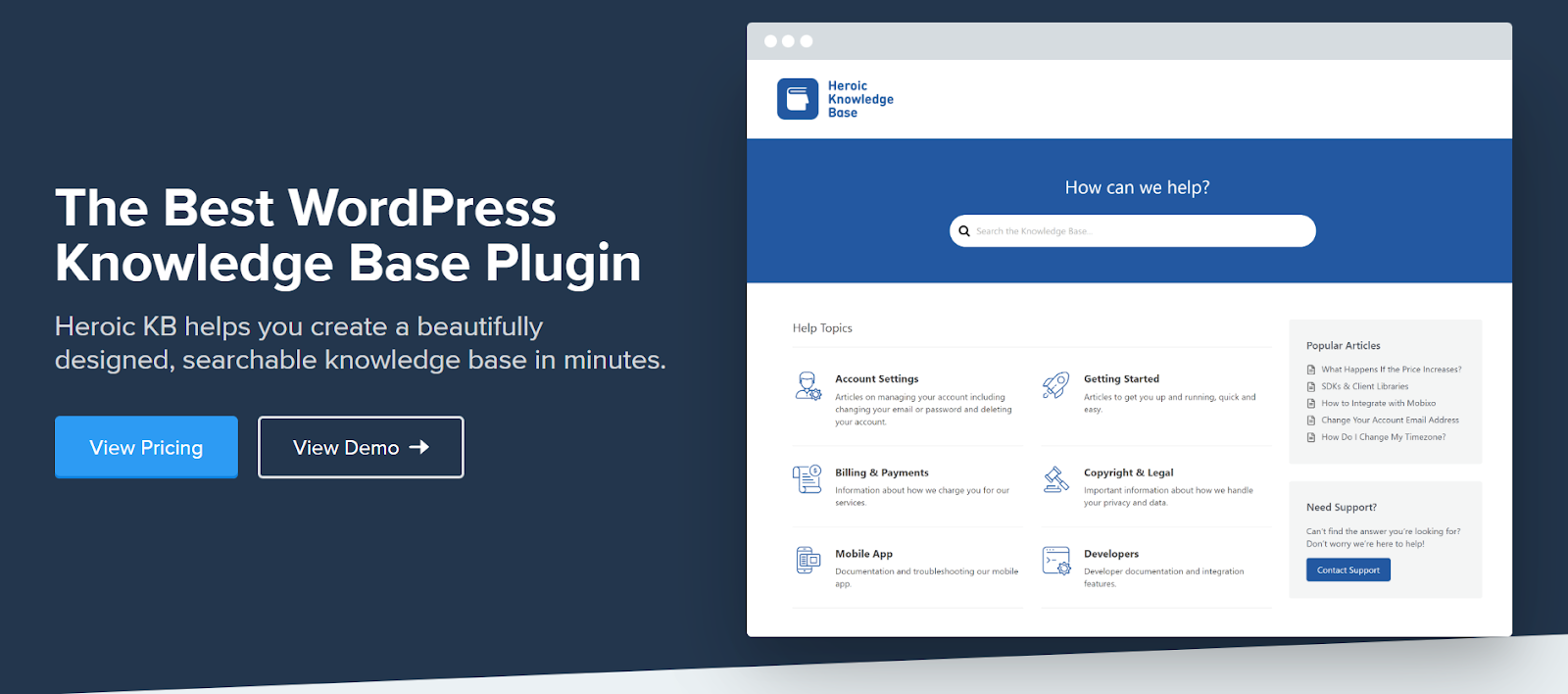
Heroic Knowledge Base is the most polished premium option on this list, and it gets you a searchable, structured knowledge base in a matter of minutes. It has categories and modern layouts, and every plan includes a dedicated knowledge base theme so you can launch a full help site without extra work.
It handles everything from technical documentation to user guides in one system. Its articles are indexed by keywords, giving your knowledge base SEO benefits in ranking. You can add icons to your categories, track revision history, and enable comments on each article.
The plugin lets you include downloadable attachments in your articles so readers can grab files whenever they want. You can also embed videos from Vimeo and YouTube. If you upgrade past the entry tier, search statistics show you which articles are working and which topics you still need to cover.
Noticeable Features:
- Quick setup with a setup assistant
- Built-in Table of Contents
- Dedicated KB theme and FAQ builder on every plan
- Multilingual support through WPML
- Article attachments and CSV import
- Glossary builder
- Search analytics, article feedback, and user restriction (Plus and above)
- Heroic AI Assistant plus Slack, Help Scout, and form integrations (Pro only)
Heroic KB is a premium-only plugin with no free version. List pricing is $169 per year for Essential on one site, $349 per year for Plus on three sites, and $599 per year for Pro + AI on five sites. HeroThemes runs a heavy introductory discount on all three, currently around 60 percent off the first year, with renewals at full price. Every plan includes unlimited users.
Noticeable Features:
- Quick setup with Setup Assistant
- Built-in Table of Contents
- Multilingual Support
- User and Content Restriction
- Instant Search Capability
- Integration with Slack and Gravity Forms
Heroic KB is a premium-only plugin. It costs $149/year for 1 site, $199/year for 3 sites, and $399/year for 5 sites. And all the plans include KnowAll KB Theme and Heroic FAQs Plugin.
5. Helpie WP
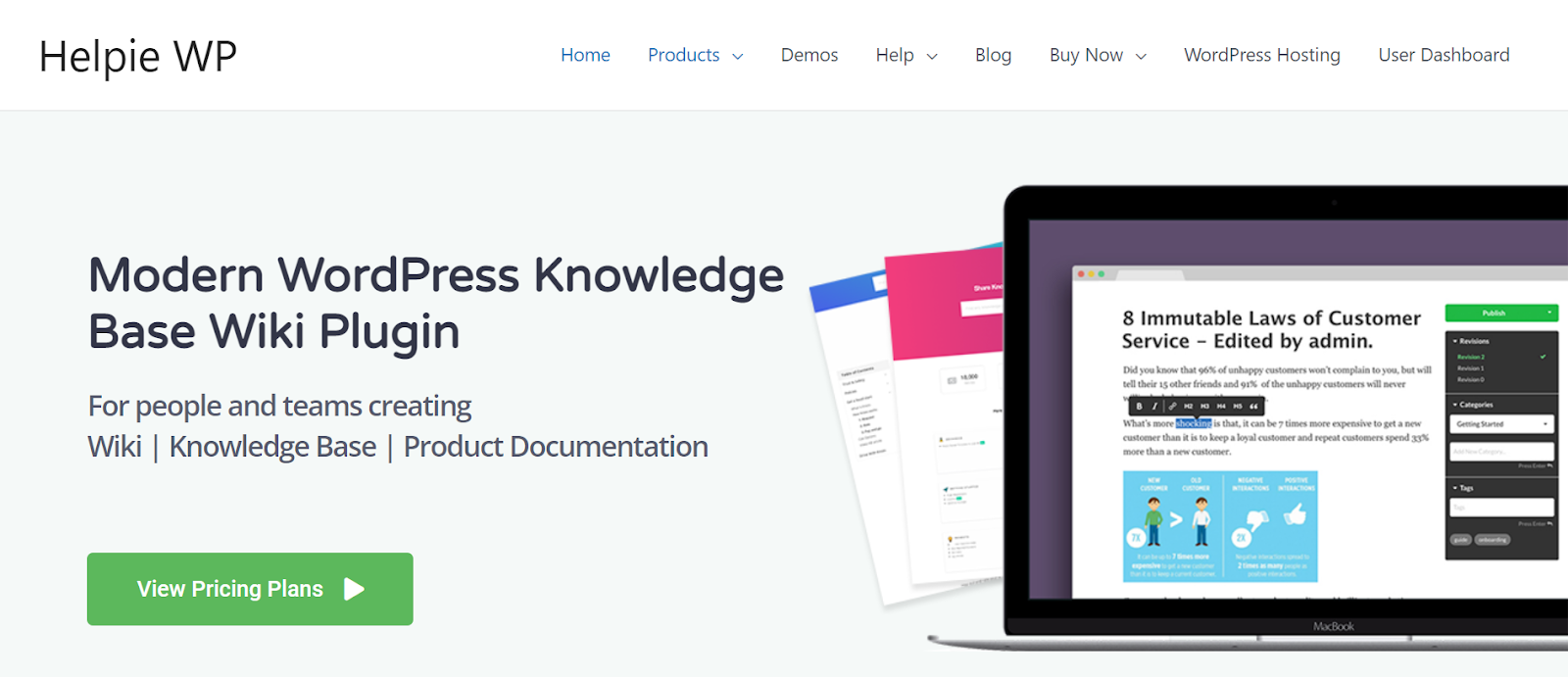
Helpie WP offers a knowledge base platform that feels closer to a wiki than a docs site, which makes it a good fit when several people need to write and review articles. Multiple admins and contributors can write, collaborate on, and approve articles, so you can get more done in less time.
It gives you control over user roles, password-protected content, and admin access. Its templates provide plenty of options for customizing your pages, and its Table of Contents is generated automatically from your headings and subheadings.
The frontend editor is the standout feature. Authorized users can create and edit articles without ever entering the WordPress admin, and every change is tracked in a full revision history you can roll back. Editors can submit changes while managers review and approve before anything goes live.
Readers can vote on whether an article was helpful, giving you information on how to improve your existing resources. You can also use shortcodes and widgets to place knowledge base content anywhere on your site.
Key Features
- Frontend editing for authorized roles
- Publishing capabilities and approval workflow
- Full revision history with rollback
- Automatic Table of Contents
- Classic and emo voting on articles
- Super Search across thousands of articles
- Elementor elements and widgets
- Translation ready with WPML support
Helpie WP has a seven-day trial of the Pro features. Helpie KB pricing starts at $59 for a single site, $99 for five sites, and $199 for thirty sites. There is also a separate Helpie FAQ plugin if you only need FAQs.
6. Echo Knowledge Base
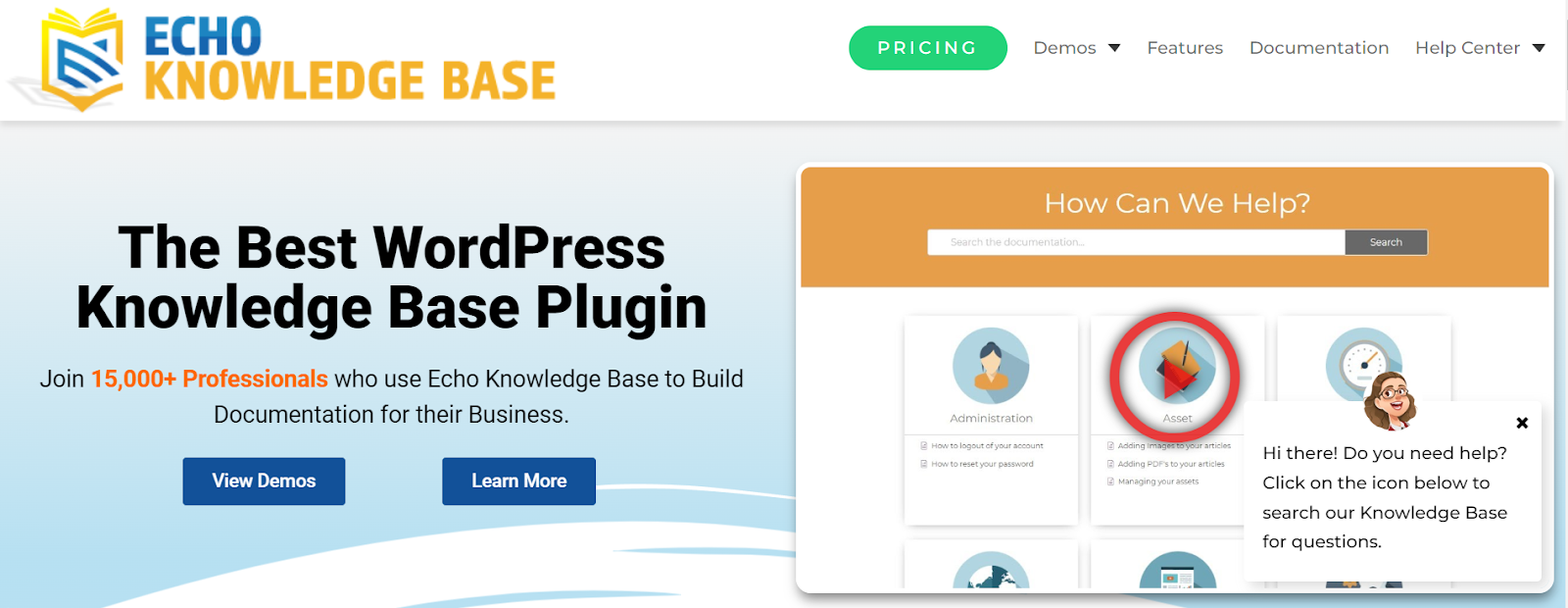
With more than two dozen ready-made layouts, Echo Knowledge Base integrates with all the popular page builders. This plugin stands out for how deep you can nest content and for how much it gives away in the free version.
Grid and sidebar layouts are included to improve navigation. Articles can be grouped up to five levels deep, which helps you structure large documentation sets properly. Articles can be arranged by title, date, category, or a custom order. The plugin generates a Table of Contents for you and leaves breadcrumbs throughout the documents.
Echo has pushed AI into the free tier, which is unusual. AI Chat, AI Search, and AI content analysis are all part of the free plugin, along with unlimited articles, the visual builder, blocks, and shortcodes. The paid add-ons handle layouts, widgets, ratings and feedback, advanced search, unlimited knowledge bases, and access control. There is also a newer Quizzes feature for testing readers on what they have read.
Also Read: 7 Best User Feedback Plugins for WordPress
Key Features
- Visual builder for the frontend
- Five-level article hierarchy
- AI Chat and AI Search in the free version
- Article ratings and feedback (paid)
- Unlimited knowledge bases and advanced search (Professional bundle)
- Access control with KB groups and custom roles (Access Control bundle)
- Article breadcrumbs and Table of Contents
The core plugin is free on WordPress.org for unlimited sites. Bundles for one site are $46 for the first year for Basic Add-ons (regular price $105), $89 for Professional (regular $200), and $170 for Access Control (regular $380). Renewals are discounted 40 percent, and an expired licence does not disable features you already have.
7. BasePress
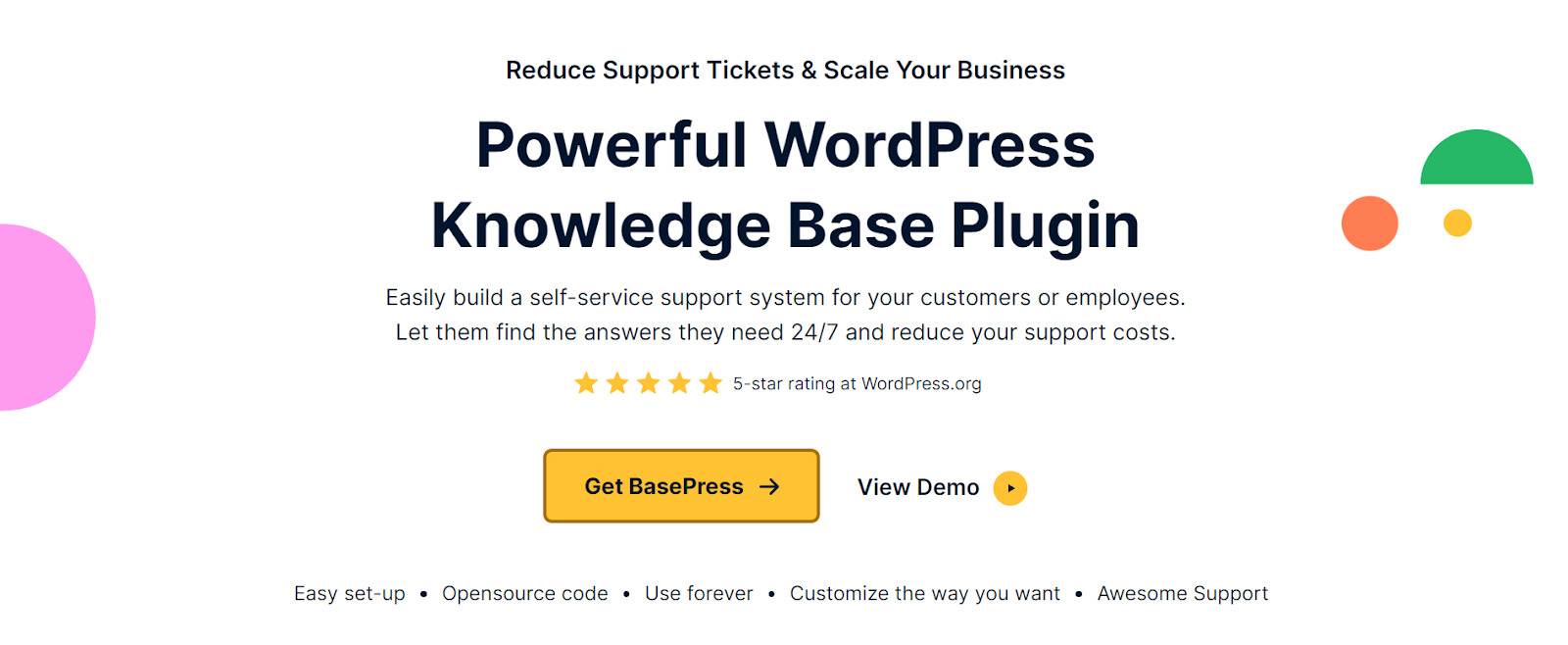
BBasePress takes self-service support further with its multi-level knowledge base. If your WordPress site covers multiple products and services, BasePress is a strong choice, and unlike most competitors it lets you create unlimited knowledge bases even in the free version.
Its live search trawls through all your content and surfaces the relevant article. In the Pro version, search results are weighted by votes and page visits, so the articles people actually find useful rise to the top.
For sub-sections, the plugin allows an unlimited hierarchy. You can add related knowledge base articles to each piece, helping customers find what they need. Pro analytics tell you which subjects need more attention, and content restriction by user role lets you keep internal articles internal.
You can also create unlimited articles, add breadcrumbs, place knowledge base content anywhere with shortcodes, and pick from three included themes.
Key Features
- 3 layout themes
- WPML compatible and translation ready
- Multiple knowledge bases, including in the free version
- Unlimited section hierarchy with drag-and-drop reordering
- Icons manager for categories and knowledge bases
- Article voting and user feedback (Pro)
- Content restriction by role and search analytics (Pro)
BasePress has both a free version on WordPress.org and paid plans. Paid pricing starts at $79 for Essential on one site and $279 for Pro on five sites. An Elite plan for ten sites also includes done-for-you setup and design customization to match your branding. All plans come with a 14-day money-back guarantee.
8. Document Library Pro
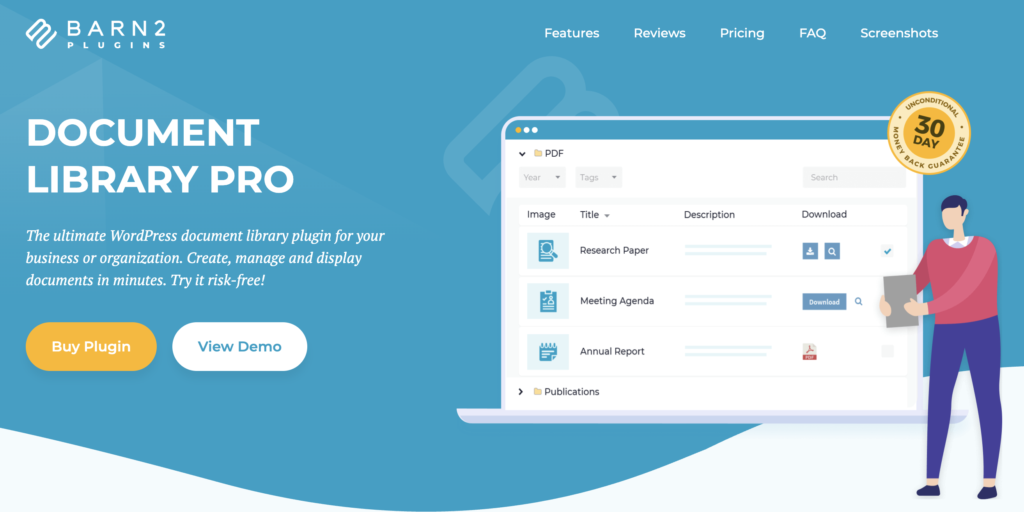
Document Library Pro is a slightly different tool from the rest of this list. It is not a docs writing plugin, it is a document library plugin. If your “knowledge base” is really a few hundred PDFs, policies, minutes, or forms that people need to find and download, this is the right fit.
It lists all your documents in a sortable table, a visual grid, or collapsible folders, with instant search, category filters, and multi-value filtering. You can add documents one at a time, drag and drop them in bulk, import by CSV, convert existing Media Library files, or accept front-end submissions from users. Files can live on your own site or be linked from Dropbox, Google Drive, OneDrive, and SharePoint.
Search is the strongest part. A custom indexing system pre-indexes documents and their data, so search stays fast across thousands of files. On the Advanced plan, visitors can search the text inside PDF, Word, Excel, PowerPoint, and OpenDocument files, not just titles and descriptions. Scanned or image-only files are the exception.
Setup is straightforward even without technical expertise, and Barn2 will set up your first library for you free of charge within 30 days of purchase. There is also a hosted cloud version you can embed in Squarespace, Wix, Webflow, or any other platform if you would rather not install a plugin.
Key features:
- Search and filter, including file content search on Advanced
- Table, grid, or folder layouts
- Unlimited libraries, fully customizable
- Five ways to add documents, including bulk and front-end submission
- Access control by password, role, or individual user
- Lead capture before download
- Version control and auto-expiring documents (Advanced)
- Download tracking
Document Library Pro offers two plans: Essentials at $149 per year for one site, and Advanced at $199 per year for one site. Five-site and 50-site licences cost more, and lifetime licences start at $749. Every purchase includes free setu
9. WP Glossary
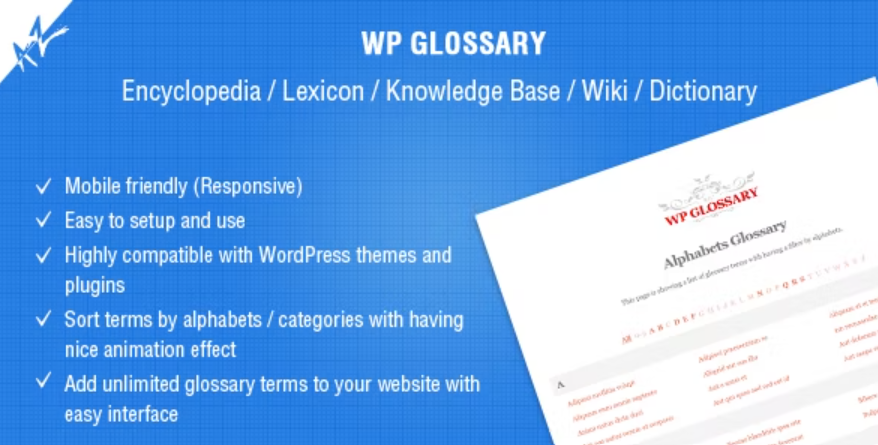
WP Glossary functions as a mini-dictionary for your WordPress site. It creates an alphabetized index of the terms associated with your products, which helps customers understand your terminology quickly.
You can build an ever-growing collection of terms and phrases with this plugin. It creates a custom post type you edit like any other WordPress post, or you can point it at an existing post type instead. It supports a custom alphabet, so you are not limited to English, and each highlighted term in your content links to its own definition page, which is useful for SEO.
Key Features
- Multiple glossary layouts
- Unlimited glossary terms
- Auto-hyperlink terms and phrases
- Enable or disable glossary tooltips
- Use existing or custom post types
- Custom alphabet for non-English glossaries
- Instant search and category filters
This plugin costs $39 on CodeCanyon, which includes future updates and 6 months of support from the author. There is no free version.
10. HelpScout Docs Portal
HelpScout Docs Portal is a documentation plugin for WordPress by CreativeMinds. It is worth being clear about what it does: it does not store any documentation in WordPress. It connects to your existing Help Scout Docs account through the Help Scout API and displays those articles on your own domain using a shortcode.
That makes it a narrow but useful tool. If your support team already writes in Help Scout, this puts that content on your site instead of a helpscoutdocs.com subdomain. If you do not use Help Scout, this plugin does nothing on its own, and you will need a paid Help Scout subscription on top of the licence.
Setup is simple, since all you need is the Docs API key. The plugin supports collections, categories, and individual articles, and you can place any number of shortcodes across different pages. It also includes AJAX live search, pagination, related articles, a print button, and a copy URL button.
The plugin costs $69 per year for a single site, $129 per year for five sites, and $189 per year for ten sites, with larger volume licences available. All plans include one year of updates and support, renewals at 40 percent off, and a 30-day money-back guarantee.
Given that you also need to pay for Help Scout, this is only worth it if you are already committed to that platform. Otherwise the other plugins on this list will do more for less.
11. BWL Knowledge Base
This knowledge base manager plugin lets you create responsive knowledge bases on your website quickly, in a question-and-answer format rather than a nested documentation tree.
The plugin needs almost no configuration, so you can install it and get started right away. You control the layout by changing the number of columns, and there are several ready-made home layouts to pick from.
BWL Knowledge Base Manager features an AJAX-based sticky search that returns results without a page reload. Featured, popular, and recent tabs help users reach the most important articles, and a like/dislike voting system with a feedback box tells you why an article missed the mark.
Key Features:
- AJAX-based sticky search
- User voting system with feedback panel
- Multiple layout options and responsive grid
- Knowledge base meta information
- Custom widgets and shortcode editor
- Automatic table of content
- Password-protected articles
- Unlimited file attachments
- Color customization and custom CSS panel
- RTL support and WPML ready
This plugin costs $49 for a single-site regular licence on CodeCanyon, which includes lifetime updates and 6 months of support. One thing to weigh: the plugin is not Gutenberg optimized, and its last update was in June 2025. If you want a modern block editor workflow, AssistCamp or weDocs will feel much better. BWL still makes sense if you specifically want a one-time payment and a Q&A style layout.
Conclusion
A knowledge base is essential for any business, large or small. Creating a reference hub for your customers can lower customer support requests and enhance the user experience. In the long run, this will help both you and your customers.
If you want to start without spending anything, AssistCamp gives you multiple knowledgebases, live search, and a full docs frontend in the free version. If you want AI features and a large ecosystem behind the plugin, BetterDocs is the safer pick. If budget is not the constraint and you want the most polished result, Heroic KB is worth the money.
It will help ensure you reduce support tickets, drive growth, improve client engagement, and enhance your customer support service. We hope this article helps shed light on which plugin you should go for.
Recommended Reading:
- Best WordPress Helpdesk & Support Ticket Plugins
- Best FAQ Plugins for WordPress
- Best Live Chat Plugins for WordPress
- Best WordPress Contact Form Plugins
- Best WhatsApp Chat WordPress Plugins
Disclosure: This post contains affiliate links. If you make a purchase using any of these links, we might get a small commission without any extra cost to you. Thanks for your support.
Changelog
September 3, 2026
- Moved AssistCamp to the first position, as it offers knowledgebase features in the free version while BetterDocs keeps them in Pro.
- Updated AssistCamp: now live on WordPress.org, with the blocks list, theme support, and requirements.
- Corrected pricing for BetterDocs, weDocs, Heroic KB, Helpie WP, Echo KB, BasePress, Document Library Pro, WP Glossary, HelpScout Docs Portal, and BWL Knowledge Base.
- Clarified which features are free and which are paid for every freemium plugin.
- Noted that weDocs is now freemium rather than free only.
- Clarified that HelpScout Docs Portal requires a Help Scout subscription.
- Added the missing HelpScout Docs Portal row to the comparison table.
April 10, 2026
- Removed the Documentor plugin as it hasn’t been updated since 2022.
- Added Document Library Pro and AssistCamp.


Leave a Reply