Skip to content
7 Best Web Hosting Companies in Bangladesh

If you’re someone who runs a business in Bangladesh or has a target audience based in Bangladesh, it’s better to choose web hosting in Bangladesh as well. The big benefit of this is that your website’s performance will be fast if the servers are based in Bangladesh. The other benefit is that your website’s data will…
How to Add & Manage Fonts Across Your Website in WordPress

Fonts are more than just text. They are an important element of your website’s design and user experience. They convey your brand’s personality and ensure readability. Whether you’re a professional web developer or a beginner, managing fonts effectively can transform your website’s aesthetics. If you don’t know how to do it, then this post is for…
How to Add an Author Bio in WordPress Posts (Without a Plugin)
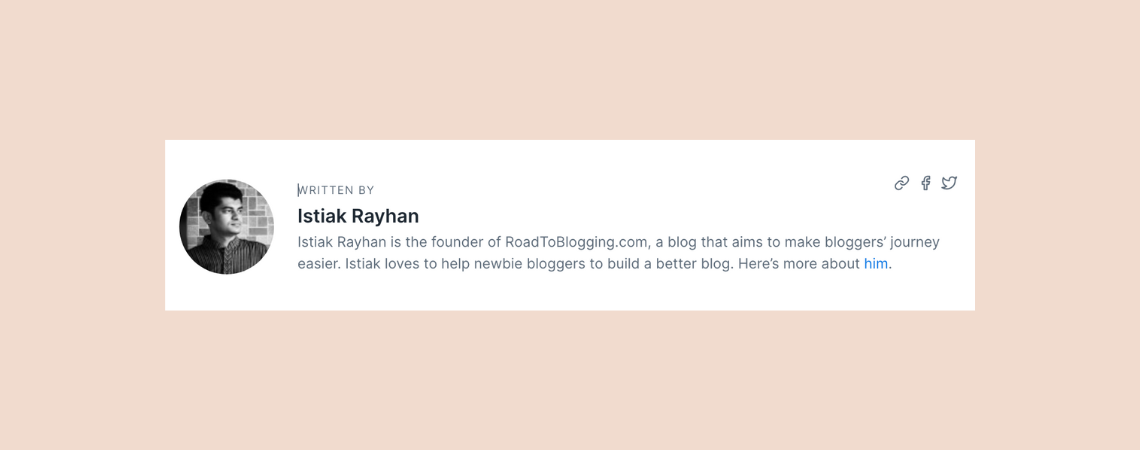
Have you ever been impressed by the author’s bio? Adding an author bio can significantly enhance your readers credibility and engagement. An author bio not only make an introduction with your readers to the person behind the content but also helps to built trust and a deeper connection. If you don’t know how to add…
How to Add Ebook Downloads in WordPress (Easiest Way)

In this digital era, everyone like to read ebooks. WordPress allows you to add ebooks, which can later be downloaded too. If you like, you can also add ebooks to your website and let your visitors download them. If you don’t know how to do it, then I am here. In this post, I will…
How to Add Animated Buttons in WordPress

Attention is very important for any call to action. Animated buttons can significantly inhance the interactivity and visual interest of your WrodPress Website. These buttons can help you to catch visitors attention, encouraging engagement and provide more dynamic user experience. If you don’t know how to add animated buttons, then don’t worry. Here, I have…
WordPress Block Editor Not Working? Here’s How To Fix It

Is your WordPress block editor not working? If your answer is yes, then you’ve come to the right place! Many WordPress users often face this problem where the block editor is not loading. This could happen due to various reasons. But, fixing this issue is quite simple and straightforward. In this article, I’ll walk you…
How to Add a Banner in WordPress (4 Easy Steps)

In today’s digital landscape, an engaging and visually appealing website is very important for capturing the attention of your audience. The first thing your visitor watches on your site is a banner. A banner serves as a prominent and eye-catching element that can showcase important announcements, highlight special offers, or reinforce your brand identity. If…
How to Add Social Share Buttons in WordPress (3 Easy Ways)

Sharing is caring. A quick post sharing of yours can be a lot of help to others. Therefore, always try to add a social share button to your posts/pages. Besides, this button helps you to get more traffic to your posts/pages. In an earlier version of WordPress, you had to write custom codes manually to…
How to Add Footnotes in WordPress (Two Easy Methods)

Footnotes are a great way to provide additional references, context, or explanations without cluttering main content. Whether you are writing a research article or want to add a bit of extra details for your readers, footnotes are incredibly useful. Adding footnotes in the WordPress website is very straightforward and can be done with a couple…
Search
Recent Posts
- 10+ Best WordPress Knowledge Base & Documentation Plugins
- 10 Best Thrive Leads Alternatives for 2026 (Free and Paid)
- 8 Best WordPress Hosting With Free Domain Name (2026)
- 14 Best SEO Plugins for WordPress (Most Are Free)
- 6 Best Image Hotspot WordPress Plugins (Free & Paid)
Categories
- Affiliate Marketing (5)
- Alternatives (2)
- Blogging (20)
- Books (8)
- Comparison (1)
- Courses (1)
- Deals (41)
- Giveaway (1)
- Gutenberg (47)
- How To (417)
- Marketing (2)
- Payment (1)
- Productivity (2)
- Release Notes (2)
- Review (7)
- SEO (5)
- Services (1)
- Sites (1)
- Themes (69)
- Tools (8)
- Web Hosting (13)
- WooCommerce (6)
- WordCamp (1)
- WordPress Block Editor Tutorials (101)
- WordPress Fixes (4)
- WordPress Hosting (19)
- WordPress Plugins (119)