Skip to content
How To
How to Embed Facebook Video in WordPress (2 Methods)

Are you in search of the easiest method to learn How to Embed Facebook Videos in WordPress? WordPress lets you embed your Facebook video. This will directly help you to boost engagement to your social handles. It inspires users to follow and connect with your company page. Besides, it assists your users in identifying your…
How to Write a Blog Post (A Step-by-Step Guide)

If you’re just starting out your blogging journey, you need an ultimate and step-by-step guide on how to write a blog post. There are a ton of resources out there for that but in this beginners guide, I’ll be sharing the process we follow to write a blog post on our websites. This process has…
How to Add Dark Mode to WordPress Dashboard: A Step-by-Step Guide
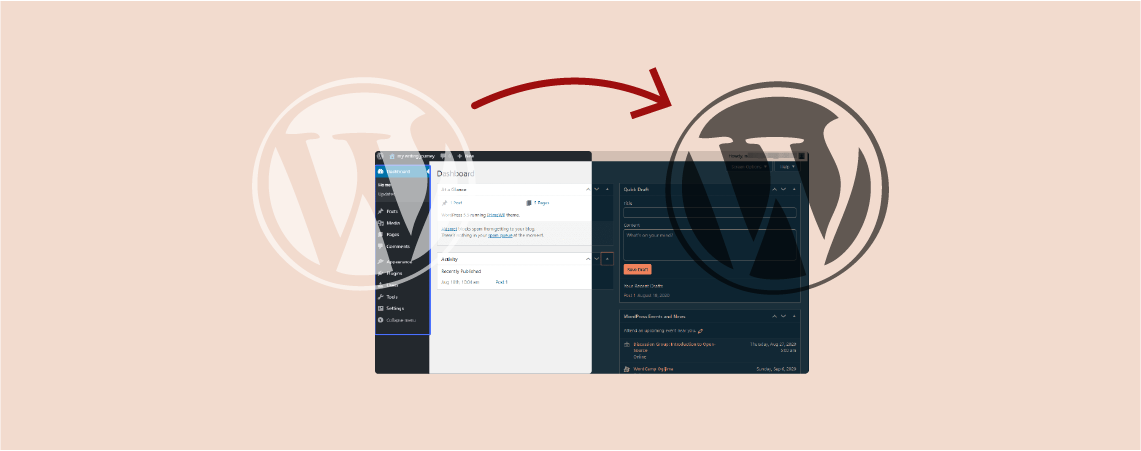
Using dark mode both on the website’s back and front end has been increasingly popular over the last few years. It not only gives a good look but also reduces eye strain and saves the battery life of devices. This article will provide an easy step-by-step guide on how to add dark mode to the…
How to Add Header & Footer Code in WordPress (With/out a Plugin)

There is a lot of necessities to add code in the header or footer. You might need to integrate with web services to your website and thus you have to add codes. That is not it even when you use different plugins you might need to add custom codes in your header or footer. If…
How To Import Articles From Google Docs To WordPress

Love writing content on Google Docs? We all do! But when it comes to importing content from Google Docs to WordPress, things start to get messy. It’s because directly copying content from Google Docs to WordPress editor isn’t the way to go always. Do you wish there was a solution that would let you import…
How to Wrap Text Around Image in WordPress

Do you want to learn how to wrap text around an image in WordPress? In this article, I’ll walk you through the entire process of aligning images right next to text in WordPress. Since Gutenberg, the method of wrapping text around images has changed. So, this tutorial will help you a lot if you’re new…
How To Add A Blogroll In Your WordPress Site

A blogroll is a list that contains links to other blogs related to your blog. You can include links to your other blog sites, or your liked blogs, or any websites you want to check out. WordPress comes with this feature from the very beginning. At first, this Blogroll feature was called Links, then in…
How to Redirect URLs in WordPress (2 Simple Ways)

Looking to learn how to redirect URLs in WordPress? You’ve come to the right place! In this article, I’ll be walking you through the steps of redirecting URLs in WordPress in a simple manner. I’ll cover two different ways you can use to redirect URLs. But before we get into that, let’s first learn what…
How To Edit & Change Post/Page URL In WordPress

After the WordPress 5.0 update, WordPress has introduced a new content editor called Gutenberg aka Block Editor. The new editor has completely replaced the old classic editor. As a result, a lot of things have changed. Though the new editor is more advanced, it might take some time to get used to it and understand…
Search
Recent Posts
- Best WordPress Halloween Deals 2026: Plugins, Tools & Discounts
- Black Friday WordPress Deals 2026: Best Plugin, Theme & Hosting Sales
- Elegant Themes Discount: Divi Up to 75% Off (No Code Needed)
- 11 Best Page Builders for WordPress (Drag & Drop)
- 9 Best WordPress Maintenance Service Providers
Categories
- Affiliate Marketing (5)
- Alternatives (2)
- Blogging (20)
- Books (8)
- Comparison (1)
- Courses (1)
- Deals (42)
- Giveaway (1)
- Gutenberg (47)
- How To (417)
- Marketing (2)
- Payment (1)
- Productivity (2)
- Release Notes (2)
- Review (7)
- SEO (5)
- Services (1)
- Sites (1)
- Themes (69)
- Tools (8)
- Web Hosting (13)
- WooCommerce (6)
- WordCamp (1)
- WordPress Block Editor Tutorials (100)
- WordPress Fixes (4)
- WordPress Hosting (19)
- WordPress Plugins (119)