

Author: Istiak Rayhan
-
How to Add Vertical Tabs in WordPress
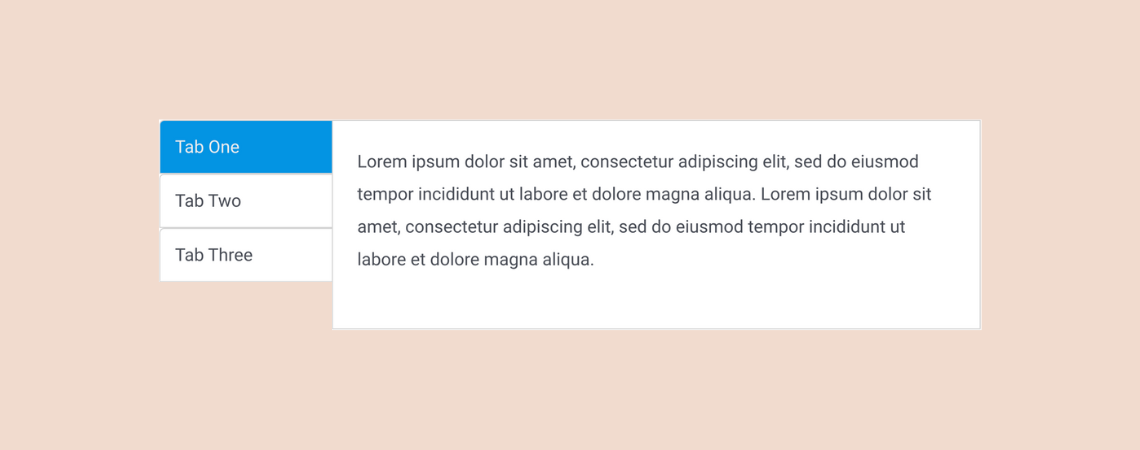
Using tabs is a great way of presenting information in an organized manner on a website. Whether it’s on a blog post or a landing page, tabs are used very commonly on websites these days. In this article, I’ll show you how to add vertical tabs in WordPress. This will help you add tabbed content
-
9+ Best WordPress Tabs Plugins to Organize Content

Tabs are not just functional; they can dramatically enhance the user experience on your WordPress site. Visitors can seamlessly access the content they need by clicking on a tab without unnecessary scrolling or navigation. With a plethora of WordPress tab plugins available, it’s possible to create visually appealing tabs complete with icons, vibrant colors, and
-
Block Editor Vs Classic Editor: What Are The Differences?
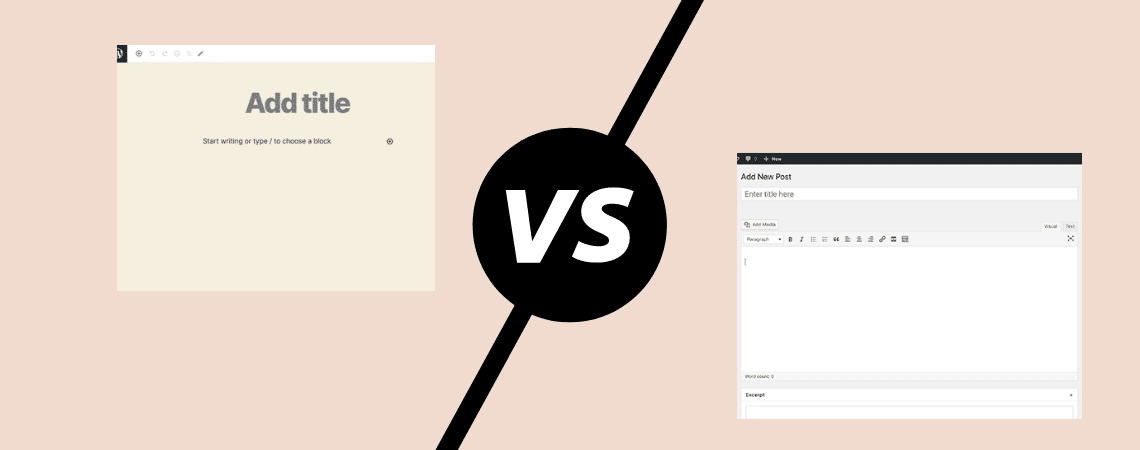
WordPress is the most popular platform for creating your own website. This platform has been around for years and has gone through many changes. But these changes weren’t as big as the change that happened to the platform in recent years. WordPress unveiled its brand new Block Editor (also called Gutenberg). And this new editor
-
How To Add Call-To-Action Buttons In WordPress (2 Ways)

Having proper Call-To-Action buttons can increase your conversion rates dramatically. If you are using WordPress, you are in luck. WordPress has a default option to add Call-To-Action buttons to your posts/pages. On top of that, there are a handful number of WordPress Call-To-Action button plugins available. You can use any of those plugins to add
-
How to Add a Download Button in WordPress (Quick & Easy)
Are you looking to make your website’s content more accessible and user-friendly? Recently, we explored the simplicity of creating a download link in WordPress. Today, we take it a step further. Learn how to enhance your user experience and significantly boost your downloads by incorporating a sleek, easy-to-use download button on your WordPress site’s posts
-
10+ Best WordPress Event Manager Plugins

Looking for a WordPress event manager plugin? You’ve come to the right place! An event manager plugin is usually used for displaying a list of events, allowing visitors to register for events, displaying an event calendar, etc. Now, it’s obvious that you wouldn’t be looking for a separate plugin that can perform such functions. One
-
How to Use the Social Icons Block In WordPress
·

The Social Icons block in WordPress allows you to add social icons to your WordPress posts/pages and link them to your respective social media profiles. You can connect many other platforms as well with this block alongside social networks. This is a default Gutenberg block, allowing you to showcase 40+ social icons on any part
-
How to Add a Table of Contents in WordPress (With/out a Plugin)
·

Did you ever stop reading a long post because you got bored or couldn’t find the section you wanted to read? Well, this wouldn’t happen if the author had added a table of contents in the post. A table of contents highlights all the valuable headings of a post/page and lets readers jump to their
-
How to Add a Border Around an Image in WordPress
·

Do you want to learn how to add a border around an image in WordPress? Adding borders around your images can be an excellent way to enhance them and make them stand out. WordPress has many ways to add a border around an image. This can be done using third-party plugins, custom CSS, and whatnot.
Search
Recent Posts
- How to Add & Embed Videos in WordPress (3 Easy Ways)
- 15+ Best WordPress Lifetime Deals (Plugins, Themes, & More)
- Tabbed Content (Tabs) Block Use Cases for WordPress (With Examples)
- Content Toggle (Accordion) Block Use Cases for WordPress (With Examples)
- 10+ Best WordPress Plugins for Writers and Authors
Categories
- Affiliate Marketing (5)
- Alternatives (2)
- Blogging (20)
- Books (8)
- Comparison (1)
- Courses (1)
- Deals (41)
- Giveaway (1)
- Gutenberg (47)
- How To (416)
- Marketing (2)
- Payment (1)
- Productivity (2)
- Release Notes (1)
- Review (7)
- SEO (5)
- Services (1)
- Sites (1)
- Themes (69)
- Tools (8)
- Web Hosting (11)
- WooCommerce (6)
- WordCamp (1)
- WordPress Block Editor Tutorials (101)
- WordPress Fixes (4)
- WordPress Hosting (19)
- WordPress Plugins (119)