

-
How to Create Styled Content Boxes in WordPress
·
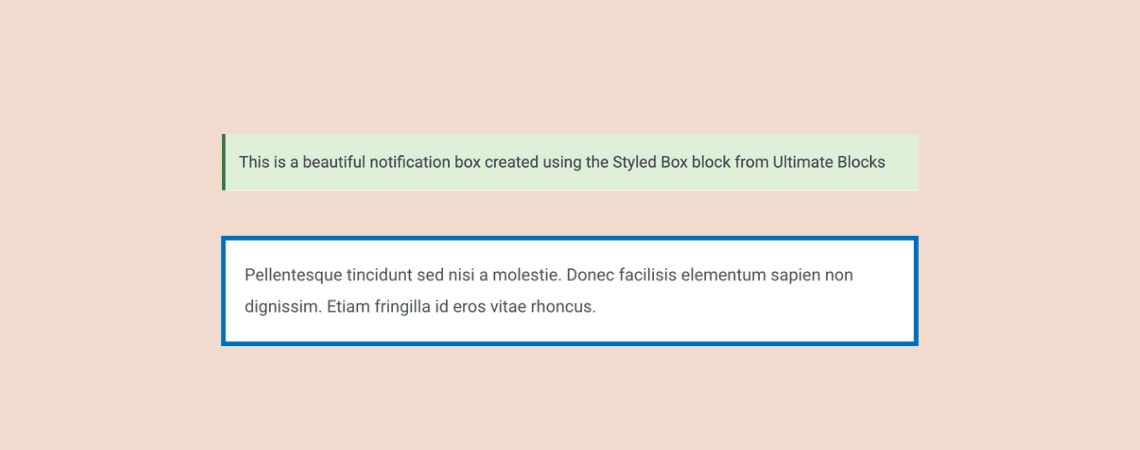
Using styled content boxes in your content can help you highlight any important parts of your content in the form of tips, warnings, or important information. This usually helps in engaging your readers and making your content look more beautiful and readable. Creating styled content boxes can be done in WordPress by writing custom CSS.
-
How to Add Column Background Image in WordPress

Adding a background image to a single column in WordPress might sound simple, but if you’ve tried using the Columns block directly, you’ve likely noticed it doesn’t support background images by default. That doesn’t mean you’re out of options. With a small workaround using the Group block, you can easily achieve the effect and even
-
How to Change Paragraph Block Width in WordPress

Sometimes, WordPress’s default width in a paragraph block doesn’t feel right. Maybe the text looks too stretched across the page, or you want to narrow it down for better readability. The good news is that you have a few simple ways to adjust the width and make your content more polished. In this guide, we’ll
-
7 Best Affiliate Coupon Plugins for WordPress

While coupon codes seem like just a way to provide discounts to your audience, they play a much bigger role. Coupon codes can boost your affiliate sales. But you’ll have to make sure that the people are clicking on your affiliate links before using the coupons. What happens in most cases is that people just
-
How to Show Process Steps in WordPress (Using a Free Plugin)
·

Want to make your tutorials or how-to content more engaging? Learn how to show process steps in WordPress using different layouts like tabs, toggles, timelines, and more. All these can be done using a free plugin. Ultimate Blocks is a versatile block plugin that lets you add process steps in different ways. Utilizing the Timeline,
-
How to Change Image Size in WordPress Without Any Plugin Easily

Images are essential to make your website look good and informative at the same time. If you don’t maintain the image’s size, it can cause serious issues, such as messing up the website’s layout, slowing down your website, etc. WordPress provides you with several ways to control image sizes without needing any special technical skills.
-
5 Best WordPress Pagination Plugins

Paginations are helpful for websites with many products, content, posts, etc. Proper pagination becomes a necessity, more than just a design choice. Without pagination, things can get cluttered fast. A good WordPress Pagination plugin can make your website navigate more easily and help improve user engagement and site load speed. Today, in this post, we
-
How to Add Load More Button in WordPress (Posts or Anything)
·
Tired of endless scrolling that makes your website feel more like a chore than a smooth experience? You’re not alone. When visitors are forced to scroll through long chunks of content, it can lead to frustration and even higher bounce rates. That’s where the “Load More” button comes in. Instead of overwhelming users with too
-
How to Change Social Icons Color in WordPress (3 Easy Steps)

Want to give your social icons a splash of colors that match your brand better? WordPress makes this possible through multiple approaches, but we will discuss the easiest one you can follow regardless of your current skill level. All you need to do is follow the tutorial thoroughly. How to Change Social Icons Color in
Search
Recent Posts
- Rapyd Cloud Review: Fast, Secure, and Built for WordPress Sites That Can’t Afford to Fail
- How to Create a Multi-Server Video Player in WordPress Using Tabs
- 10 Best User Feedback Plugins for WordPress
- 8 Best Timeline WordPress Plugins (Free & Premium)
- 7 Best WordPress Voting Plugins (Free & Pro)
Categories
- Affiliate Marketing (5)
- Alternatives (2)
- Blogging (20)
- Books (8)
- Comparison (1)
- Courses (1)
- Deals (41)
- Giveaway (1)
- Gutenberg (47)
- How To (417)
- Marketing (2)
- Payment (1)
- Productivity (2)
- Release Notes (1)
- Review (7)
- SEO (5)
- Services (1)
- Sites (1)
- Themes (69)
- Tools (8)
- Web Hosting (12)
- WooCommerce (6)
- WordCamp (1)
- WordPress Block Editor Tutorials (101)
- WordPress Fixes (4)
- WordPress Hosting (19)
- WordPress Plugins (119)