

Istiak Rayhan
How to Use Paragraph Block in WordPress
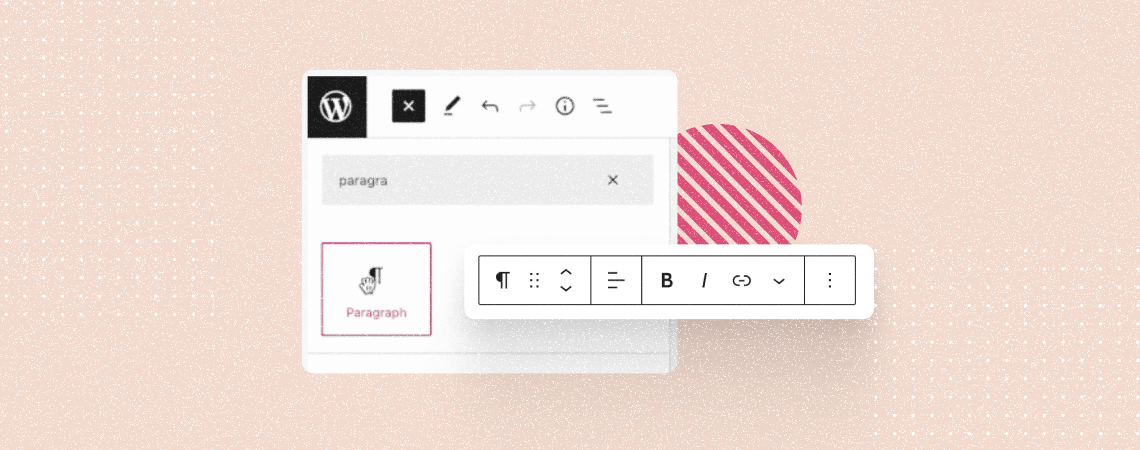
The Paragraph block stands as the core foundation for textual content creation on WordPress posts and pages. This is the most used Gutenberg block in WordPress. Yet, it takes a good amount of time for new users to get all the functionalities of the block. This is why we’ll explain to you how to use…
How to Remove Space Between Blocks in WordPress
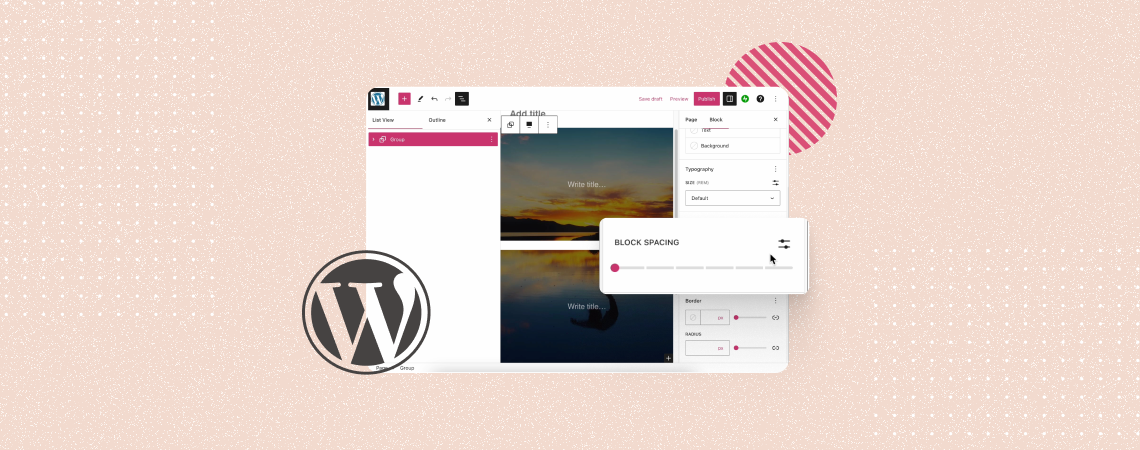
WordPress allows you numerous ways to stylize and customize blocks on a website. It also provides you with several easy ways to remove whitespaces between blocks to make your content presentation system more engaging. Whitespaces refer to unnecessary empty spaces, paddings, and margins between elements. They often disrupt the flow of a website layout, making…
WordPress Blocks: What Are They & How to Use Them (Guide)
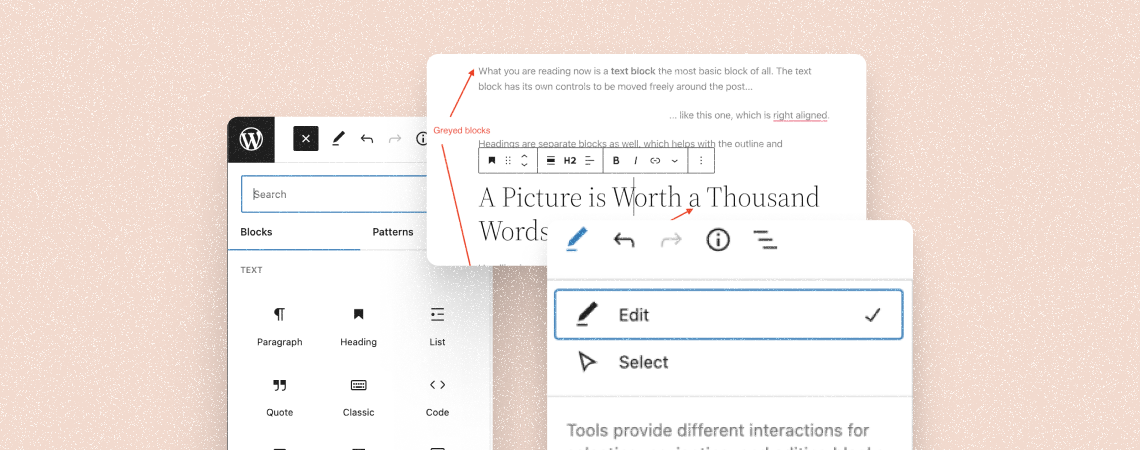
Ever since WordPress launched Gutenberg, it completely changed the way its editor works and how you create content on WordPress. The Block editor introduced blocks – a new way of adding content and elements to your website. With blocks, you can create content with much more control over the design and finer customization for each…
How to Use the WordPress Custom HTML Block (Gutenberg)
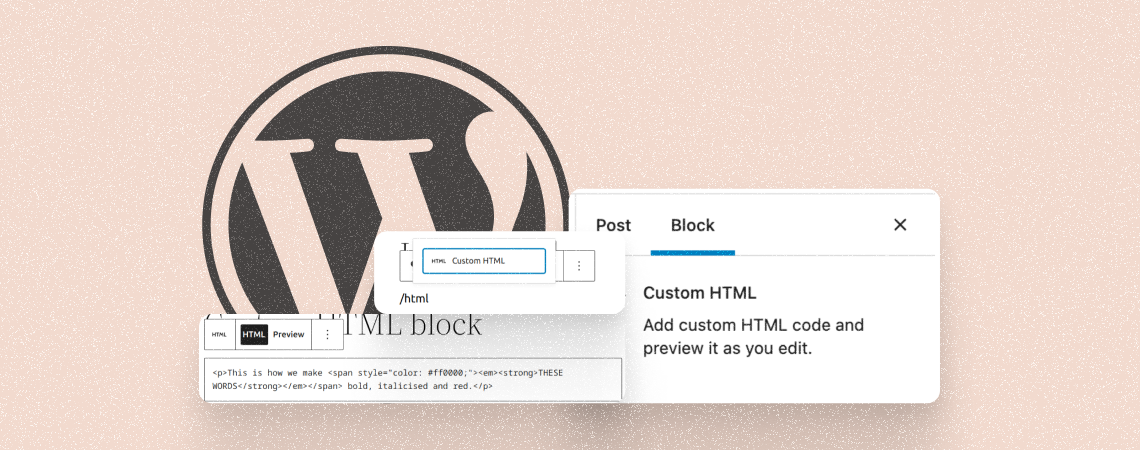
The WordPress custom HTML Block allows you to directly inject HTML code into your post or page to showcase content from external sources. You can add content like videos, Google Maps, social media widgets, audio players, and more. As a result, you don’t have to upload the entire content on your website, which saves your…
How to Use the WordPress Embed Block (Gutenberg)

The WordPress Embed block is a default Gutenberg block. It lets you embed a wide range of content from other websites and platforms into your WordPress posts and pages just by copy-pasting source links into the block. The WordPress Bmbed block supports embedding content from various sources, including YouTube, Vimeo, Twitter, Facebook, and more. As…
60+ WordPress Block Editor Keyboard Shortcuts (Gutenberg)

The new WordPress block editor aka Gutenberg is becoming popular day by day. WordPress users are already impressed by its time-saving functionalities. One such functionality is the keyboard shortcuts. Yes, you can save time by using shortcuts instead of leaving your keyboard and using the mouse. It will definitely speed up the process. And for…
WordPress Block Editor: Everything You Need To Know!

WordPress released its new Block editor that has now replaced the old classic editor. This editor works in a totally different way and is the direction where WordPress is heading to. If you’re new to the WordPress Block Editor and are looking for a resource to understand how it works, you’re in the right place! …
How to Add Caption to Images in WordPress

Images are a powerful way to create a memorable user experience. They can communicate a message faster to web visitors, which many texts can’t do alone. By adding captions, you can enhance their value to users and provide a more insightful context. Because captions can provide additional information like the subject matter, date, location, devices…
How to Add Columns in WordPress (Without Using a Plugin)

WordPress allows you to create content in many different ways and also get creative with how you display content. Using columns is a great way to display content in an effective way. Columns can be used in so many different ways to arrange content. Needless to say, using columns in your WordPress posts and pages…
Search
Recent Posts
- 12 Best WordPress Countdown Timer Plugins (Free & Pro)
- 7 Best Before and After Image Slider Plugins for WordPress
- How to Create a Product Review Card in WordPress (With Points Ratings)
- How to Create Stacked Cards in WordPress (Scroll and Deck Effect)
- How to Add Summarize with AI Buttons in WordPress (ChatGPT, Claude, Perplexity)
Categories
- Affiliate Marketing (6)
- Alternatives (2)
- Blogging (20)
- Books (8)
- Comparison (1)
- Courses (1)
- Deals (42)
- Giveaway (1)
- Gutenberg (47)
- How To (421)
- Marketing (2)
- Payment (1)
- Productivity (2)
- Release Notes (3)
- Review (7)
- SEO (6)
- Services (1)
- Sites (1)
- Themes (69)
- Tools (8)
- Web Hosting (13)
- WooCommerce (6)
- WordCamp (1)
- WordPress Block Editor Tutorials (104)
- WordPress Fixes (4)
- WordPress Hosting (19)
- WordPress Plugins (120)