

WordPress Block Editor Tutorials
Delve into the WordPress Block Editor world with the ‘WordPress Block Editor Tutorials’. Whether you’re a beginner taking your first steps or an experienced user looking for advanced tips, our step-by-step guides ensure you master the art of creating compelling content easily. Each tutorial empowers you with the knowledge and confidence to harness the full potential of the Block Editor. Discover new features, shortcuts, and techniques to enhance your storytelling and engage your audience like never before
-
7 Best WooCommerce Sales Countdown Timer Plugins (2024)

Countdown timers are a very effective way to create a sense of urgency for your website visitors. It plays into their FOMO (Fear of Missing Out) and triggers them to take action. If you’re running a WooCommerce store, utilizing countdown timers can be very beneficial in driving more sales. Especially during special occasions and holidays,
-
7 Best Web Hosts With Free Site Migration (2024)

If you’re planning to move to a new hosting provider, it’s always a good idea to choose one that offers free site migration. This takes away all the headaches of migrating your website manually without any help. Whether you’ve migrated websites to a different hosting before or not, the entire process can be time-consuming and
-
How to Center a Button in WordPress Block Editor

Buttons are a great way to add call-to-actions to a website. But by default, they always come as left-aligned in the WordPress block editor. This may not look aesthetically appealing or properly functional in all cases. Centering buttons on WordPress websites can make the visual more balanced and help draw the attention of readers and
-
How to Add a Button Over an Image in WordPress

Do you want to learn how to add a button over an image in WordPress? Well, you’ve come to the right place! Placing buttons over images is very common and an excellent way to emphasize users to take action. You can use buttons over images as CTAs in your content. In this article, I’ll show
-
How to Use the WordPress Cover Block (Gutenberg)
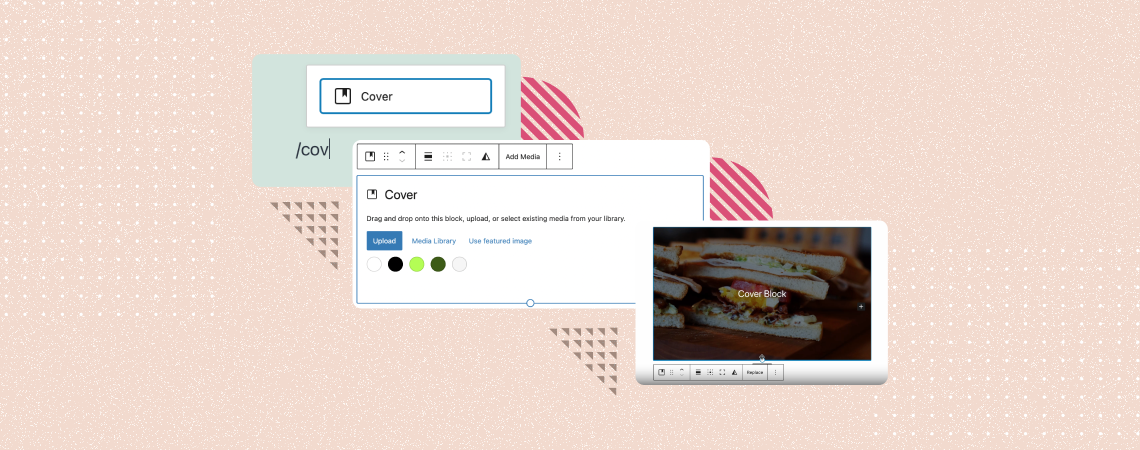
Captivating the attention of web visitors and users in the shortest possible of time has become a must-have skill for any website owner today. After a new visitor lands on your website, he will give you a maximum of 5-7 seconds. Unless you can engage him within the time, he is sure to move away.
-
How to Use the WordPress List Block (Gutenberg)
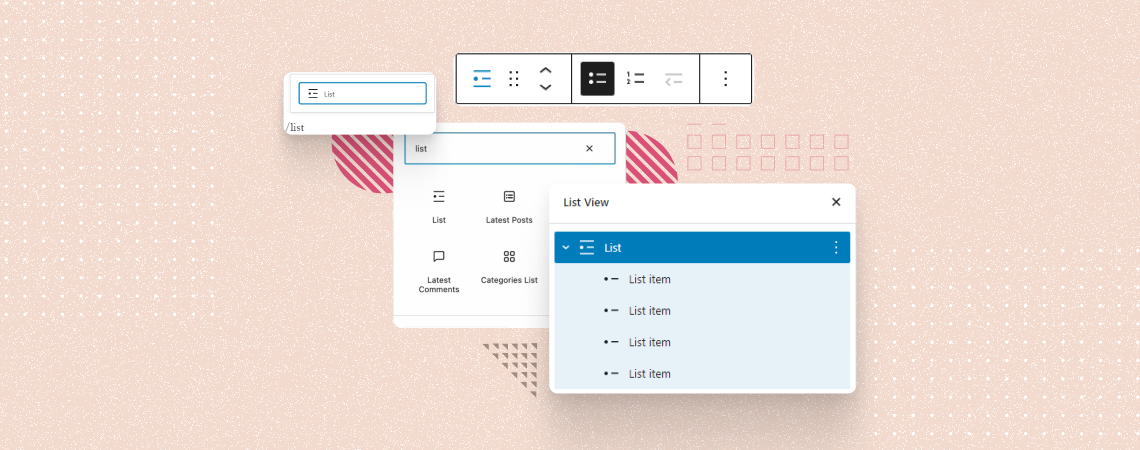
The WordPress List block is one of the most heavily used Gutenberg blocks that allows you to create various types of lists in bullet, numbered, and nested indent styles. It provides an easy way to structure your content in organized ways. Using the List block, you can create step-by-step guides, outline key points, and present
-
9 Best Internal Linking WordPress Plugins (That Work Great)

Internal linking is one of the most important factors of On-Page SEO. Before you even begin building backlinks to your website, it is important to ensure that your internal link structure is proper. Adding links manually can be very time-consuming especially if your website has hundreds or thousands of pages. Thankfully, in WordPress, you can
-
How to Use the Heading Block in WordPress
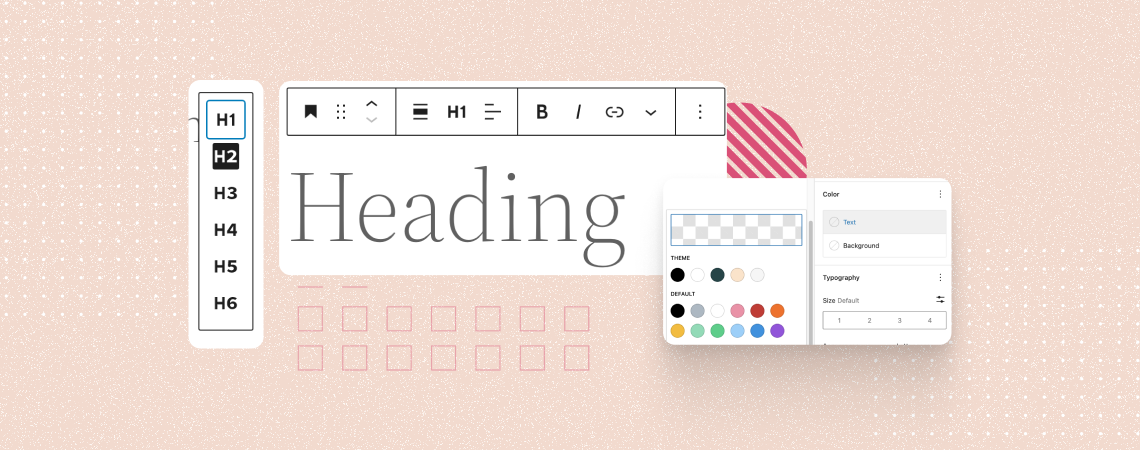
The Heading block is a fundamental text type used to break up large a piece of content into different sections and sub-sections. Headings are typically displayed in larger and bolder fonts, making them stand out from the rest of the text. It helps you create a hierarchical structure for your post and page content, improving
-
How to Move Blocks in WordPress (3 Easy Ways)

If you’re new to WordPress, you must be discovering a lot of new things you can do with the Block Editor. One of the best things about the Block Editor is the ability to move blocks anywhere you want. And in this short tutorial, I’ll show you how to move blocks in WordPress. This will
Search
Recent Posts
- 10+ Best WordPress Knowledge Base & Documentation Plugins
- 10 Best WordPress Popup Plugins (Free & Paid)
- Elegant Themes Discount 2026 – Up To 72% OFF! (Divi Sale)
- 10 Best FREE Notification Bar WordPress Plugins (Compared)
- Rapyd Cloud Review: Fast, Secure, and Built for WordPress Sites That Can’t Afford to Fail
Categories
- Affiliate Marketing (5)
- Alternatives (2)
- Blogging (20)
- Books (8)
- Comparison (1)
- Courses (1)
- Deals (41)
- Giveaway (1)
- Gutenberg (47)
- How To (417)
- Marketing (2)
- Payment (1)
- Productivity (2)
- Release Notes (1)
- Review (7)
- SEO (5)
- Services (1)
- Sites (1)
- Themes (69)
- Tools (8)
- Web Hosting (12)
- WooCommerce (6)
- WordCamp (1)
- WordPress Block Editor Tutorials (101)
- WordPress Fixes (4)
- WordPress Hosting (19)
- WordPress Plugins (119)