

-
10+ Best WordPress Countdown Timer Plugins (Mostly FREE)

Countdown timers are a proven tool for creating a sense of excitement and urgency around upcoming events or sales. By displaying a ticking clock that counts down to a specific deadline or event, you can motivate your visitors to take action and increase your conversions. If you’re using WordPress, there are many great countdown timer
-
How to Create Horizontal Tabs in WordPress
·
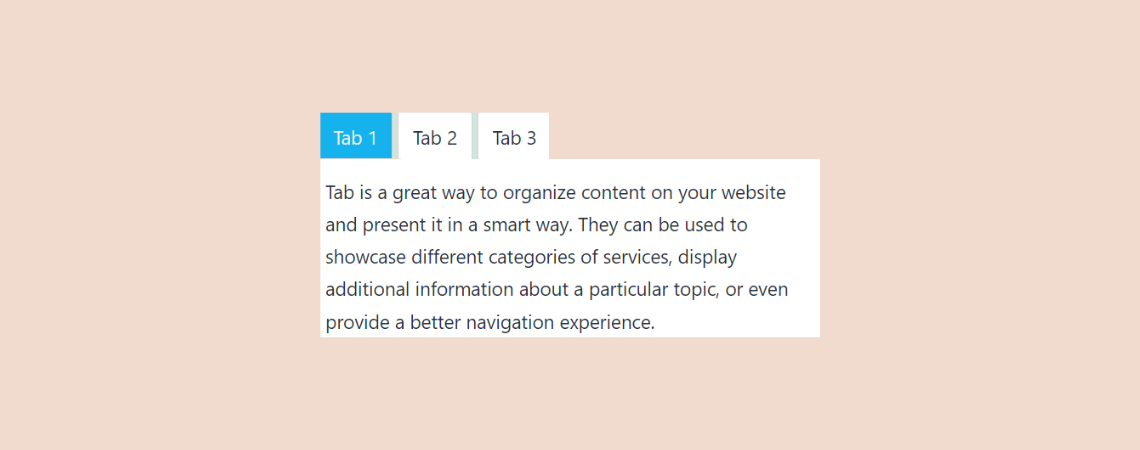
Tabs are a great way to organize content on your website and present it in a clean and structured format. They can be used to showcase product features, display information in categories, or even improve navigation for your users. If you’re not sure how to add tabs in WordPress, don’t worry. In this post, I’ll
-
How to Add an Accordion in WordPress (With/out a Plugin)

An accordion is a collapsible web element or content section that holds large amounts of information in a limited space. When you click on the accordion, it expands and showcases the information in a more organized way. When adding accordions in WordPress, you can use the native ‘Details’ block or an accordion block plugin. The
-
10+ Best WordPress Accordion Plugins (Free & Pro)

WordPress accordions are changing the game of website content for the better. If you need to share a lot of content on your website in a way that is easy for visitors to understand and navigate, then accordions are the perfect tool for you. One of the best things about accordions is that they can
-
How to Add an Icon to a Heading in WordPress
·
Headings are the unsung heroes of your WordPress content. They capture attention and guide visitors through the maze of your posts and pages. Yet, even the most magnetic headlines occasionally need a dynamic duo to sparkle truly. Enter the humble icon: a small addition that can significantly boost your website’s visual appeal, enhance clarity, and
-
How to Put Accordions into Tabs in WordPress
·

Struggling to organize complex information on your WordPress website? Craving enhanced clarity and user-friendliness? Look no further! This post unveils a method to put accordions within tabs, providing a structured and intuitive way to present your content. Discover how to maximize organization, improve user experience, and take your website’s information architecture to the next level!
-
How to Embed a YouTube Video in WordPress (2 Easy Ways)
·

Struggling to capture visitor attention and enhance your website’s appeal? Look no further than YouTube videos! Embedding them in your WordPress content offers a powerful solution that boosts engagement and adds visual dynamism. But fret not if you’re tech-averse! This post unveils a simple, method for effortlessly embedding YouTube videos, even without coding knowledge. Let’s
-
How To Add ‘Pros & Cons’ Box In WordPress (With/out Schema)
·
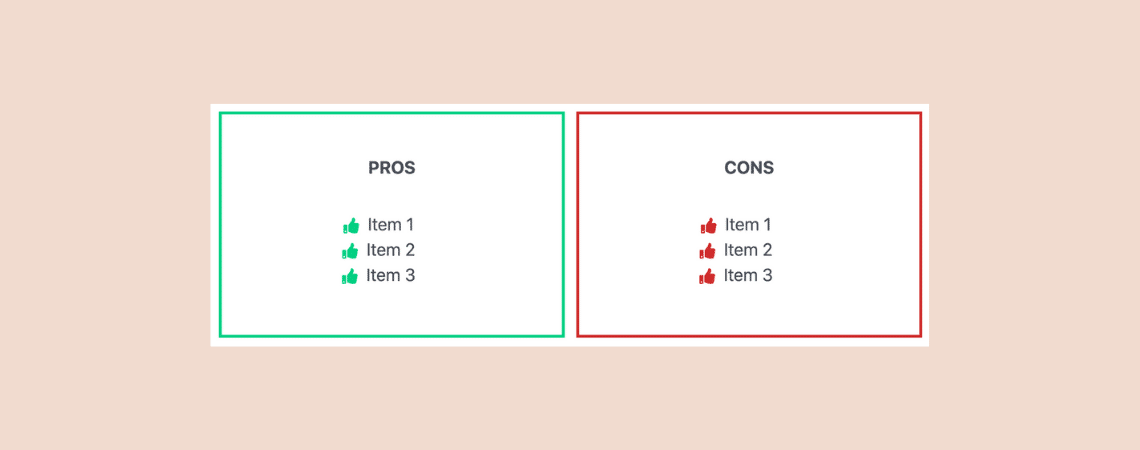
If you write review posts, chances are that you talk about the good and the bad side of the products/services. We call it the ‘Pros & Cons‘ of the product/service. Having pros and cons in a review post makes it easier for visitors to understand the product/service better. And to make pros and cons list
-
How to Autoplay YouTube Videos in WordPress (Easy Guide)
·

Want to instantly grab your visitors’ attention with autoplay YouTube videos on your WordPress site? Autoplaying videos can boost user engagement, but it’s essential to use this feature thoughtfully to avoid disrupting your visitors’ experience. In this guide, you’ll learn exactly how to enable autoplay for YouTube videos in WordPress effortlessly, making your website more
Search
Recent Posts
- Rapyd Cloud Review: Fast, Secure, and Built for WordPress Sites That Can’t Afford to Fail
- How to Create a Multi-Server Video Player in WordPress Using Tabs
- 10 Best User Feedback Plugins for WordPress
- 8 Best Timeline WordPress Plugins (Free & Premium)
- 7 Best WordPress Voting Plugins (Free & Pro)
Categories
- Affiliate Marketing (5)
- Alternatives (2)
- Blogging (20)
- Books (8)
- Comparison (1)
- Courses (1)
- Deals (41)
- Giveaway (1)
- Gutenberg (47)
- How To (417)
- Marketing (2)
- Payment (1)
- Productivity (2)
- Release Notes (1)
- Review (7)
- SEO (5)
- Services (1)
- Sites (1)
- Themes (69)
- Tools (8)
- Web Hosting (12)
- WooCommerce (6)
- WordCamp (1)
- WordPress Block Editor Tutorials (101)
- WordPress Fixes (4)
- WordPress Hosting (19)
- WordPress Plugins (119)