Skip to content
How To
How to Change Menu Color in WordPress (With Block Editor)
Navigation menu is one of the crucial elements of the website. It helps your visitors to access different parts of your website. Your navigation menu makes a significant impact on your website’s overall look and feel. Therefore, it is important for your navigation menu to behave and look in the way you want. If you…
How to Add a Search Form in a WordPress Post (Easily)
One of the great ways to enhance the user experience is to add a search form. It allows your visitors to search for what they are looking for. This search form is very much helpful on blog pages. You can easily add a search form on WordPress site of yours. If you don’t know how…
How to Add Icons to Menu in WordPress
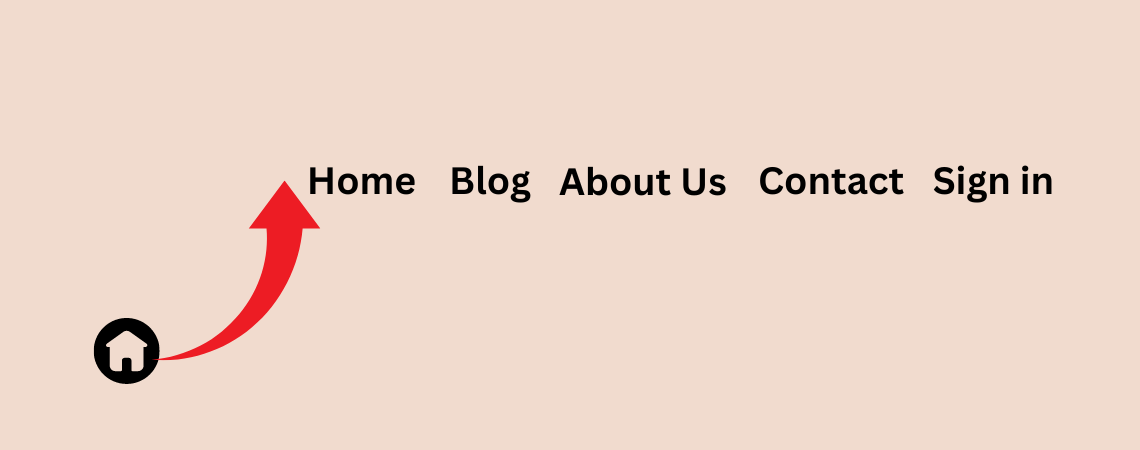
Menus are the roadmap of your website, guiding users to the content they seek. But let’s face it, plain text menus can sometimes feel bland. Adding icons can inject personality, improve visual appeal, and enhance user experience. Worry not! This post unveils a way to add captivating icons to your WordPress menus, regardless of your…
How to Password Protect a Page or Post in WordPress

Need to keep certain content confidential on your WordPress site? Password protection comes to the rescue! Whether it’s sensitive information or exclusive content, discover the perfect solution to safeguard your data and control access with ease. There are different ways to password protect your post. You can use plugins or use the default setting of…
How to Reset WordPress Website
Life may not give you a second chance to reset everything, every mistake you have made in life. But WordPress does; WordPress lets you reset everything in your website and let you go back to how it was when you first installed it. Resetting saves you from installation hassle and thus saves your time. In…
How to Flip an Image on Hover in WordPress

Want to add a dynamic touch to your WordPress images? Look no further than the flip effect on hover! This cool animation brings an element of surprise and interactivity to your website, grabbing users’ attention and enhancing their visual experience. But here’s the question: how can you achieve this magical flip trick on your WordPress…
How to Add Video Background In WordPress

Since users today spend very little time on a website, it’s crucial for website owners to captivate visitors right from the moment they land on a page. One way to do this is by adding video(s) in the background of your posts and pages. A video background on WordPress is a moving visual, replacing the…
How to Add Internal Links in WordPress (Manual & Auto)

Think internal linking is just for tech-savvy experts? Think again! Internal links play a crucial role in enhancing your website’s structure and user experience. If you’re a newcomer to WordPress, you might feel daunted by the task of adding internal links to your site. But fear not! In this post, Discover how linking your content…
How to Automatically Add a Disclaimer in WordPress (In Seconds)
Think disclaimers are just dry legal jargon? Think again! They’re essential for setting expectations, informing users about limitations, and mitigating potential legal risks. This post walks you through the simple process of adding a disclaimer to your WordPress site, empowering you to protect your business while providing valuable context for your visitors. After reading this…
Search
Recent Posts
- Best WordPress Halloween Deals 2026: Plugins, Tools & Discounts
- Black Friday WordPress Deals 2026: Best Plugin, Theme & Hosting Sales
- Elegant Themes Discount: Divi Up to 75% Off (No Code Needed)
- 11 Best Page Builders for WordPress (Drag & Drop)
- 9 Best WordPress Maintenance Service Providers
Categories
- Affiliate Marketing (5)
- Alternatives (2)
- Blogging (20)
- Books (8)
- Comparison (1)
- Courses (1)
- Deals (42)
- Giveaway (1)
- Gutenberg (47)
- How To (417)
- Marketing (2)
- Payment (1)
- Productivity (2)
- Release Notes (2)
- Review (7)
- SEO (5)
- Services (1)
- Sites (1)
- Themes (69)
- Tools (8)
- Web Hosting (13)
- WooCommerce (6)
- WordCamp (1)
- WordPress Block Editor Tutorials (100)
- WordPress Fixes (4)
- WordPress Hosting (19)
- WordPress Plugins (119)