

-
How to Create a Nested Accordion in WordPress
·
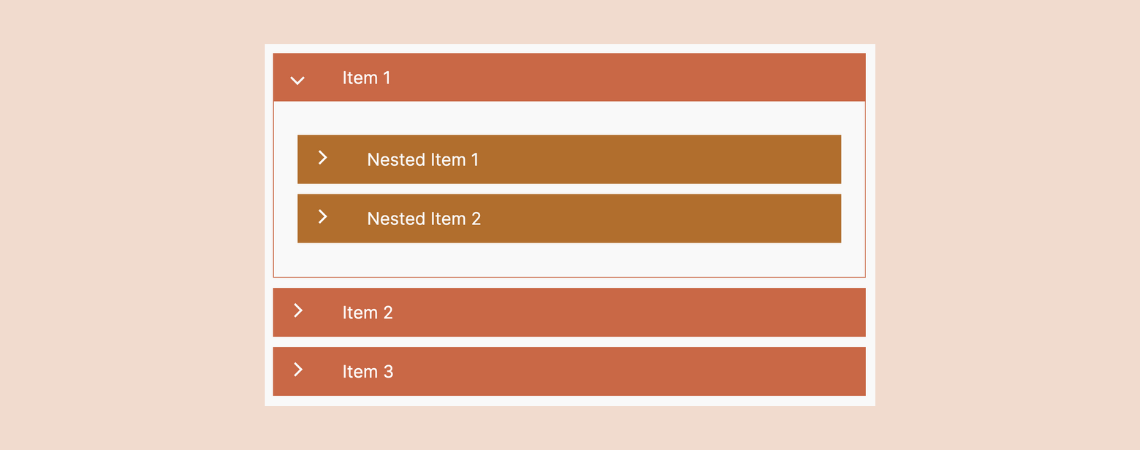
Accordions are an excellent tool for neatly organizing and showcasing vast content in a compact, collapsible format. They are handy for presenting FAQs to your site visitors, enabling them to find answers quickly and efficiently. However, there are scenarios where you might need an accordion within another accordion, known as Nested Accordions, to structure information
-
How to Add Animated Number Counter in WordPress
·
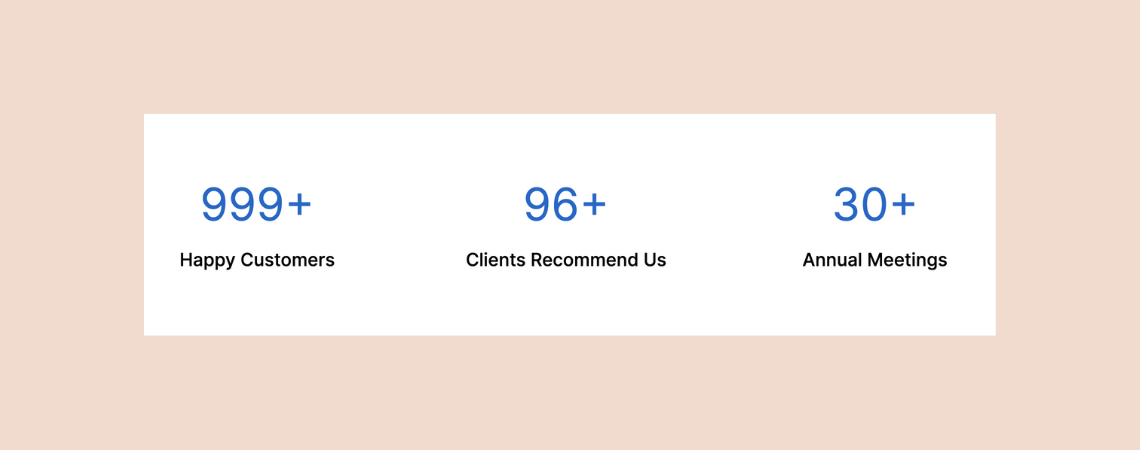
Today’s readers love to read statistics more than flat text information. WordPress offers you lots of plugins and solutions to showcase your achievements, projects completed, clients, etc., in beautiful counter bars. This article will explain how to add animated number counter in WordPress with a simple and easy steps. There are several plugins you can
-
How to Add Accordion FAQs with Categories in WordPress
·
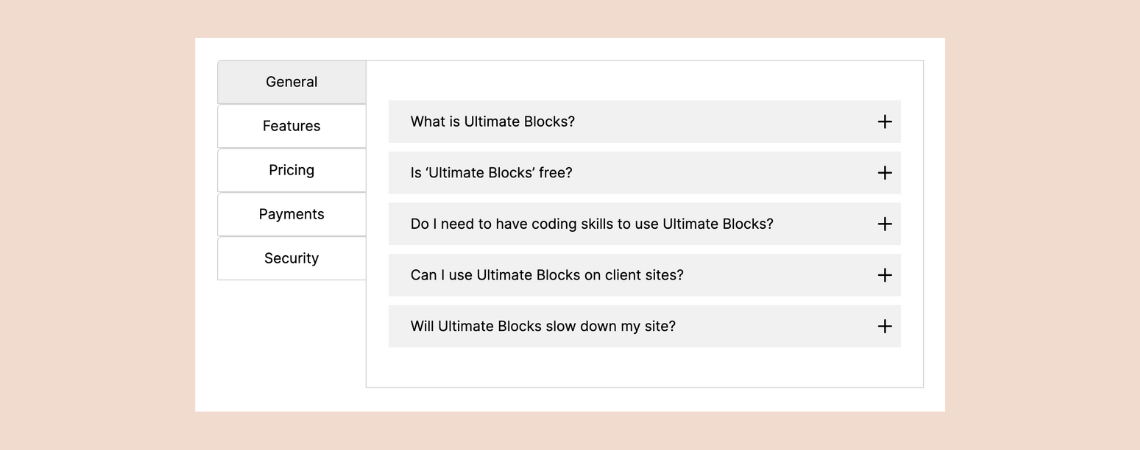
Crafting a categorized FAQ section is a powerful way to enhance the functionality and aesthetic of your website, making it more user-friendly and engaging. Fortunately, setting this up on your own is straightforward. If you’re unsure where to start, you’ve come to the perfect place. In this guide, we’ll walk you through the process of
-
How To Add Circle Progress Bars In WordPress
·
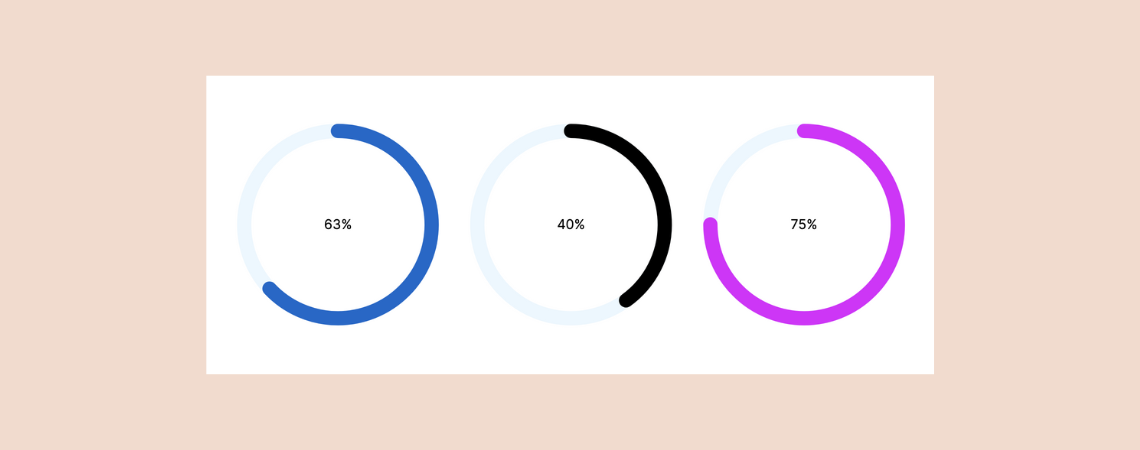
Are you looking to enhance your WordPress site with a visually appealing circle progress bar but prefer to avoid diving into coding? You’re in luck! With the Ultimate Blocks Plugin, adding a circle progress bar is not only straightforward but requires no coding skills and can be accomplished in just a minute. Whether you aim
-
How to Add Bullet Points & Numbered Lists in WordPress

In today’s fast-paced world, most visitors prefer to scan content rather than read every word. Highlighting key points or summarizing content using bullet points or numbered lists can effectively catch their attention and ensure your message gets across. If you’re using the WordPress Block Editor, you’re in a great position. This modern editor has simplified
-
10+ Best Post Grid Plugins for WordPress (Paid & Free)

Are you looking to showcase your blog posts on your website in a unique and visually appealing way? If so, you’ve come to the right place! In this post, we’ll explore a handpicked selection of the best post grid plugins available for WordPress. These plugins offer various features that can help you beautifully display your
-
How To Show And Hide Text In WordPress (Easy Way)
·
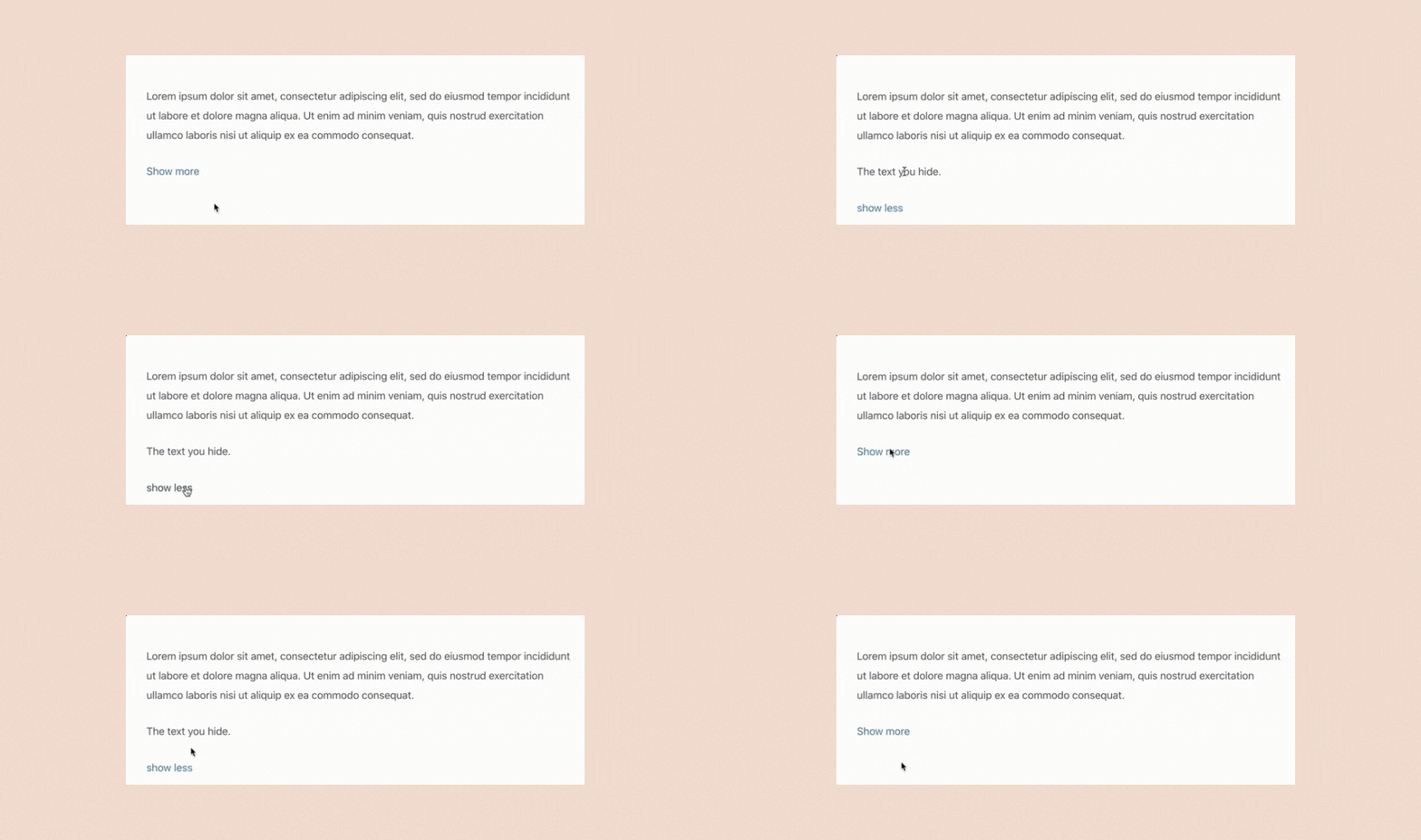
Ever felt that your WordPress posts/pages are overwhelmed with details, making it hard for visitors to engage? The solution lies in strategically hiding some content. This approach not only declutters your page but also intrigues your visitors, inviting them to explore further with a simple ‘Show more’ option. In this guide, we’ll explore two effective
-
How to Add Vertical Tabs in WordPress
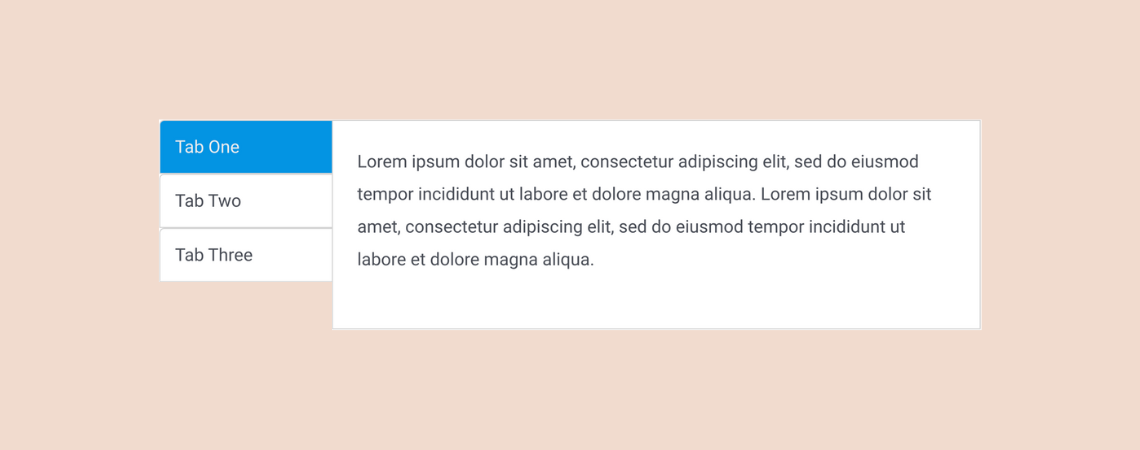
Using tabs is a great way of presenting information in an organized manner on a website. Whether it’s on a blog post or a landing page, tabs are used very commonly on websites these days. In this article, I’ll show you how to add vertical tabs in WordPress. This will help you add tabbed content
-
How to Create Nested Tabs in WordPress (3 Easy Steps)
·

Are you looking to enhance your WordPress site with a sleek, organized layout? Look no further than nested tabs! Nested tabs offer a dynamic solution for presenting a wealth of information on a single page without overwhelming your visitors with endless scrolling. This powerful feature allows you to categorize content in an accessible and visually
Search
Recent Posts
- Rapyd Cloud Review: Fast, Secure, and Built for WordPress Sites That Can’t Afford to Fail
- How to Create a Multi-Server Video Player in WordPress Using Tabs
- 10 Best User Feedback Plugins for WordPress
- 8 Best Timeline WordPress Plugins (Free & Premium)
- 7 Best WordPress Voting Plugins (Free & Pro)
Categories
- Affiliate Marketing (5)
- Alternatives (2)
- Blogging (20)
- Books (8)
- Comparison (1)
- Courses (1)
- Deals (41)
- Giveaway (1)
- Gutenberg (47)
- How To (417)
- Marketing (2)
- Payment (1)
- Productivity (2)
- Release Notes (1)
- Review (7)
- SEO (5)
- Services (1)
- Sites (1)
- Themes (69)
- Tools (8)
- Web Hosting (12)
- WooCommerce (6)
- WordCamp (1)
- WordPress Block Editor Tutorials (101)
- WordPress Fixes (4)
- WordPress Hosting (19)
- WordPress Plugins (119)