Skip to content
How To Add ‘Pros & Cons’ Box In WordPress (With/out Schema)
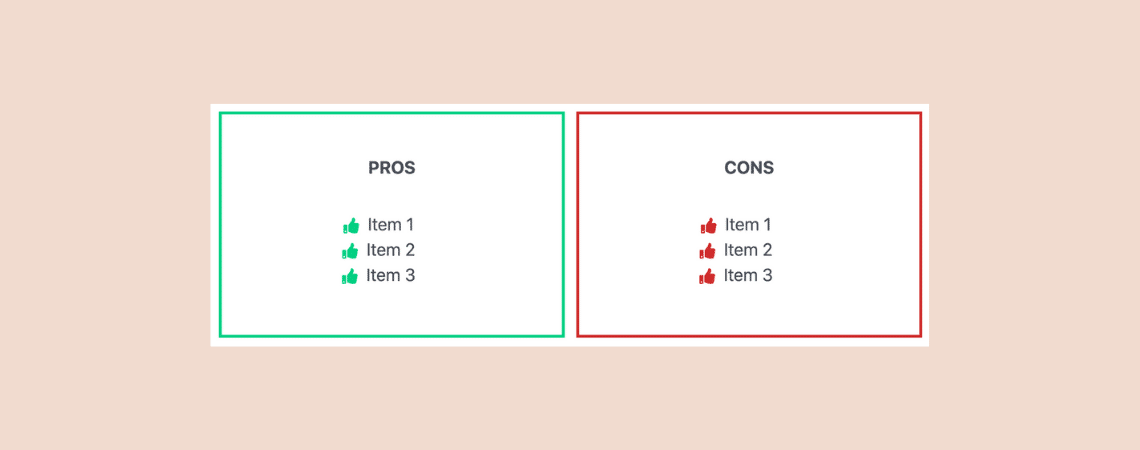
If you write review posts, chances are that you talk about the good and the bad side of the products/services. We call it the ‘Pros & Cons‘ of the product/service. Having pros and cons in a review post makes it easier for visitors to understand the product/service better. And to make pros and cons list…
How to Autoplay YouTube Videos in WordPress (Easy Guide)

Want to instantly grab your visitors’ attention with autoplay YouTube videos on your WordPress site? Autoplaying videos can boost user engagement, but it’s essential to use this feature thoughtfully to avoid disrupting your visitors’ experience. In this guide, you’ll learn exactly how to enable autoplay for YouTube videos in WordPress effortlessly, making your website more…
How to Make an Image Rounded in WordPress (No Plugin Needed)

Images are powerful communication tools, but sometimes they need a little makeover. Adding rounded corners can inject personality and enhance the visual appeal of your WordPress website. And guess what? You don’t need coding expertise or bulky plugins! In this guide, I’ll show you a secret weapon built right into the WordPress editor itself, letting…
How To Add a YouTube Subscribe Button In WordPress

Do you want to increase your YouTube subscribers? Silly question, who doesn’t? Yes, everyone wants to increase their subscribers. One of the easiest ways to increase subscribers is to add ‘YouTube Subscribe Button’ to your WordPress site. It’s very easy to do. YouTube offers an official subscribe button. You can also use a WordPress plugin…
How To Add Buttons In WordPress (With or Without Plugin)

Are you looking for a simple yet effective way to enhance your WordPress posts and pages? Look no further! Buttons can be a game-changer for your website, adding a touch of visual appeal and significantly boosting your conversions. If you’ve ever wondered how to add buttons in WordPress, you’re in the right place. In this…
How to Create a Tabbed Image Gallery in WordPress

In today’s era, visual content plays a vital role in engaging website visitors, and a well-designed image gallery can be a game changer. A tabbed image gallery allows you to showcase your photos in a sleek and organized manner. If you don’t know how to create a tabbed image gallery, then don’t worry. This post…
How to Add an Icon With Text in WordPress
Combining icons with text is not just about aesthetic appeal; it’s a strategic approach to improving user experience and conveying information more effectively. On a WordPress website, this duo can guide visitors, highlight key information, and make the navigation intuitive. Whether you’re a seasoned professional or taking your first steps in web design, incorporating icons…
10+ Best WordPress Editor Plugins (Block, Classic, & More)

WordPress is one of the most popular CMS out there and one of the big reasons for its massive popularity is how easy it is to use. Whether you have a technical background or not, you can easily use WordPress and make beautiful websites. The WordPress editor is another reason why people love using WordPress.…
How to Embed YouTube Shorts in WordPress (Step by Step)

YouTube Shorts is an exciting feature that got tremendous popularity since it was released. It lets users create short-form vertical videos up to 60 seconds long. Embedding YouTube shorts to WordPress websites can reach you numerous benefits. You can increase engagement with your web visitors by sharing fresh and funny content. It can help you…
Search
Recent Posts
- 10+ Best WordPress Knowledge Base & Documentation Plugins
- 10 Best Thrive Leads Alternatives for 2026 (Free and Paid)
- 8 Best WordPress Hosting With Free Domain Name (2026)
- 14 Best SEO Plugins for WordPress (Most Are Free)
- 6 Best Image Hotspot WordPress Plugins (Free & Paid)
Categories
- Affiliate Marketing (5)
- Alternatives (2)
- Blogging (20)
- Books (8)
- Comparison (1)
- Courses (1)
- Deals (41)
- Giveaway (1)
- Gutenberg (47)
- How To (417)
- Marketing (2)
- Payment (1)
- Productivity (2)
- Release Notes (2)
- Review (7)
- SEO (5)
- Services (1)
- Sites (1)
- Themes (69)
- Tools (8)
- Web Hosting (13)
- WooCommerce (6)
- WordCamp (1)
- WordPress Block Editor Tutorials (101)
- WordPress Fixes (4)
- WordPress Hosting (19)
- WordPress Plugins (119)