Skip to content
How to Use the Heading Block in WordPress
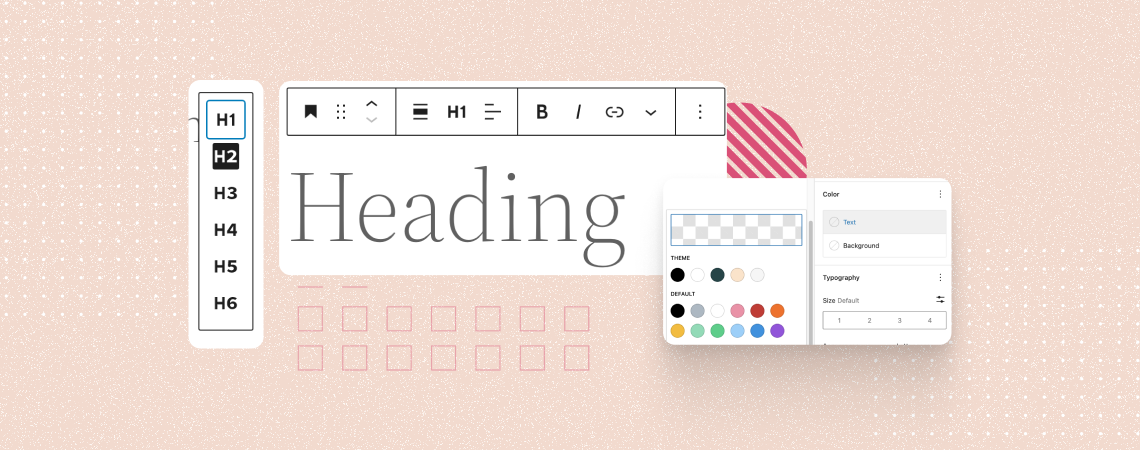
The Heading block is a fundamental text type used to break up large a piece of content into different sections and sub-sections. Headings are typically displayed in larger and bolder fonts, making them stand out from the rest of the text. It helps you create a hierarchical structure for your post and page content, improving…
How to Create a Separate Page For Blog Posts in WordPress

WordPress displays all blog posts on the homepage by default. It’s good when your site is a blog. But if you run a business site or an official website of an organization, it’s not a good idea to show just blog posts on the home page. Rather, you should have a separate page for your…
What Does WP Mean?

WP is a word that comes with more than 500 different meanings in eight different categories. WordPress (wp) is most commonly known as a content management system (CMS), but it can also signify “White People”, “Well Played”, “Work Place”, or “World Peace”. If you are new to hearing the word WordPress, then don’t worry. This…
10 Best WordPress Themes for Mobile Apps

Are you ready to elevate your mobile app’s online presence and captivate potential users? Your app’s website is often the first point of contact for prospective users, making crafting a captivating and informative online presence essential. In this article, we’ll explore the top 10 WordPress themes for mobile apps meticulously designed to showcase and promote…
How to Hide a Block in WordPress Block Editor

Every web post and page serves as a vast resource of useful information. But almost every post or page contains some information that is useful only at certain times of the year, month, or week and may mislead users at other times. As a result, it’s better if you apply conditions on particular contents so…
How to Install a WordPress Theme (Easiest Method)

To publish your WordPress website, there is no other alternative but to install a WordPress theme and use it. There are thousands of paid and free WordPress themes available in the WordPress theme directory and in the marketplaces. As a beginner, you might not know how to install a WordPress theme. In this beginner’s guide,…
How to Add a Link in WordPress Menu
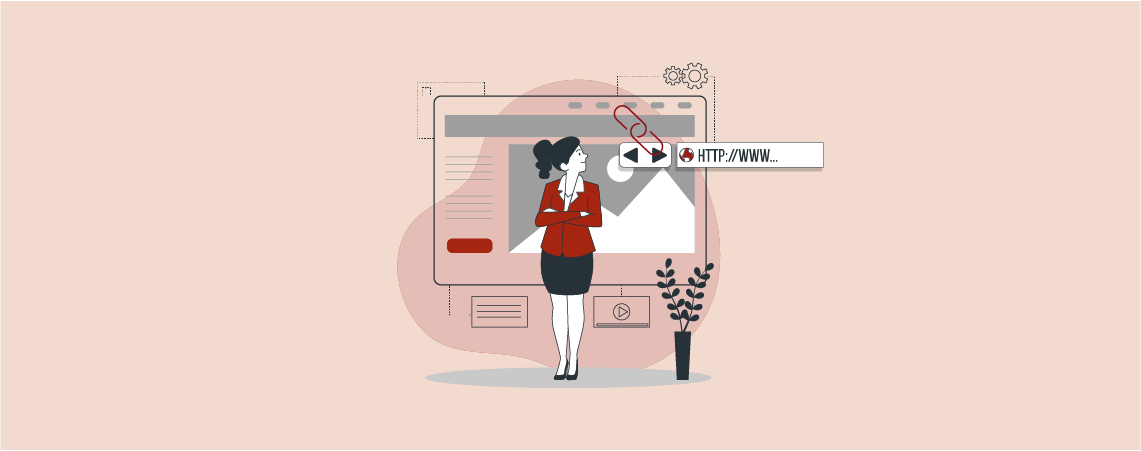
The menu is one of the very important elements for customizing your WordPress website. A menu may include links to your pages, posts, social media, etc. A visitor will use your menu to navigate in different locations of your site. If you don’t know how to add a link in the WordPress menu, then you…
10 Best Portfolio WordPress Themes (Free & Paid)

A perfect portfolio WordPress theme helps you modernly showcase your works and experiences and attracts potential customers to hire you for your proficiency. Before choosing a theme, you must consider what components and features your portfolio theme should have. To help you to some extent, I have enlisted some of the best WordPress portfolio themes…
10 Best Charity and Non-Profit WordPress Themes

In the digital age, crafting a compelling online presence is vital for charities and non-profits. This exploration of the “10 Best Charity and Non-Profit WordPress Themes” unveils themes designed to amplify the reach and impact of noble causes. From responsive designs to seamless donation integrations, each theme in this curated list empowers organizations to tell…
Search
Recent Posts
- 10+ Best WordPress Knowledge Base & Documentation Plugins
- 10 Best Thrive Leads Alternatives for 2026 (Free and Paid)
- 8 Best WordPress Hosting With Free Domain Name (2026)
- 14 Best SEO Plugins for WordPress (Most Are Free)
- 6 Best Image Hotspot WordPress Plugins (Free & Paid)
Categories
- Affiliate Marketing (5)
- Alternatives (2)
- Blogging (20)
- Books (8)
- Comparison (1)
- Courses (1)
- Deals (41)
- Giveaway (1)
- Gutenberg (47)
- How To (417)
- Marketing (2)
- Payment (1)
- Productivity (2)
- Release Notes (2)
- Review (7)
- SEO (5)
- Services (1)
- Sites (1)
- Themes (69)
- Tools (8)
- Web Hosting (13)
- WooCommerce (6)
- WordCamp (1)
- WordPress Block Editor Tutorials (101)
- WordPress Fixes (4)
- WordPress Hosting (19)
- WordPress Plugins (119)