

How To
-
How to Change Button Color in WordPress (Easy Ways)
·
Buttons are essential elements on any website. They are pivotal call-to-action tools, guiding visitors through your site’s journey. It’s hard to imagine a modern website without these crucial interactive elements. But what makes a button not just functional but also visually compelling? The answer often lies in its color. Choosing the right color for your
-
How to Use the Separator Block in WordPress (Gutenberg)
·
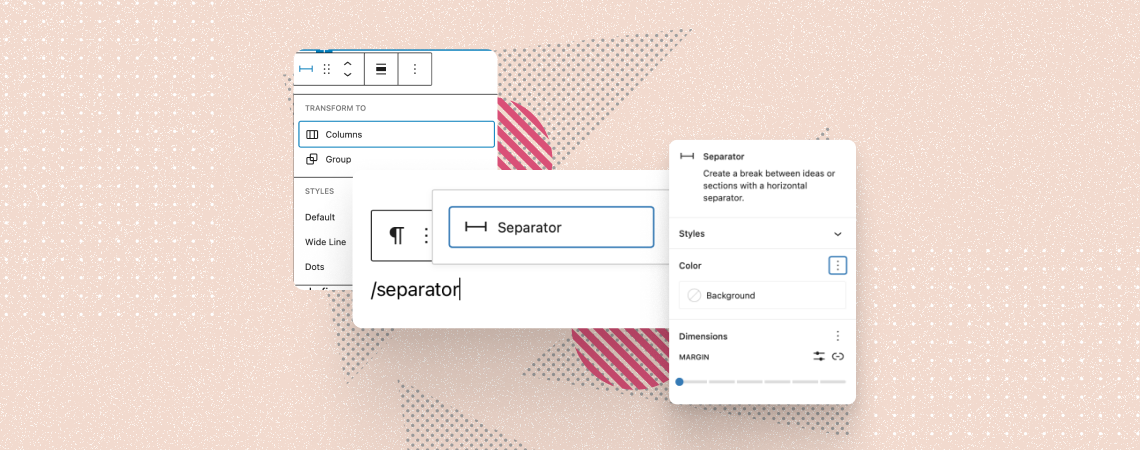
The Separator block is a default Gutenberg block that lets you create a distinguishable visual break between two content blocks. It allows you to add a horizontal line or dots to create a clear separation between different sections on posts/pages. You can use this block to draw attention to specific information, create a transition between
-
How to Create a Video Gallery in WordPress (With/out a Plugin)
·

Videos always catch the eyesight of a visitor. If one visitor finds his preferred video, he will stick to your website. You can embed videos one after one in WordPress. But you cannot simply add a video gallery to your website. In this post, I will show you how to create a video gallery in
-
How to Add Text Over an Image in WordPress (Step by Step)
·

Using text over images is a great way to present content or deliver a message. It not only looks attractive but also helps convert your visitors into subscribers or customers. In this article, I’ll show you how to add text over images in WordPress in a simple step-by-step tutorial. While there are many methods to
-
How to Create a Comparison Table in WordPress (With/out a Plugin)
·

A comparison table always gives valuable information in an organized way. But to show the one, you have to create a comparison table first. If you don’t know how to create a comparison table, then this post is for you. In this post, I will show you the process to add a comparison table to
-
How To Add Read More Expand In WordPress Posts
·
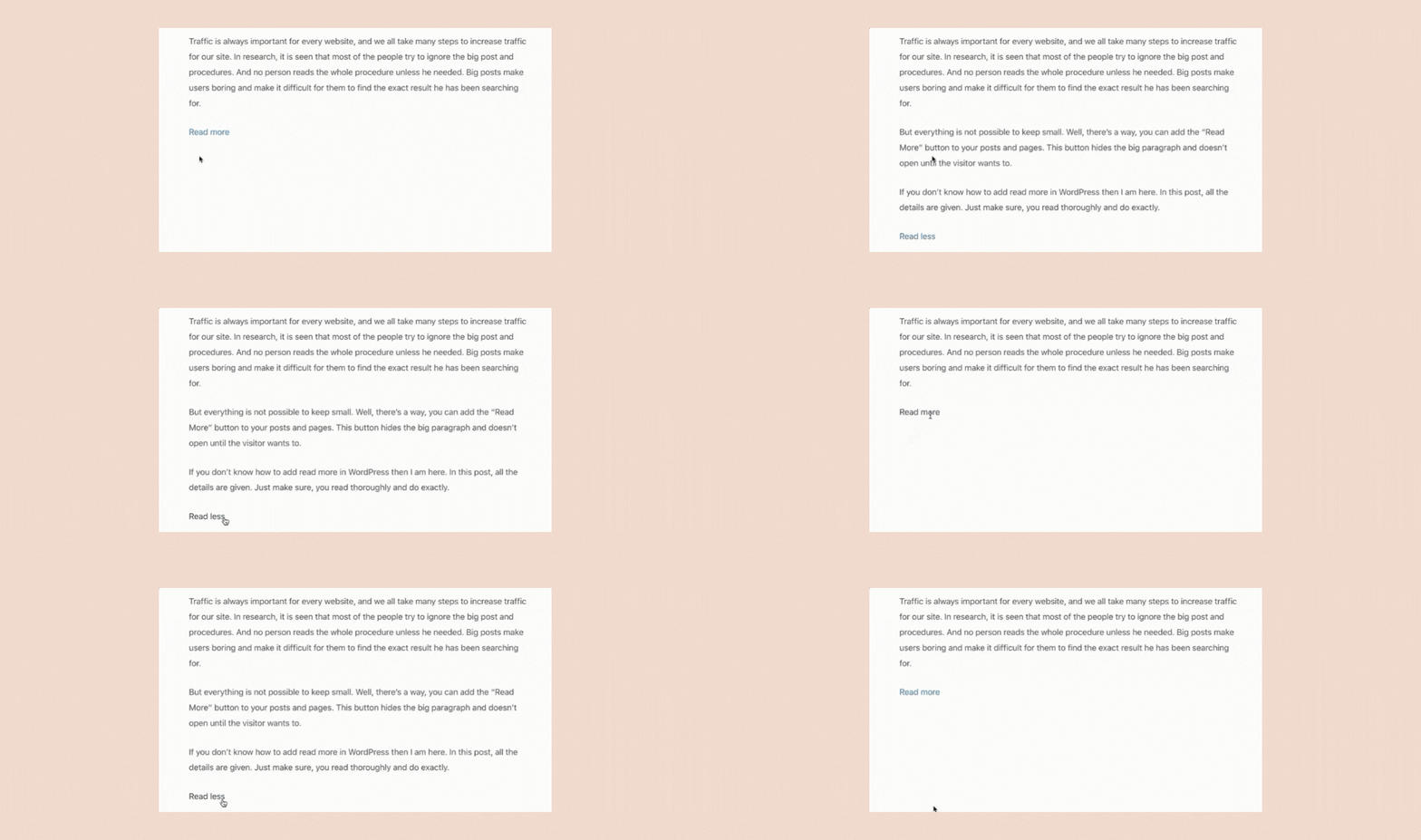
Let’s be honest, most of the time we don’t read the whole post. We skim a lot and read the interesting parts only. But long posts make it difficult to scan and find the desired things. To make things easier for your readers, you can consider hiding a part of your post under the ‘Read
-
How to Change the Button Size in WordPress
·

A button is a clickable web element that allows users to initiate or complete specific actions when clicking on them. For example, form submission, download, social sharing, buying something, going to another page, etc. Buttons can be designed in various forms and labelled with text, icons, or a combination of both. In addition, WordPress allows
-
How To Add Border Around Text In WordPress (Two Ways)
·
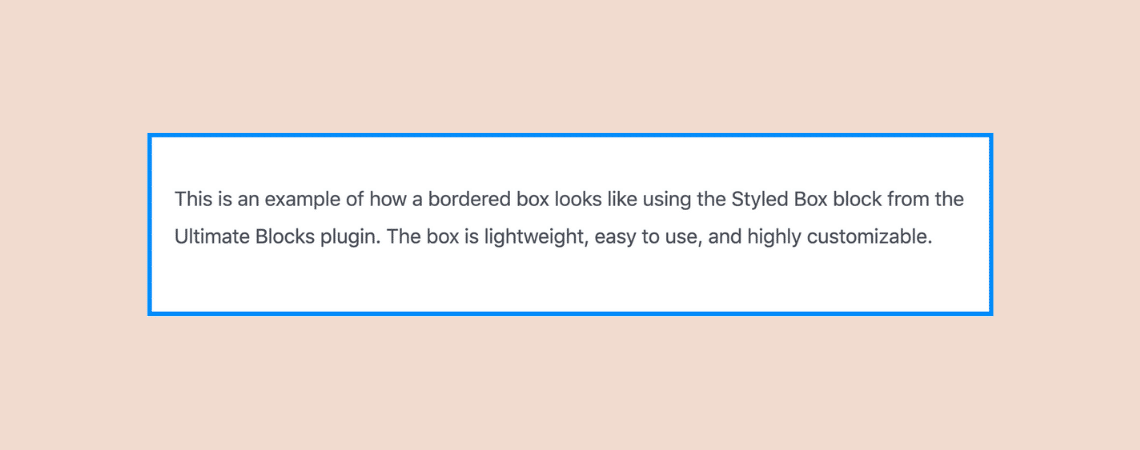
Do you want to learn how to add borders around text in WordPress? Well, you’ve come to the right place! In this short tutorial, I’ll walk you through the simple steps to add a border around any text to your posts and pages. There are many benefits of adding borders around the text. It helps
-
How To Add FAQ Schema Markup In WordPress (Quick Guide)
·
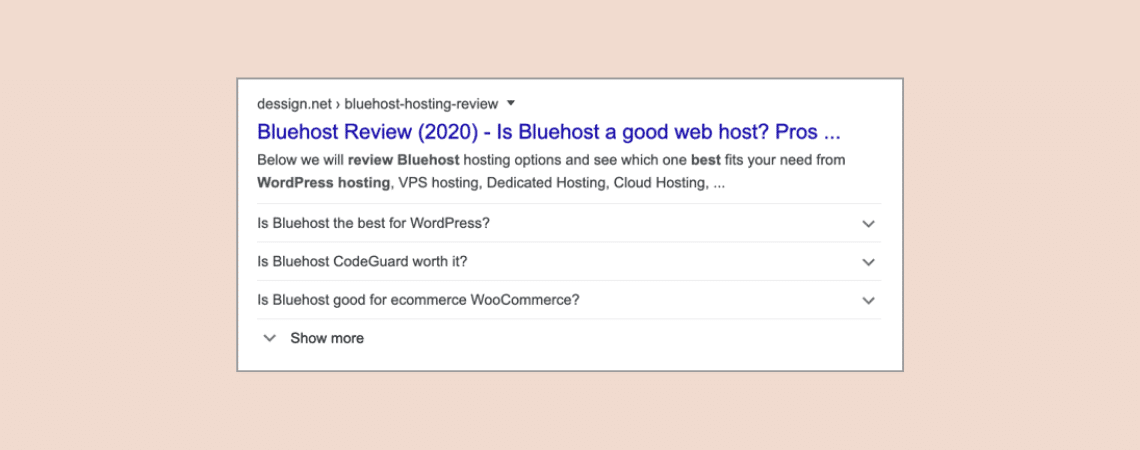
Have you noticed that some results on Google SERPs contain FAQs? Yes, Google has introduced a new schema called FAQ Schema. It allows you to show FAQs under your search results. It looks like the ‘People also ask’ section of Google SERPs. Having FAQs in Google SERPs will definitely increase your CTRs. But you can’t
Search
Recent Posts
- 10 Best WordPress Popup Plugins (Free & Paid)
- Elegant Themes Discount 2026 – Up To 72% OFF! (Divi Sale)
- 10 Best FREE Notification Bar WordPress Plugins (Compared)
- Rapyd Cloud Review: Fast, Secure, and Built for WordPress Sites That Can’t Afford to Fail
- How to Create a Multi-Server Video Player in WordPress Using Tabs
Categories
- Affiliate Marketing (5)
- Alternatives (2)
- Blogging (20)
- Books (8)
- Comparison (1)
- Courses (1)
- Deals (41)
- Giveaway (1)
- Gutenberg (47)
- How To (417)
- Marketing (2)
- Payment (1)
- Productivity (2)
- Release Notes (1)
- Review (7)
- SEO (5)
- Services (1)
- Sites (1)
- Themes (69)
- Tools (8)
- Web Hosting (12)
- WooCommerce (6)
- WordCamp (1)
- WordPress Block Editor Tutorials (101)
- WordPress Fixes (4)
- WordPress Hosting (19)
- WordPress Plugins (119)