

Author: Istiak Rayhan
-
How to Make Text Vertical In WordPress (Easy Way)
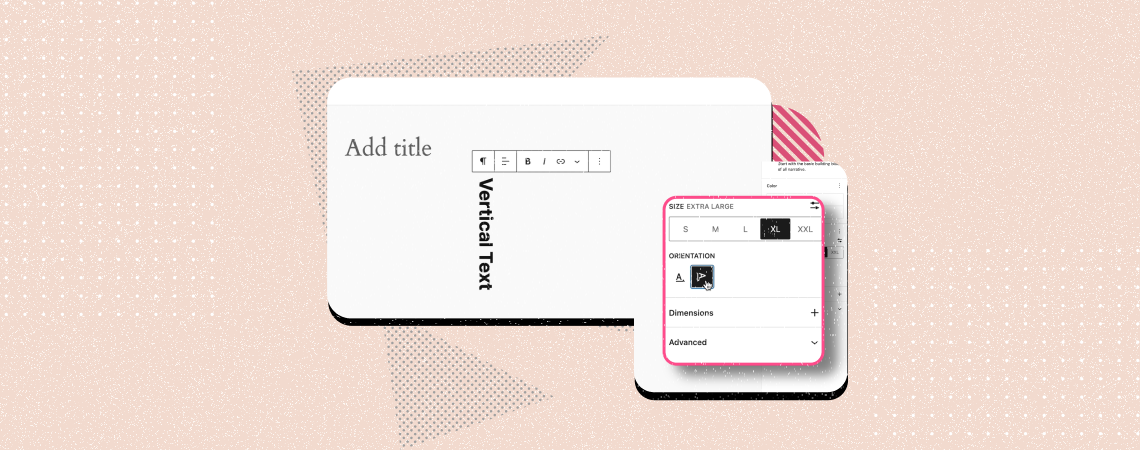
Whenever we type any text in a WordPress post or page, we normally write it horizontally, be it a heading, sales copy, or paragraph. But most users don’t know yet that you can even type and display texts vertically on WordPress. By displaying texts vertically, you can draw visitors’ attention to important featured content, promotional
-
How to Add Toggle Switch Button in WordPress

Do you want to add a toggle switch button in WordPress? With the rise of WordPress block plugins, it has become very easy to add such functionality to your pages and posts without many hurdles. And adding toggle switch buttons in WordPress is way simpler than you would imagine. In this article, I’ll show you
-
Padding vs Margin In WordPress: What are the Differences?
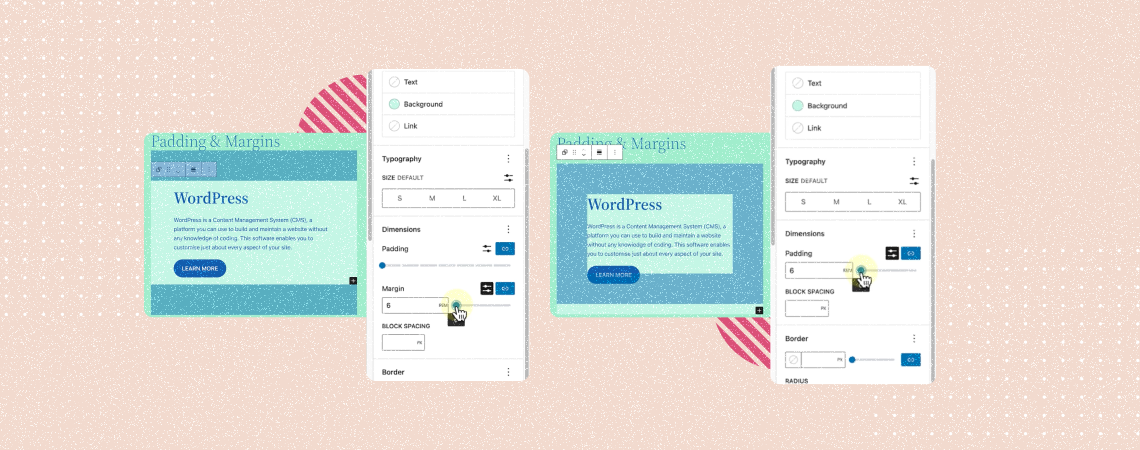
Padding and margin are two fundamental aspects of WordPress but often confuse users. Although they sound kinda similar, they have unique purposes and functionalities, affecting the overall layout and aesthetics of posts and pages. The blog post will help you dive into the discussion of padding vs margin in WordPress and how to use them
-
How to Add a Video Popup in WordPress (Easy Steps)
A video popup is a dynamic element that displays video content to users in a small window when triggered by specific actions. This could be clicking a button, scrolling down the page, pressing an image, etc. It provides an impressive experience and allows you to promote your products. You can also showcase software tutorials, display
-
How to Create A Call-To-Action Box in WordPress
·
A strong call-to-action box can be a powerful way to drive user engagement, grow conversions, and speed up business growth. It can encourage users to complete specific actions, like subscribing, buying products, or downloading resources. So, whether you are thinking of organically promoting your products, collecting email addresses, or stimulating people to sign up for
-
How to Use the List View in WordPress Block Editor
·
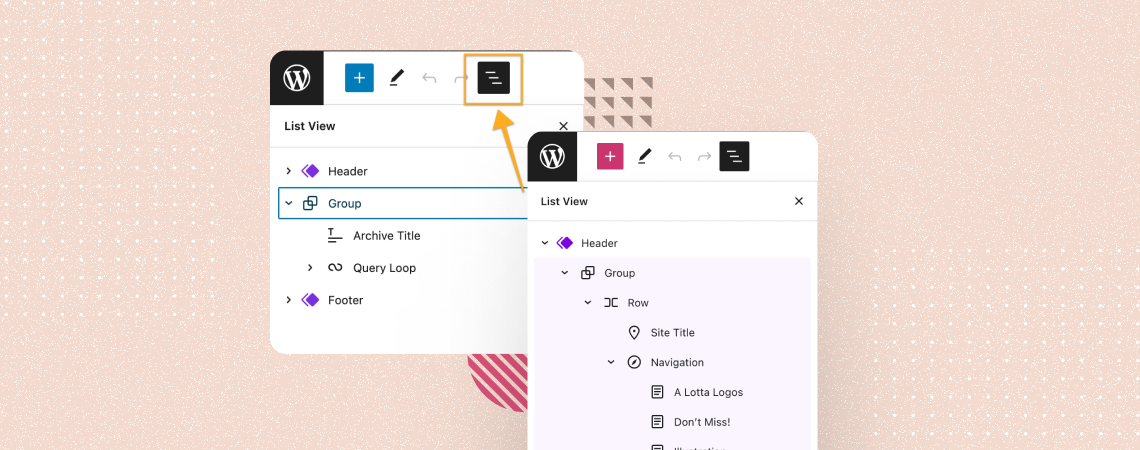
WordPress is a go-to platform for millions of users due to its user-friendly interface and tons of handy features. The List View option is one of them. It allows you to see the list of all the blocks at a time, used in the Gutenberg editor. You can move specific blocks up or down and
-
How to Use the Video Block in WordPress (Gutenberg)
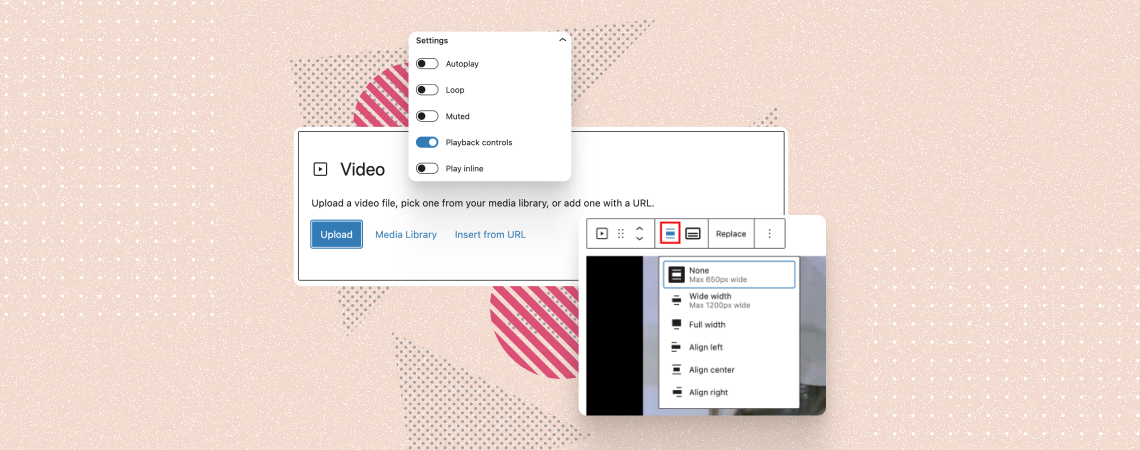
The WordPress Video block allows you to embed and display videos on your posts and pages effortlessly. Whether you want to add a short tutorial clip, demo, or just your speech, the Video block is your go-to tool. Plus, the block lets you configure lots of options like autoplay, playback control, adding a thumbnail, stylizations,
-
How to Use Paragraph Block in WordPress
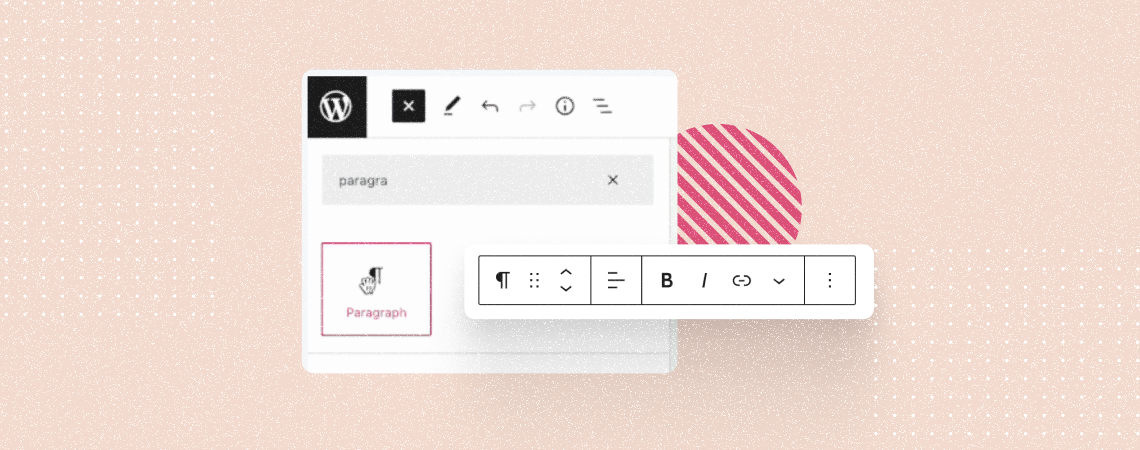
The Paragraph block stands as the core foundation for textual content creation on WordPress posts and pages. This is the most used Gutenberg block in WordPress. Yet, it takes a good amount of time for new users to get all the functionalities of the block. This is why we’ll explain to you how to use
-
How to Remove Space Between Blocks in WordPress
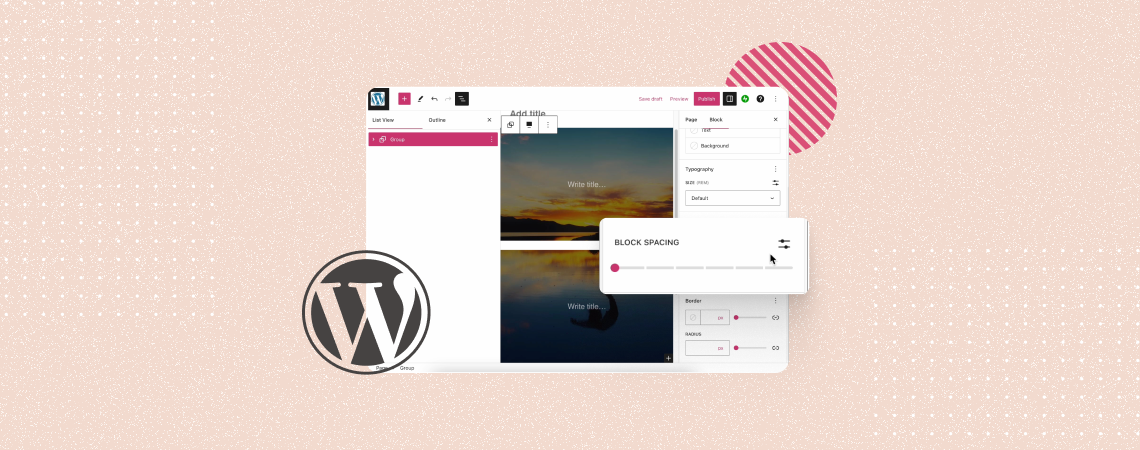
WordPress allows you numerous ways to stylize and customize blocks on a website. It also provides you with several easy ways to remove whitespaces between blocks to make your content presentation system more engaging. Whitespaces refer to unnecessary empty spaces, paddings, and margins between elements. They often disrupt the flow of a website layout, making
Search
Recent Posts
- How to Add & Embed Videos in WordPress (3 Easy Ways)
- 15+ Best WordPress Lifetime Deals (Plugins, Themes, & More)
- Tabbed Content (Tabs) Block Use Cases for WordPress (With Examples)
- Content Toggle (Accordion) Block Use Cases for WordPress (With Examples)
- 10+ Best WordPress Plugins for Writers and Authors
Categories
- Affiliate Marketing (5)
- Alternatives (2)
- Blogging (20)
- Books (8)
- Comparison (1)
- Courses (1)
- Deals (41)
- Giveaway (1)
- Gutenberg (47)
- How To (416)
- Marketing (2)
- Payment (1)
- Productivity (2)
- Release Notes (1)
- Review (7)
- SEO (5)
- Services (1)
- Sites (1)
- Themes (69)
- Tools (8)
- Web Hosting (11)
- WooCommerce (6)
- WordCamp (1)
- WordPress Block Editor Tutorials (101)
- WordPress Fixes (4)
- WordPress Hosting (19)
- WordPress Plugins (119)