

Author: Istiak Rayhan
-
WordPress Blocks: What Are They & How to Use Them (Guide)
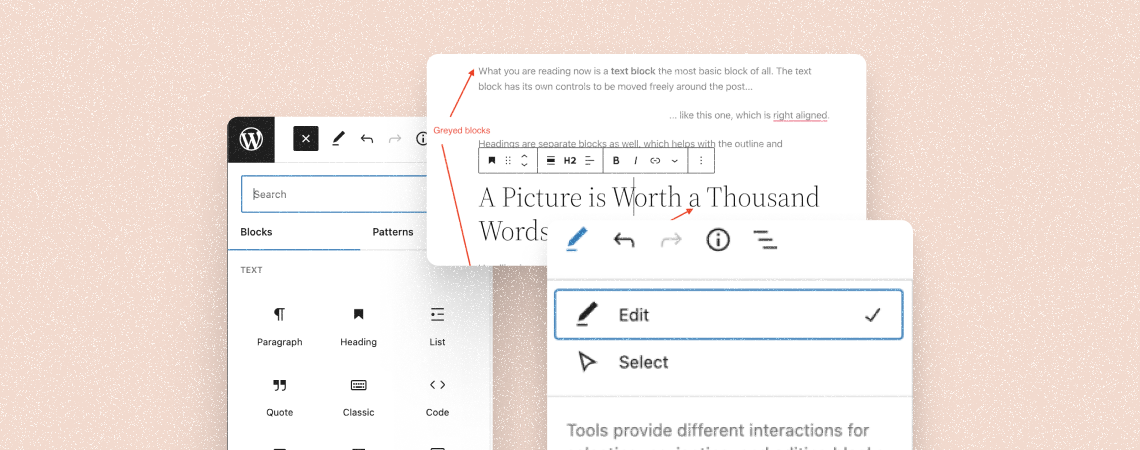
Ever since WordPress launched Gutenberg, it completely changed the way its editor works and how you create content on WordPress. The Block editor introduced blocks – a new way of adding content and elements to your website. With blocks, you can create content with much more control over the design and finer customization for each
-
How to Use the WordPress Custom HTML Block (Gutenberg)
·
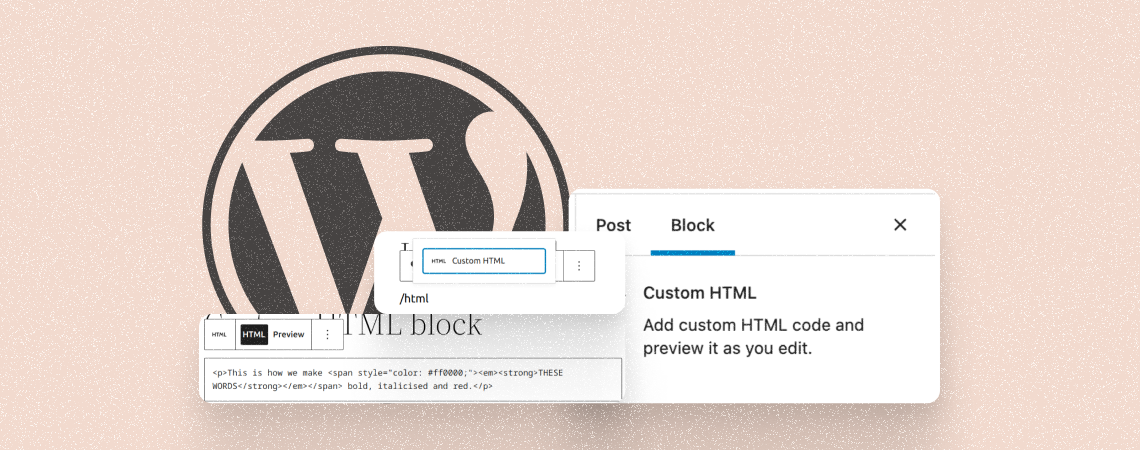
The WordPress custom HTML Block allows you to directly inject HTML code into your post or page to showcase content from external sources. You can add content like videos, Google Maps, social media widgets, audio players, and more. As a result, you don’t have to upload the entire content on your website, which saves your
-
How to Use the WordPress Embed Block (Gutenberg)
·

The WordPress Embed block is a default Gutenberg block. It lets you embed a wide range of content from other websites and platforms into your WordPress posts and pages just by copy-pasting source links into the block. The WordPress Bmbed block supports embedding content from various sources, including YouTube, Vimeo, Twitter, Facebook, and more. As
-
60+ WordPress Block Editor Keyboard Shortcuts (Gutenberg)

The new WordPress block editor aka Gutenberg is becoming popular day by day. WordPress users are already impressed by its time-saving functionalities. One such functionality is the keyboard shortcuts. Yes, you can save time by using shortcuts instead of leaving your keyboard and using the mouse. It will definitely speed up the process. And for
-
WordPress Block Editor: Everything You Need To Know!

WordPress released its new Block editor that has now replaced the old classic editor. This editor works in a totally different way and is the direction where WordPress is heading to. If you’re new to the WordPress Block Editor and are looking for a resource to understand how it works, you’re in the right place!
-
7+ Reliable Alternatives To Thrive Leads (Free & Premium)

Thrive Leads is an excellent solution to collect leads from your website, no doubt about that. However, some of you might be wondering what other alternatives are available for you. If that is the case, you have come to the right place. In today’s post, I will introduce you to some reliable alternatives to help
-
How to Add Caption to Images in WordPress
·

Images are a powerful way to create a memorable user experience. They can communicate a message faster to web visitors, which many texts can’t do alone. By adding captions, you can enhance their value to users and provide a more insightful context. Because captions can provide additional information like the subject matter, date, location, devices
-
How to Add Columns in WordPress (Without Using a Plugin)
·

WordPress allows you to create content in many different ways and also get creative with how you display content. Using columns is a great way to display content in an effective way. Columns can be used in so many different ways to arrange content. Needless to say, using columns in your WordPress posts and pages
-
How To Underline Text In WordPress Block Editor

Lost the underline button in the Block editor? For some reason, the WordPress Block editor doesn’t have the underline option. The editor has an option for bold and italic formatting but no underline. The reason behind this is that underline is considered a bad practice. Because underlined text appears as a link that could confuse
Search
Recent Posts
- How to Add & Embed Videos in WordPress (3 Easy Ways)
- 15+ Best WordPress Lifetime Deals (Plugins, Themes, & More)
- Tabbed Content (Tabs) Block Use Cases for WordPress (With Examples)
- Content Toggle (Accordion) Block Use Cases for WordPress (With Examples)
- 10+ Best WordPress Plugins for Writers and Authors
Categories
- Affiliate Marketing (5)
- Alternatives (2)
- Blogging (20)
- Books (8)
- Comparison (1)
- Courses (1)
- Deals (41)
- Giveaway (1)
- Gutenberg (47)
- How To (416)
- Marketing (2)
- Payment (1)
- Productivity (2)
- Release Notes (1)
- Review (7)
- SEO (5)
- Services (1)
- Sites (1)
- Themes (69)
- Tools (8)
- Web Hosting (11)
- WooCommerce (6)
- WordCamp (1)
- WordPress Block Editor Tutorials (101)
- WordPress Fixes (4)
- WordPress Hosting (19)
- WordPress Plugins (119)