

-
10+ Best Table Of Contents WordPress Plugins (Top Picks)

Long posts dominate the search results; everyone knows that. But how do your visitors navigate through the giant piece of content? The answer is simple – add a Table of Contents (ToC) to your blog posts. It will provide clear information about what the post contains and enable them to jump directly to their point of interest.
-
How to Change the Button Size in WordPress
·

A button is a clickable web element that allows users to initiate or complete specific actions when clicking on them. For example, form submission, download, social sharing, buying something, going to another page, etc. Buttons can be designed in various forms and labelled with text, icons, or a combination of both. In addition, WordPress allows
-
How to Add Border Around Column in WordPress

WordPress has come far in terms of customization and letting users build beautiful pages. Today, you can achieve things with WordPress that would usually require page builders. One such thing is adding a border around a column in WordPress. When using a multi-column layout, you would want to separate the columns visually by adding a
-
How To Add Border Around Text In WordPress (Two Ways)
·
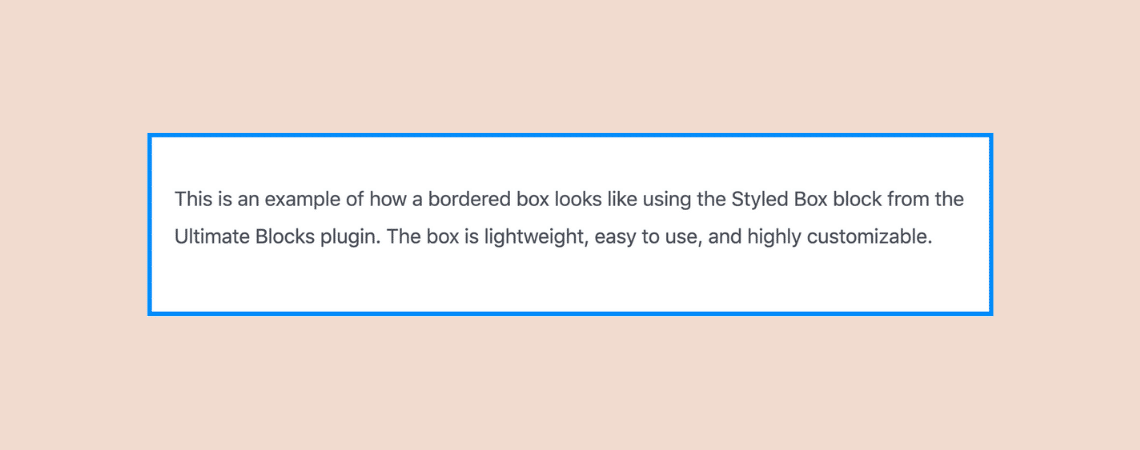
Do you want to learn how to add borders around text in WordPress? Well, you’ve come to the right place! In this short tutorial, I’ll walk you through the simple steps to add a border around any text to your posts and pages. There are many benefits of adding borders around the text. It helps
-
WPManageNinja Discount Code – Up To 60% OFF!
·

WP Manage Ninja is a very popular place for high-quality WordPress plugins. Today, I’ll be sharing with you a WPManageNinja discount code that will help you get a 60% discount on any WP Manage Ninja product you wish to purchase. Moreover, I’ll show you how to activate this discount offer. So, are you ready to
-
How To Add FAQ Schema Markup In WordPress (Quick Guide)
·
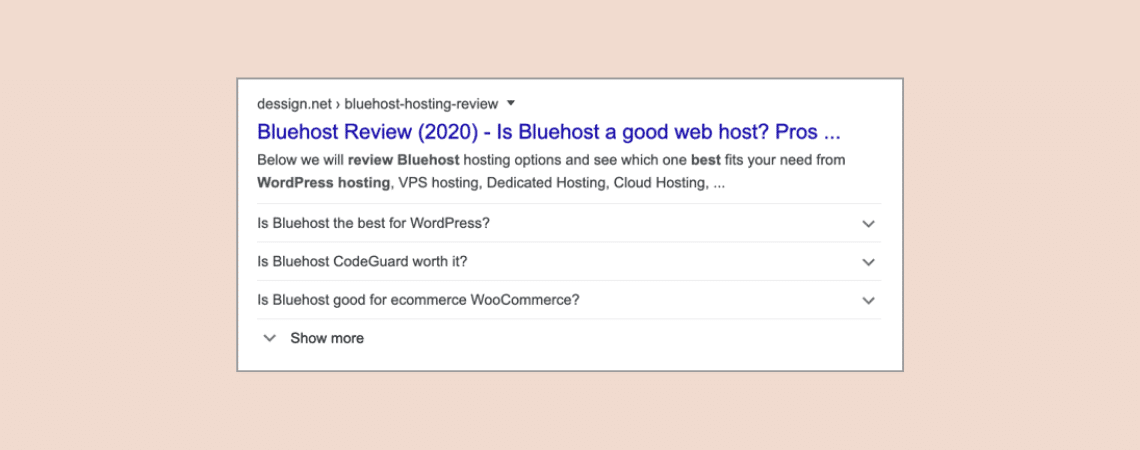
Have you noticed that some results on Google SERPs contain FAQs? Yes, Google has introduced a new schema called FAQ Schema. It allows you to show FAQs under your search results. It looks like the ‘People also ask’ section of Google SERPs. Having FAQs in Google SERPs will definitely increase your CTRs. But you can’t
-
How To Add A Horizontal Line Separator in WordPress

One of the great ways to break your post/page content into different sections is by using horizontal line separators. They keep the page organized and make it appealing to the readers. The reader can easily find and navigate through your content if it has horizontal line separators. In this post, I’ll show you how to
-
How to Make Text Vertical In WordPress (Easy Way)
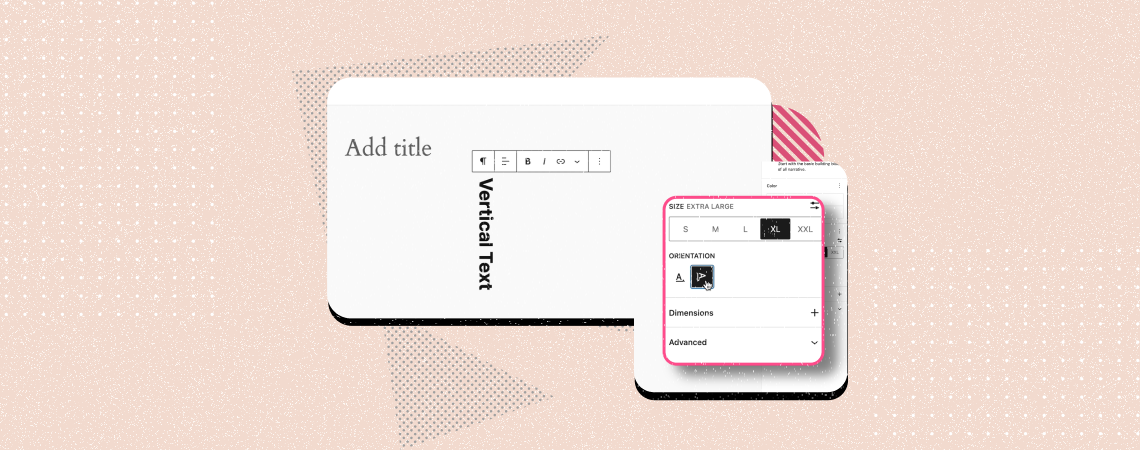
Whenever we type any text in a WordPress post or page, we normally write it horizontally, be it a heading, sales copy, or paragraph. But most users don’t know yet that you can even type and display texts vertically on WordPress. By displaying texts vertically, you can draw visitors’ attention to important featured content, promotional
-
How to Add Toggle Switch Button in WordPress

Do you want to add a toggle switch button in WordPress? With the rise of WordPress block plugins, it has become very easy to add such functionality to your pages and posts without many hurdles. And adding toggle switch buttons in WordPress is way simpler than you would imagine. In this article, I’ll show you
Search
Recent Posts
- Rapyd Cloud Review: Fast, Secure, and Built for WordPress Sites That Can’t Afford to Fail
- How to Create a Multi-Server Video Player in WordPress Using Tabs
- 10 Best User Feedback Plugins for WordPress
- 8 Best Timeline WordPress Plugins (Free & Premium)
- 7 Best WordPress Voting Plugins (Free & Pro)
Categories
- Affiliate Marketing (5)
- Alternatives (2)
- Blogging (20)
- Books (8)
- Comparison (1)
- Courses (1)
- Deals (41)
- Giveaway (1)
- Gutenberg (47)
- How To (417)
- Marketing (2)
- Payment (1)
- Productivity (2)
- Release Notes (1)
- Review (7)
- SEO (5)
- Services (1)
- Sites (1)
- Themes (69)
- Tools (8)
- Web Hosting (12)
- WooCommerce (6)
- WordCamp (1)
- WordPress Block Editor Tutorials (101)
- WordPress Fixes (4)
- WordPress Hosting (19)
- WordPress Plugins (119)