Skip to content
How to Add Vertical Tabs in WordPress
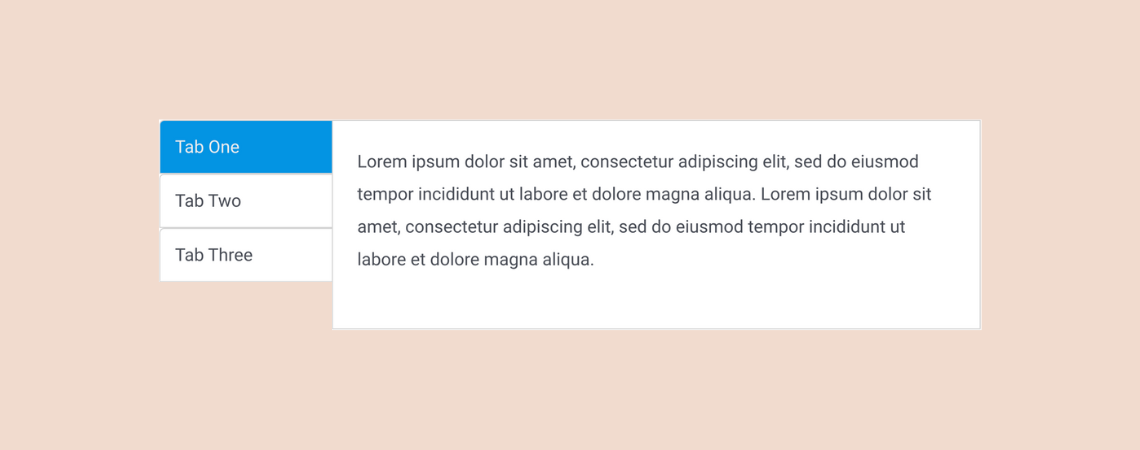
Using tabs is a great way of presenting information in an organized manner on a website. Whether it’s on a blog post or a landing page, tabs are used very commonly on websites these days. In this article, I’ll show you how to add vertical tabs in WordPress. This will help you add tabbed content…
How to Create Nested Tabs in WordPress (3 Easy Steps)

Are you looking to enhance your WordPress site with a sleek, organized layout? Look no further than nested tabs! Nested tabs offer a dynamic solution for presenting a wealth of information on a single page without overwhelming your visitors with endless scrolling. This powerful feature allows you to categorize content in an accessible and visually…
9+ Best WordPress Tabs Plugins to Organize Content

Tabs are not just functional; they can dramatically enhance the user experience on your WordPress site. Visitors can seamlessly access the content they need by clicking on a tab without unnecessary scrolling or navigation. With a plethora of WordPress tab plugins available, it’s possible to create visually appealing tabs complete with icons, vibrant colors, and…
How To Add Tabbed Content (Tabs) In WordPress Posts/Pages

Have you ever felt overwhelmed by the amount of content on a webpage? If so, you’re not alone. A great solution to this common problem is using tabbed content. These neatly organized tabs allow visitors to effortlessly find what they’re looking for, enhancing their user experience. Moreover, tabbed content in WordPress is not just about…
How To Add Two Buttons Side By Side In WordPress

In various scenarios, the layout of your WordPress site may demand the strategic placement of elements, such as positioning two buttons side by side for a streamlined user experience. This task might seem daunting initially, often leading to the misconception that it requires complex plugins or advanced coding skills. However, the reality is pleasantly simple.…
How To Create Tables In WordPress (Block & Classic Editor)

Tables are beautiful. They allow you to display data in an easy-to-understand way. They can also help you to increase your conversion rates. But it’s not easy to add tables in WordPress, especially if you are using the old Classic Editor. You need to use either HTML codes or a table plugin for that. Now…
Block Editor Vs Classic Editor: What Are The Differences?
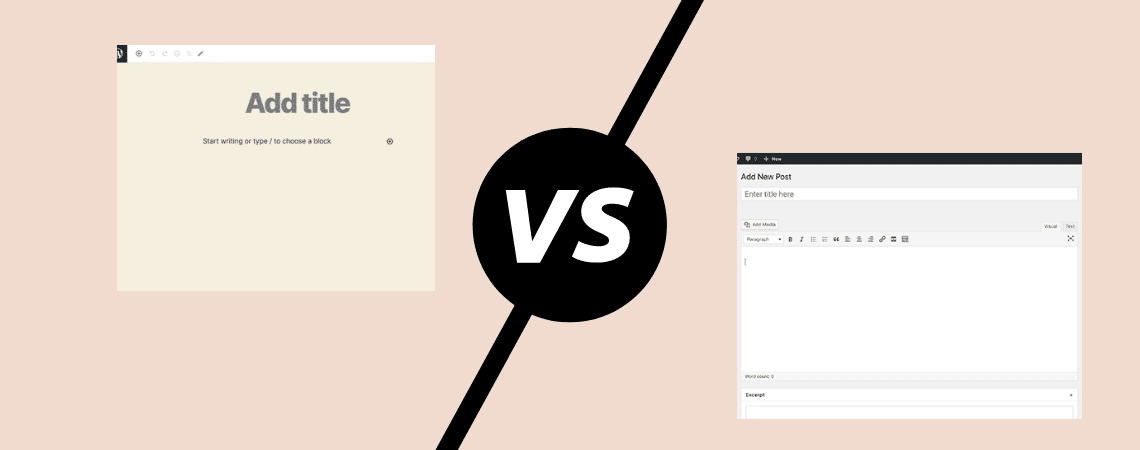
WordPress is the most popular platform for creating your own website. This platform has been around for years and has gone through many changes. But these changes weren’t as big as the change that happened to the platform in recent years. WordPress unveiled its brand new Block Editor (also called Gutenberg). And this new editor…
How to Add a Download Button in WordPress (Quick & Easy)
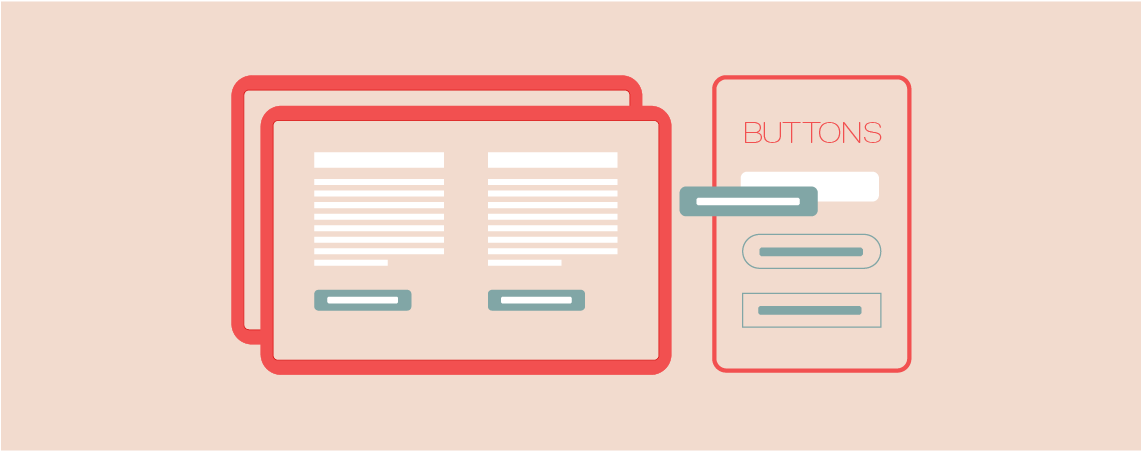
Are you looking to make your website’s content more accessible and user-friendly? Recently, we explored the simplicity of creating a download link in WordPress. Today, we take it a step further. Learn how to enhance your user experience and significantly boost your downloads by incorporating a sleek, easy-to-use download button on your WordPress site’s posts…
10+ Best WordPress Event Manager Plugins

Looking for a WordPress event manager plugin? You’ve come to the right place! An event manager plugin is usually used for displaying a list of events, allowing visitors to register for events, displaying an event calendar, etc. Now, it’s obvious that you wouldn’t be looking for a separate plugin that can perform such functions. One…
Search
Recent Posts
- 10+ Best WordPress Knowledge Base & Documentation Plugins
- 10 Best Thrive Leads Alternatives for 2026 (Free and Paid)
- 8 Best WordPress Hosting With Free Domain Name (2026)
- 14 Best SEO Plugins for WordPress (Most Are Free)
- 6 Best Image Hotspot WordPress Plugins (Free & Paid)
Categories
- Affiliate Marketing (5)
- Alternatives (2)
- Blogging (20)
- Books (8)
- Comparison (1)
- Courses (1)
- Deals (41)
- Giveaway (1)
- Gutenberg (47)
- How To (417)
- Marketing (2)
- Payment (1)
- Productivity (2)
- Release Notes (2)
- Review (7)
- SEO (5)
- Services (1)
- Sites (1)
- Themes (69)
- Tools (8)
- Web Hosting (13)
- WooCommerce (6)
- WordCamp (1)
- WordPress Block Editor Tutorials (101)
- WordPress Fixes (4)
- WordPress Hosting (19)
- WordPress Plugins (119)