Skip to content
How to Use Paragraph Block in WordPress

The Paragraph block stands as the core foundation for textual content creation on WordPress posts and pages. This is the most used Gutenberg block in WordPress. Yet, it takes a good amount of time for new users to get all the functionalities of the block. This is why we’ll explain to you how to use…
How to Use the Stack Block in WordPress

Creating a clean and organized layout on your WordPress site can sometimes involve placing content in structured ways. The Stack Block simplifies this process, letting you vertically align blocks without any custom code. Mastering the Stack Block can elevate your design in a few easy ways to create a landing page, blog post, or feature list. In this post, I am going to show you how to use the stack blocks in WordPress. After reading the post,…
How to Remove Space Between Blocks in WordPress
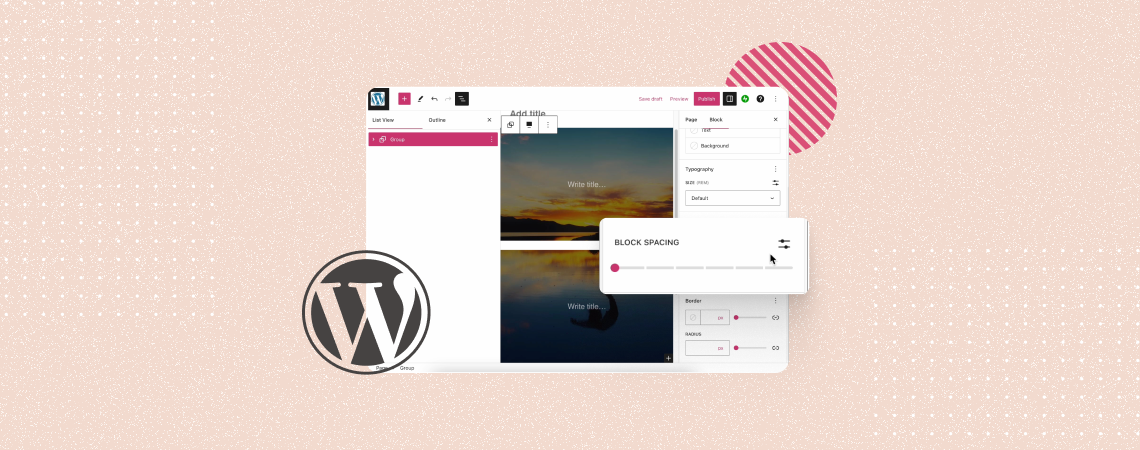
WordPress allows you numerous ways to stylize and customize blocks on a website. It also provides you with several easy ways to remove whitespaces between blocks to make your content presentation system more engaging. Whitespaces refer to unnecessary empty spaces, paddings, and margins between elements. They often disrupt the flow of a website layout, making…
How to Use the Spacer Block in WordPress

Creating a visually appealing layout often requires controlling the spacing between elements on your WordPress site. The Spacer Block is a simple yet powerful tool for adding and managing vertical spacing between blocks, giving you more control over your page design without needing custom CSS. In this post, we’ll explore how to effectively use the…
WordPress Blocks: What Are They & How to Use Them (Guide)
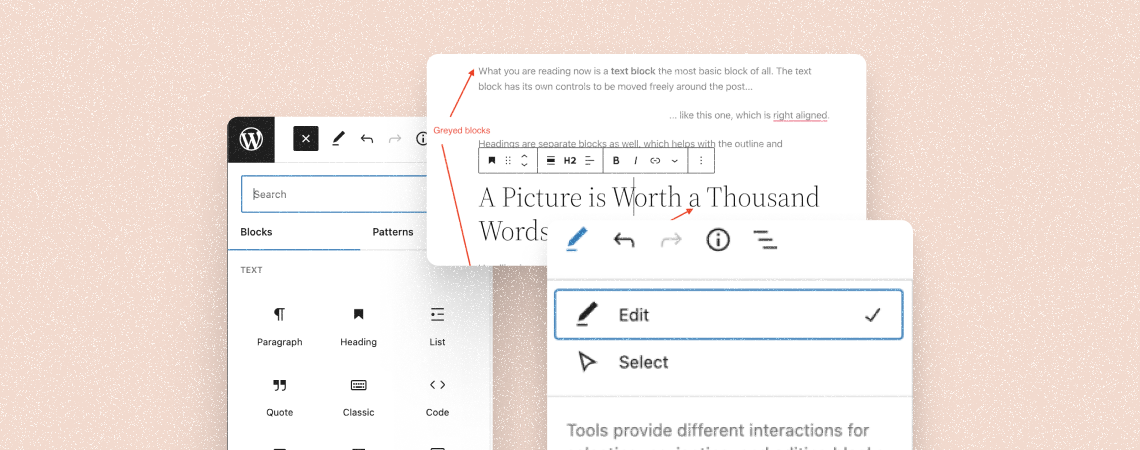
Ever since WordPress launched Gutenberg, it completely changed the way its editor works and how you create content on WordPress. The Block editor introduced blocks – a new way of adding content and elements to your website. With blocks, you can create content with much more control over the design and finer customization for each…
How to Add Special Characters in WordPress Posts (2 Methods)

Do you know how to add special characters to your posts? You can’t write a special character with help of a keyboard. Some of the special characters might be found on some special keyboards but those are not used by an average person. To make things easier, in today’s post I will show you how…
How to Use the WordPress Custom HTML Block (Gutenberg)
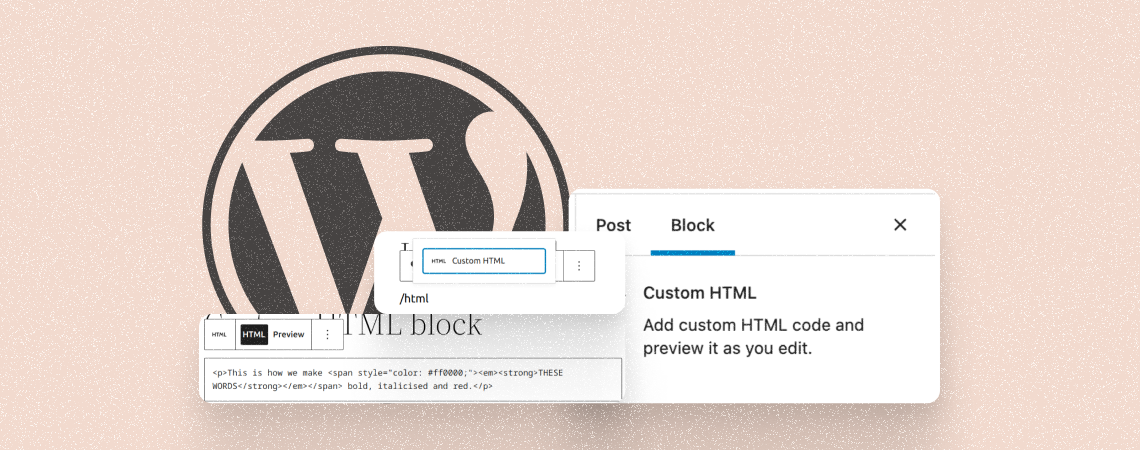
The WordPress custom HTML Block allows you to directly inject HTML code into your post or page to showcase content from external sources. You can add content like videos, Google Maps, social media widgets, audio players, and more. As a result, you don’t have to upload the entire content on your website, which saves your…
How to Add a Reading Progress Bar in WordPress

A big post may seem tiresome to read, but adding a reading progress bar can bolster anyone to read the whole post. This little bar encourages readers to scroll, continue, and finish the whole post. There is no default way to add a reading progress bar in WordPress. Therefore, in today’s post, I am going…
How to Use the WordPress Embed Block (Gutenberg)

The WordPress Embed block is a default Gutenberg block. It lets you embed a wide range of content from other websites and platforms into your WordPress posts and pages just by copy-pasting source links into the block. The WordPress Bmbed block supports embedding content from various sources, including YouTube, Vimeo, Twitter, Facebook, and more. As…
Search
Recent Posts
- 10+ Best WordPress Knowledge Base & Documentation Plugins
- 10 Best Thrive Leads Alternatives for 2026 (Free and Paid)
- 8 Best WordPress Hosting With Free Domain Name (2026)
- 14 Best SEO Plugins for WordPress (Most Are Free)
- 6 Best Image Hotspot WordPress Plugins (Free & Paid)
Categories
- Affiliate Marketing (5)
- Alternatives (2)
- Blogging (20)
- Books (8)
- Comparison (1)
- Courses (1)
- Deals (41)
- Giveaway (1)
- Gutenberg (47)
- How To (417)
- Marketing (2)
- Payment (1)
- Productivity (2)
- Release Notes (2)
- Review (7)
- SEO (5)
- Services (1)
- Sites (1)
- Themes (69)
- Tools (8)
- Web Hosting (13)
- WooCommerce (6)
- WordCamp (1)
- WordPress Block Editor Tutorials (101)
- WordPress Fixes (4)
- WordPress Hosting (19)
- WordPress Plugins (119)