

-
How To Add A Collapsible/Expandable Text Area In WordPress
·

A collapsible or expandable text area is an excellent way to save space on your posts or pages while keeping your visitors engaged. This feature allows users to decide whether they want to view specific content, making it ideal for FAQs, tutorials, or any content-heavy sections. By using a collapsible text area, you can present
-
How to Change The Number of Posts Displayed on Your WordPress Blog Page
·

Are you looking for a way to change the number of posts displayed on your WordPress blog? Generally, WordPress shows a maximum of ten posts per page. However, you can easily change this number and can show as many posts as you want. In this post, I will show you how to change the number
-
How to Remove Dates From WordPress Comments
·

Are you trying to remove dates from WordPress site of yours? Nowadays, there are several reasons that bloggers want to remove comment dates. One reason is to look at their comments as fresh and evergreen. If you want this feature in your blog, then this post is just for you. In this post, I will
-
Padding vs Margin In WordPress: What are the Differences?
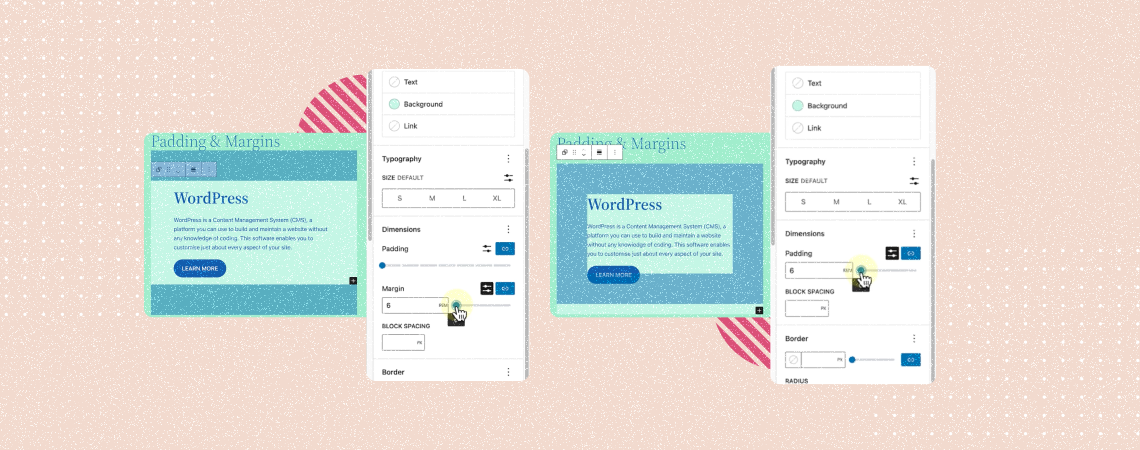
Padding and margin are two fundamental aspects of WordPress but often confuse users. Although they sound kinda similar, they have unique purposes and functionalities, affecting the overall layout and aesthetics of posts and pages. The blog post will help you dive into the discussion of padding vs margin in WordPress and how to use them
-
How to Add a Video Popup in WordPress (Easy Steps)
A video popup is a dynamic element that displays video content to users in a small window when triggered by specific actions. This could be clicking a button, scrolling down the page, pressing an image, etc. It provides an impressive experience and allows you to promote your products. You can also showcase software tutorials, display
-
How to Create A Call-To-Action Box in WordPress
·
A strong call-to-action box can be a powerful way to drive user engagement, grow conversions, and speed up business growth. It can encourage users to complete specific actions, like subscribing, buying products, or downloading resources. So, whether you are thinking of organically promoting your products, collecting email addresses, or stimulating people to sign up for
-
How to Use the List View in WordPress Block Editor
·
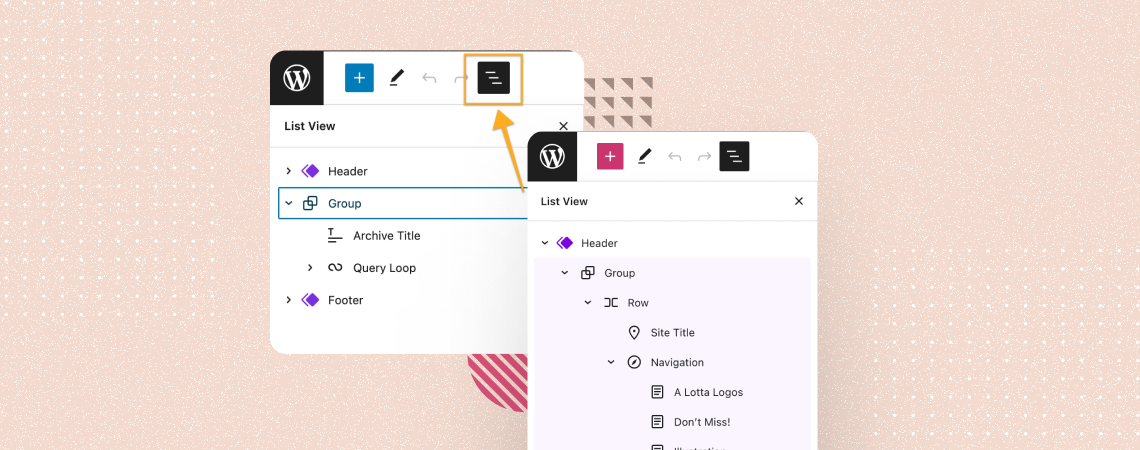
WordPress is a go-to platform for millions of users due to its user-friendly interface and tons of handy features. The List View option is one of them. It allows you to see the list of all the blocks at a time, used in the Gutenberg editor. You can move specific blocks up or down and
-
How to Change Spacing Between Paragraphs in WordPress
·
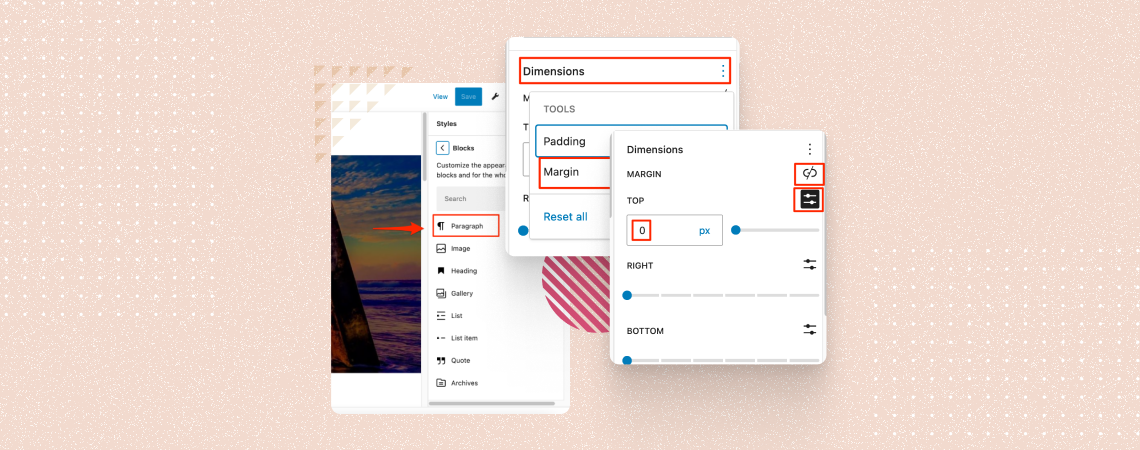
Paragraph plays a very important role in a website. By adjusting the spacing between paragraphs, you can effectively guide your readers’ attention, improve the flow of your text, and create a more aesthetically pleasing layout. If you don’t know how to change spacing between paragraphs, then don’t worry. You’re in the right place. In this post,
-
How to Use the Video Block in WordPress (Gutenberg)
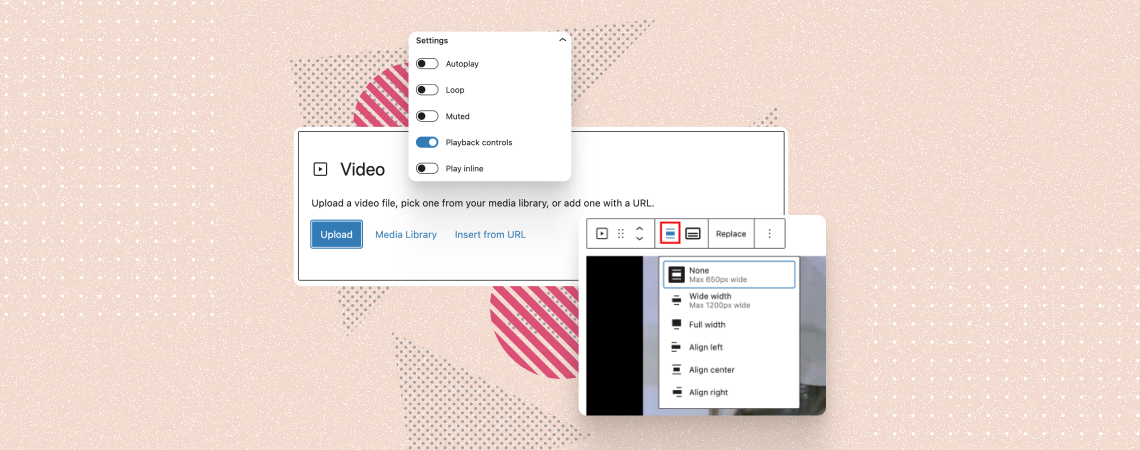
The WordPress Video block allows you to embed and display videos on your posts and pages effortlessly. Whether you want to add a short tutorial clip, demo, or just your speech, the Video block is your go-to tool. Plus, the block lets you configure lots of options like autoplay, playback control, adding a thumbnail, stylizations,
Search
Recent Posts
- Rapyd Cloud Review: Fast, Secure, and Built for WordPress Sites That Can’t Afford to Fail
- How to Create a Multi-Server Video Player in WordPress Using Tabs
- 10 Best User Feedback Plugins for WordPress
- 8 Best Timeline WordPress Plugins (Free & Premium)
- 7 Best WordPress Voting Plugins (Free & Pro)
Categories
- Affiliate Marketing (5)
- Alternatives (2)
- Blogging (20)
- Books (8)
- Comparison (1)
- Courses (1)
- Deals (41)
- Giveaway (1)
- Gutenberg (47)
- How To (417)
- Marketing (2)
- Payment (1)
- Productivity (2)
- Release Notes (1)
- Review (7)
- SEO (5)
- Services (1)
- Sites (1)
- Themes (69)
- Tools (8)
- Web Hosting (12)
- WooCommerce (6)
- WordCamp (1)
- WordPress Block Editor Tutorials (101)
- WordPress Fixes (4)
- WordPress Hosting (19)
- WordPress Plugins (119)